How to Use AI to Reduce Study Stress: 10 Practical Strategies That Actually Work
Summary
- Reading time: ~13 minutes
- Difficulty: Beginner — no prior AI experience needed
- Best for: School, college, and competitive-exam candidates feeling overwhelmed by workload, not just people who want a tool list
- Quick summary: An intelligent assistant reduces academic pressure mainly by sorting tasks, building schedules, and turning dense material into flashcards and quizzes — not by doing the thinking for you.
Quick Answer: Knowing how to use AI to reduce study stress comes down to five habits: sorting your workload, building a realistic schedule, summarizing dense material, explaining confusing concepts multiple ways, and self-testing instead of re-reading. Used this way, an AI learning assistant saves time and eases mental overload — it doesn’t replace genuine understanding, sleep, or a workable routine.
AI Overview Summary
- Academic pressure is mostly a working-memory problem, not a motivation problem.
- The fastest relief comes from off loading sorting and planning to an assistant, not from the assistant “doing” the learning.
- Free tools (Knowt, Goblin Tools, and the free tiers of ChatGPT, Claude, Gemini, and NotebookLM) cover almost everything most learners need.
- Retrieval practice — self-testing instead of re-reading — has decades of cognitive-science backing and is where these platforms add the most value.
- None of these tools are hallucination-proof; anything exam-critical needs a human check.
How to Use AI to Reduce Study Stress Without Losing Real Learning
Picture yourself opening your laptop the night before results week and seeing twelve unfinished assignments, four chapters left to revise, and three days on the clock. Your chest tightens. You open five tabs, close four of them, and stare at the fifth. This is Ravi — a second-year engineering student we’re using as an illustrative example, not a real case study — and it’s a scene most learners recognize instantly.
Instead of spiraling, Ravi opens a chat window and types one sentence: “Here’s everything I have left to cover. Help me turn this into a realistic 3-day plan.” Within minutes, twelve scattered tasks become six ranked ones. The chaos doesn’t disappear, but it stops feeling formless. That’s really what this guide is about — not “here are 10 apps,” but how an AI assistant actually eases the specific things that make academic life stressful, and where it plainly can’t help.
New to AI? Start with our Ultimate Beginner Guide to AI Tools for Students to discover the best AI tools for research, note-taking, writing, revision, and productivity—all explained in a beginner-friendly, step-by-step format.
Why Academic Pressure Feels So Heavy Right Now
Before getting into platforms, it’s worth understanding what’s actually happening in your head when coursework feels unbearable, because the right fix depends on the real cause.
🧠 Definition — Cognitive Load: The total amount of mental effort your working memory is holding at once. When you’re juggling five subjects, an unclear deadline, and a nagging feeling you’re forgetting something, your working memory fills up before you’ve opened a single book. That full-to-the-brim feeling is cognitive overload, and it’s the biggest driver of academic pressure — not laziness, not a lack of ability.
Three things reliably push that mental load past a manageable point:
- Too many open loops. Every unfinished task your brain is quietly tracking uses up bandwidth even when you’re not actively thinking about it.
- Vague next steps. “Revise biology” is stressful because it’s a category, not a task. “Read pages 40–52 and make five flashcards” is a task.
- Invisible progress. Long revision cycles without checkpoints make it hard to feel like you’re moving forward, which quietly erodes motivation over weeks.
A capable learning assistant is genuinely useful here because it’s fast at exactly the three things that eat the most mental bandwidth: sorting, scheduling, and breaking big vague goals into small specific ones. It’s not a substitute for actually understanding your material — treating it that way tends to backfire, which the limitations section covers honestly.
💡 Expert Tip: Academic pressure is mostly a working-memory problem, not a motivation problem. Lean on an assistant to offload sorting and scheduling, and save your own mental energy for the part it can’t do — genuinely understanding the material.
Creating good revision notes is one of the biggest time-savers during exam preparation. Learn how to create smart revision notes with AI and turn textbooks, PDFs, and class notes into structured, exam-ready study material in minutes.

Myth vs. Fact
Myth: “Using AI for studying means it’s doing the work for me.
Fact: Used well, it organizes and explains — the recalling, practicing, and understanding still has to come from you.
Myth: “Free AI tools are too limited to be useful.”
Fact: The free tiers of Knowt, Goblin Tools, ChatGPT, Claude, and Gemini cover planning, flashcards, and everyday explanations for the vast majority of learners.
Myth: “AI-generated answers are always accurate.”
Fact: Every general-purpose model can state something false with total confidence — especially on dates, statistics, and exam-specific syllabus details.
Many students struggle because they do not have a structured study schedule. If that sounds familiar, check out AI Tools for Creating a Study Timetable Automatically: 9 Powerful and Smart Solutions for Students in 2026 to learn how AI can create a personalized timetable in just a few minutes.
What Learning Science Actually Says
This isn’t just app marketing — the underlying study techniques these platforms support are backed by decades of cognitive-science research. Retrieval practice (deliberately recalling information instead of re-reading it) has been studied since the early 20th century and consistently strengthens memory more than passive review, according to Carnegie Mellon University’s Eberly Center for Teaching Excellence, which also notes that adding feedback to retrieval exercises improves retention even further. This is precisely what flashcard and quiz generation is good for — it’s not a gimmick, it’s applied learning science.
📌 Key Takeaway: The specific techniques worth building an AI-assisted routine around — retrieval practice, spaced review, and concept explanation — already have strong independent research behind them. The tools just make them faster to set up.
The S.T.R.E.S.S.-FREE AI Framework™
This is FutureFastAI’s original framework for applying intelligent assistants across the real, recurring triggers of academic pressure — not just a list of chatbot names.
S — Sort Tasks
Dump everything on your plate into a chat, unsorted, and have the model rank it by urgency and difficulty. This is the fastest way to shrink a wall of “everything” into a visible list.
Sample prompt: “Here’s my task list for this week: [paste it]. Rank these by deadline urgency and estimated difficulty, and tell me which 3 I should tackle first.”
For learners who freeze the moment a task list feels overwhelming rather than just long, a small, purpose-built platform called Goblin Tools (covered in the Hidden Gems section) often works better than a general chatbot, since it’s built specifically to shrink tasks into a first physical step.
T — Time Plan
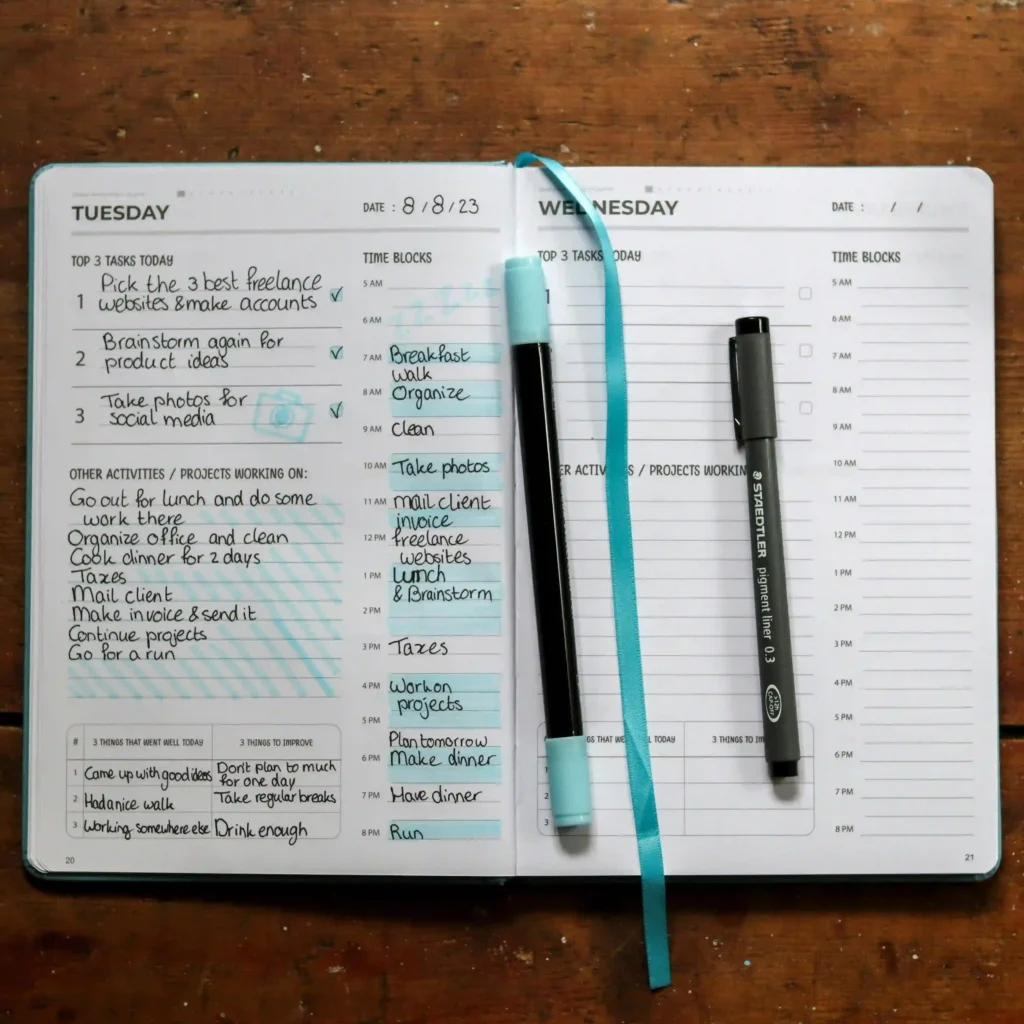
Have the assistant convert your ranked list into a realistic daily or weekly timetable, built around your actual free hours — not an idealized version of your week.
✅ Quick Win: Share your fixed commitments (classes, sleep, travel) first, and let the schedule form around them. A roadmap that ignores your commute time isn’t one you’ll follow.
R — Review Smart
Paste your lecture notes or a chapter and request a structured summary organized by sub-topic, not one dense paragraph. This is where platforms that ground answers in your own uploaded material (rather than the open internet) matter most, because a summary of your syllabus beats a generic overview of the topic.
E — Explain Clearly
When a concept isn’t landing, have the model explain it three different ways: plain language, a real-world analogy, and a worked example. If a third explanation still doesn’t click, that’s a signal to ask a teacher or peer — these explanations are a first pass, not a final one.
⚠️ Common Trap: Accepting the first explanation of a difficult concept without checking it against your textbook or teacher. Language models can sound confident while being subtly wrong, especially on numerical problems and recent developments — always verify anything that will appear on an exam.
S — Self-Test
Convert your notes into flashcards and short quizzes instead of re-reading them. Passive re-reading feels productive but is one of the weakest techniques; retrieval practice is one of the best-evidenced ways to make information stick.
🧠 Definition — Active Recall / Retrieval Practice: Deliberately retrieving information from memory through self-testing, rather than passively reviewing it. Also called “the testing effect” in education research, it consistently produces stronger, longer-lasting retention than re-reading or highlighting.
S — Sleep & Reflect
The final S is the one people skip most, and arguably the one that matters most for pressure specifically. Have the assistant build in real breaks, not just work blocks — a roadmap with zero recovery time tends to collapse by day three of any revision cycle.
🎯 Decision Point: If your pressure comes from not knowing what’s next, an AI-built schedule helps. If it comes from exhaustion despite a clear plan, the fix is sleep and breaks, not another app — see the human-side section further down.
Mistakes People Make When Studying With AI
Collected in one place, since they show up repeatedly across every stage above:
- Treating the first answer as final. Confident-sounding text isn’t the same as correct text.
- Never closing the tab to self-test. Reading an explanation isn’t the same as being able to reproduce it from memory.
- Building a schedule with zero slack. One missed day shouldn’t collapse the whole week’s plan.
- Uploading sensitive personal details (ID numbers, health information) into a free-tier tool without checking its privacy policy.
- Submitting generated text as original work without checking your institution’s specific policy — this varies widely and carries real academic-integrity risk.
10 Prompts Worth Saving and decrease your stress levels on your subjects fears
Adapt these with your own subject, deadline, and material:
- “Here’s my task list for this week: [paste it]. Rank by urgency and difficulty and tell me my top 3.”
- “Build me a realistic 3-day revision schedule for [subject], around these fixed commitments: [list them].”
- “Summarize this chapter by sub-topic, not as one block: [paste notes].”
- “Explain [concept] three ways: plain language, a real-world analogy, and a worked example.”
- “Turn these notes into 15 flashcards covering the key terms and one worked example each: [paste notes].”
- “Write me a 10-question quiz on [topic], mixing short-answer and applied questions, no multiple choice.”
- “I got this practice question wrong: [paste it]. Explain where my reasoning broke down, not just the right answer.”
- “Break this assignment into the first physical step I can do in under 5 minutes: [paste task].”
- “Here’s my weak-topics list from this week’s practice test: [paste it]. Build tomorrow’s review plan around these only.”
- “Rewrite this confusing textbook paragraph in plain, exam-focused language: [paste paragraph].”
Hidden Gems: Platforms Most Learners Have Never Heard Of
Most “best AI tools” roundups just repeat ChatGPT, Claude, and Gemini. Those are genuinely useful (covered honestly below),
but two lesser-known platforms handle something the big three don’t do particularly well, and both are worth knowing about specifically for easing pressure.
Knowt — the free flashcard and quiz engine most people haven’t tried
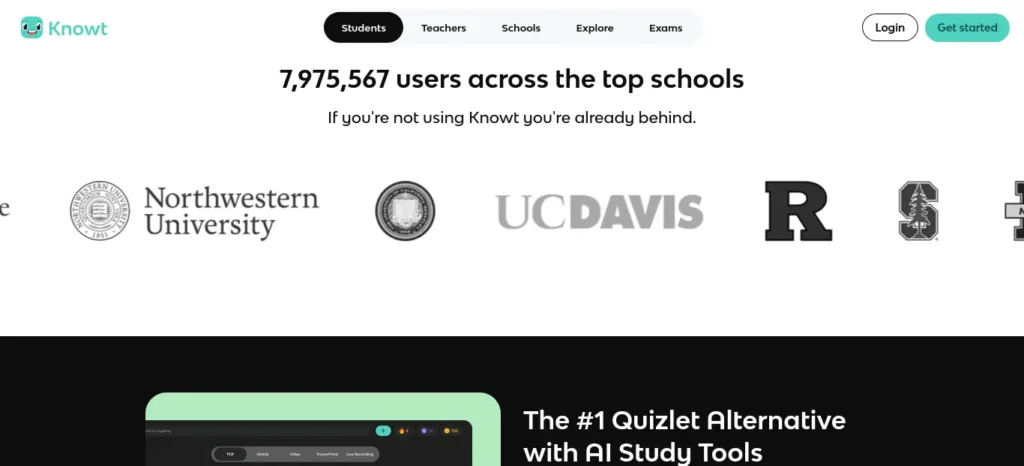
Best For: Turning notes, PDFs, or slides into flashcards and practice tests automatically, at no cost.
Strengths:
- The core platform (Basic plan) is genuinely free — unlimited flashcard creation, AI-generated flashcards and quizzes from your own notes, and study modes with no credit card required.
- A built-in chat feature (called Kai) lets you ask questions about your own uploaded notes.
- Directly imports existing Quizlet sets if you’re switching over.
Watch Out:
- The free plan covers what most people need; the optional Ultra plan (unlimited chat and unlimited auto-graded assessments) costs $12.49/month billed annually at $149.99/year (roughly ₹14,400/year), or $24.99/month billed monthly (roughly ₹2,400/month) — most learners on a budget will never need to upgrade.
- Some reviewers note its “spaced repetition” labeling functions more as a study mode than a full interval-based algorithm — treat it as a flashcard and quiz generator first.
Pricing verified Knowt’s official pricing page, July 31, 2026.but re verfify once on a buying time
Goblin Tools — the tiny free platform built for task paralysis
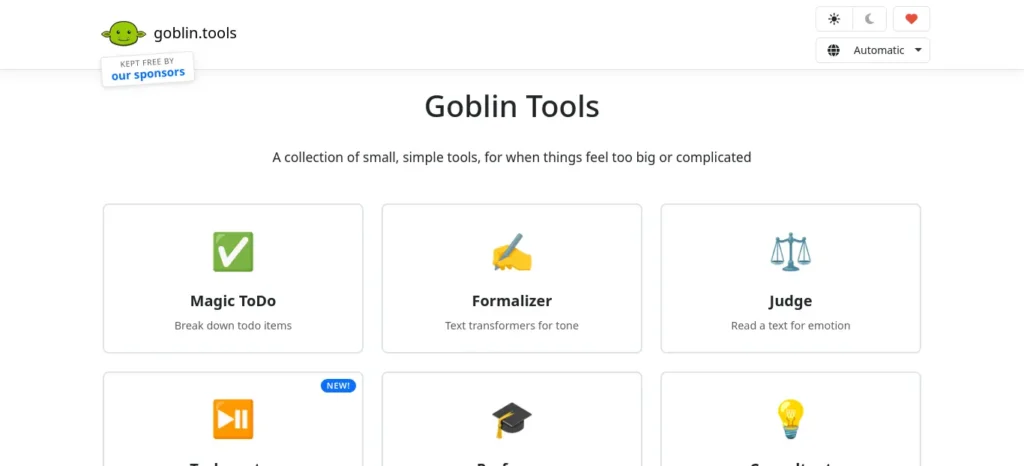
Best For: The moment a task feels too big to even start — before you’ve opened a single book.
Strengths:
- Completely free on the web, no account or login required, no ads.
- Its flagship feature, Magic ToDo, breaks any task into small steps with an adjustable “spiciness” setting — the more overwhelming a task feels, the more granular the breakdown.
- Includes a plain-language explainer (The Professor) and a task-time estimator (The Estimator), both useful during a heavy revision week.
Watch Out:
- It only produces text and lists; it doesn’t sync with a calendar or task manager, and it won’t remember history across sessions.
- The web app is free; the optional mobile app is a small one-time purchase, roughly $3.99 (about ₹380), mainly to cover running costs.
- It was originally built for people with ADHD and executive-function challenges, but the task-breakdown approach works for anyone who freezes at the size of a task.
Feature and pricing details verified Goblin Tools’ official site. but re verfify once on a buying time
FutureFastAI Insight: Pair the two. Reach for Goblin Tools when you can’t make yourself start, and now once you’ve got material to actually review. Neither needs a paid plan to be useful.
The Well-Known Platforms, Compared Honestly
The big general-purpose assistants still deserve an honest look — not a ranking, since each fits a different job.
ChatGPT (OpenAI)
Best For: General explanations, essay structuring, and quick back-and-forth questions across almost any subject.
Strengths: Usable free tier for everyday questions; Plus plan is $20/month (about ₹1,920/month) with higher limits and stronger models; broad subject coverage.
Watch Out: Can state incorrect facts confidently — cross-check anything graded. Don’t ground answers in your own notes by default.
Claude (Anthropic)
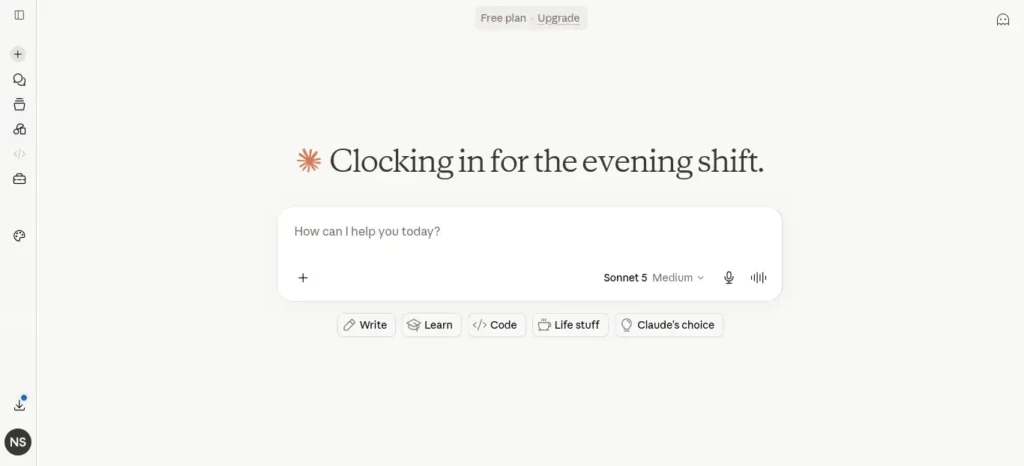
Best For: Working through long documents — full chapters, papers, or a semester’s notes pasted in at once.
Strengths: Handles long, dense text without losing earlier context; free tier with daily limits, Pro at $20/month (about ₹1,920/month); tends to flag uncertainty rather than guess.
Watch Out: Free-tier daily limits can run out during a heavy revision day; still fallible on numeric or highly technical problems.
Google Gemini (Google AI)
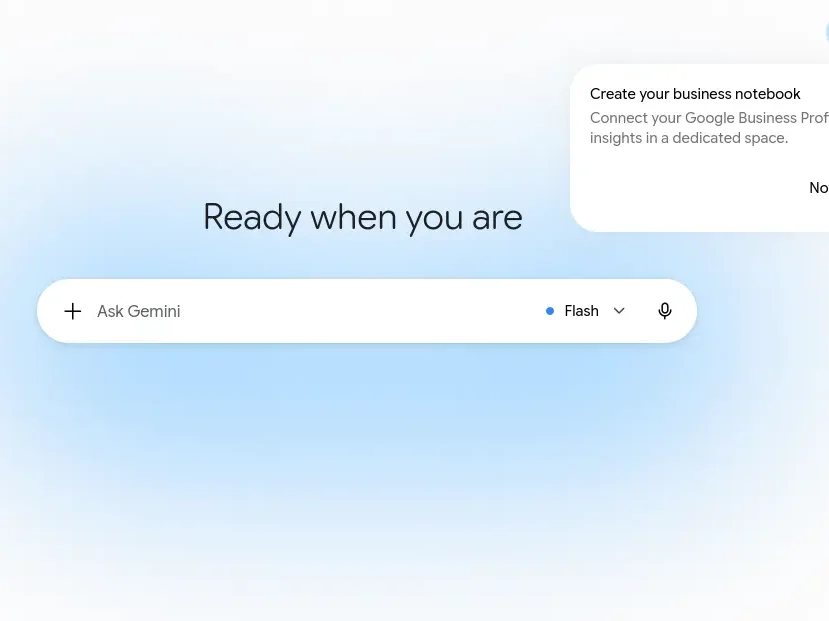
Best For: Anyone already living inside Gmail, Docs, and Drive.
Strengths: Google AI Pro is $19.99/month (about ₹1,920/month) and bundles extra cloud storage; strong at pulling information from long documents already in Drive.
Watch Out: Full value depends on already using Google’s apps daily.
NotebookLM (Google)
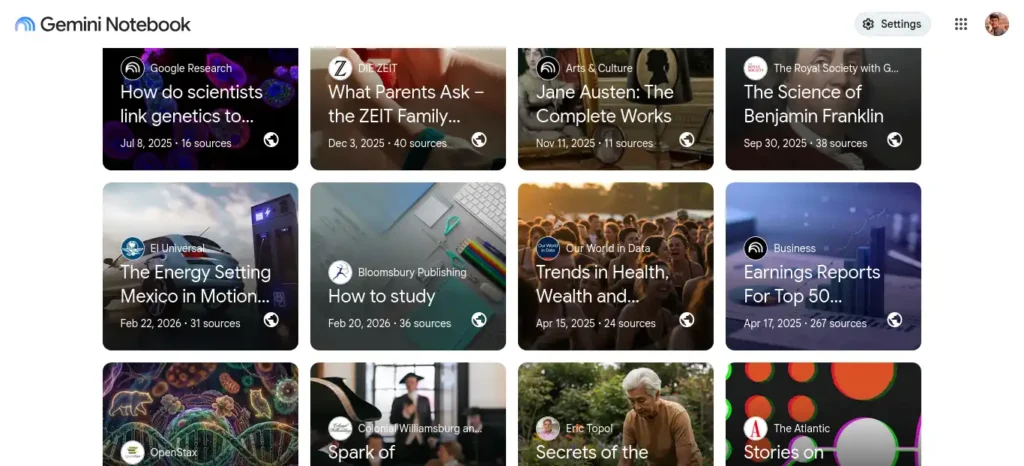
Best For: Building a revision guide strictly from your own uploaded sources — lecture PDFs, slides, or scanned notes — with minimal risk of invented facts.
Strengths: Answers are grounded only in what you upload, sharply reducing fabricated claims compared to open-ended chat; free during its current preview period, with an audio-style overview feature for on-the-go review.
Watch Out: Won’t answer from general knowledge outside your uploads; free-during-preview pricing isn’t guaranteed to stay that way — check current terms before building a routine entirely around it.
All pricing in this section checked against provider pricing pages and independent 2026 pricing trackers as of July 31, 2026. Subscription pricing changes often — reconfirm before buying.
Preparing for semester exams? Don’t miss our detailed guide on the best AI tools for students that can help you summarize notes, create flashcards, solve doubts, and revise faster before exams.
Before vs. After: What Actually Changes
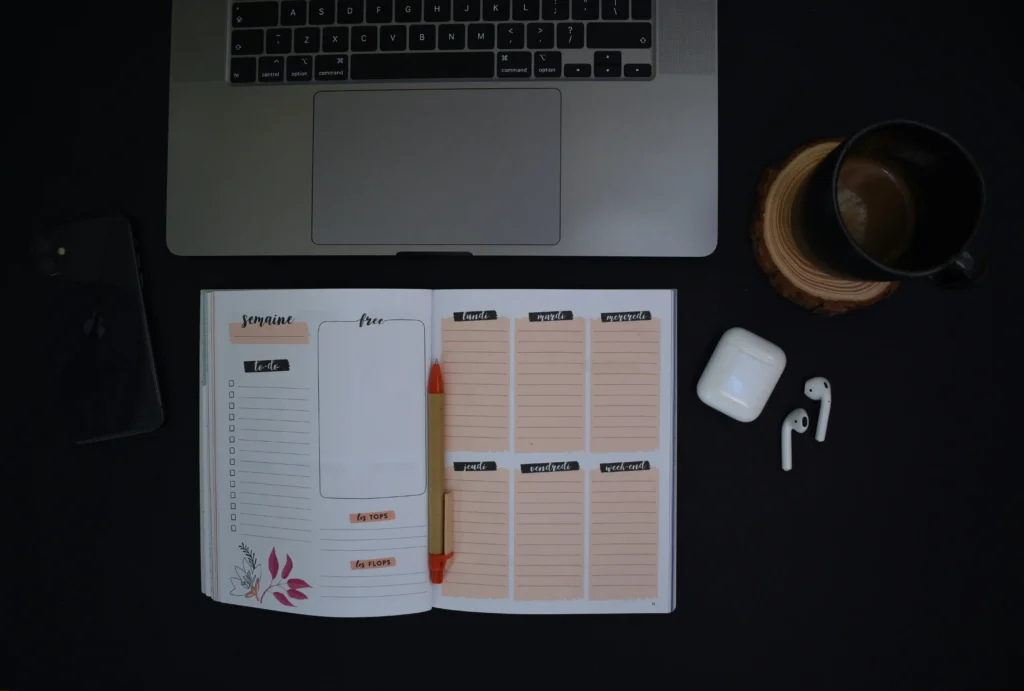
Without an AI assistant: A wall of unsorted tasks, re-reading the same chapter three times hoping it sticks, a schedule that exists only in your head, and no clear signal of which topics are actually weak.
With an AI assistant, used well: A ranked task list, a schedule built around your real hours, flashcards generated from your own notes in minutes, and a weak-topics list pulled straight from your own practice-test mistakes.
The difference isn’t intelligence — it’s friction. The same outcomes were always possible manually; the assistant just removes the setup cost that made most learners skip them.
India-Specific Advice for Board Exams, JEE, NEET, and UPSC
- Start free, stay free as long as possible. Between Knowt, Goblin Tools, and the free tiers of ChatGPT, Claude, and Gemini, most candidates can build a complete workflow at ₹0. Don’t feel pressured to subscribe in your first month.
- Data costs matter. On limited mobile data, text-based platforms (Knowt, Goblin Tools, chat interfaces) are far lighter than anything built around video or audio.
- Syllabus-specific accuracy always needs checking. For JEE, NEET, or UPSC, models can be confidently wrong on niche syllabus details or recent policy changes (especially GS papers). Cross-check anything exam-critical against coaching material or NCERT/official sources.
- INR pricing fluctuates with the exchange rate. All INR figures here use an approximate rate of ₹96/USD; your actual billed amount depends on the rate at the time of charge, so treat these as estimates.
📌 Key Takeaway: For board exams, JEE, NEET, and UPSC prep, free-tier platforms are usually enough. Reserve a paid plan for a specific, felt limitation — like running out of daily messages during final revision week — rather than upgrading pre-emptively.
The Human Side: What No App Can Fix
An assistant can organize your workload, but it can’t sleep for you.
A few things consistently move the needle more than any app:
- Sleep before cramming. A well-rested brain retains far more from a shorter session than an exhausted brain does from an all-nighter.
- Short, timed breaks. Working in focused blocks using the Pomodoro Technique reduces the fatigue that makes late-session revision feel so much harder than early-session revision.
- Hydration and movement. Even a 10-minute walk between blocks measurably improves focus for the next one.
- Phone distance, not phone willpower. Put your phone in another room during focus blocks rather than relying on willpower next to it.
- Realistic daily goals. A plan you can actually complete builds momentum; a plan that assumes a perfect day builds guilt when it inevitably slips.
🧠 Definition — Pomodoro Technique: A time-management method of working in focused intervals (traditionally 25 minutes) followed by a short break, designed to reduce mental fatigue and preserve concentration across a long session.
⚠️ Reality Check: Treating an AI-generated schedule as fixed and unbreakable. If you fall behind on day two, ask the assistant to re-plan the remaining days rather than abandoning the whole thing out of guilt — a flexible plan you follow beats a perfect one you abandon.
The Honest Limits of AI Study Platforms
No platform on this page is flawless, and pretending otherwise wouldn’t help anyone.
- Hallucination. Every general-purpose model can state something false with total confidence, particularly on dates, statistics, and niche syllabus details. Source-grounded tools like NotebookLM reduce this risk but don’t eliminate it.
- Overdependence. If an assistant is doing all your summarizing and none of your recalling, you’re outsourcing the exact mental work that builds long-term memory. Use it to organize and explain, but do your own retrieval practice.
- Academic integrity. Using AI to plan time, explain a concept, or generate practice questions is generally fine. Submitting generated text as your own original work is not — check your institution’s specific policy, since these vary widely and are still evolving.
- Privacy. Avoid uploading anything with personal identifying details into any free tier, since data-handling policies differ by provider and plan.
Quick Decision Guide: Which Platform for Which Problem
- Need help with an assignment you don’t know how to start? → ChatGPT or Claude, for a plain-language walkthrough.
- Need a task broken into a first physical step because it feels too big? → Goblin Tools.
- Need your own lecture notes turned into flashcards or a quiz? → Knowt.
- Need a revision guide built strictly from your own PDFs and slides, with minimal risk of invented facts? → NotebookLM.
- Need quick facts or a definition explained three different ways? → ChatGPT or Claude, cross-checked against your textbook.
Your 7-Day AI-Assisted Starter Plan
- Day 1: List every subject and task you’re behind on. Have the assistant sort it by urgency and difficulty (the “Sort Tasks” step). This is the exact move Ravi made in the introduction — start there.
- Day 2: Turn that sorted list into a realistic daily schedule, built around your actual free hours.
- Day 3: Pick your densest chapter and generate a structured summary from your own notes.
- Day 4: Have the assistant explain your two most confusing concepts three different ways each.
- Day 5: Convert this week’s material into flashcards or a short quiz and self-test.
- Day 6: Take a full practice test under timed conditions, no notes.
- Day 7: Review only what you got wrong, and rebuild next week’s plan around those weak spots — plus at least one real rest day.
By day seven, the twelve-item wall of panic from the introduction has usually turned into a short, specific list of things you actually still need to work on — which is a far less stressful place to stand than where Ravi started.
Before you move on, ask yourself this: do you have a learning system or just good intentions? Discover How to Build a Daily Learning System Using AI (Step-by-Step Guide) to create a simple AI-powered routine that actually sticks.
Printable Cheat Sheet
Save or screenshot this for exam week:
- Feeling overwhelmed by a task list? → Sort Tasks prompt (#1 above)
- Can’t make yourself start? → Goblin Tools, Magic ToDo
- Does the chapter feel too dense? → Review Smart prompt (#3)
- Concept won’t click? → Explain Clearly prompt (#4)
- Need to memorize terms? → Know flashcards, or prompt #5
- Not sure what’s actually weak? → Practice test + prompt #9
- Exhausted despite a plan? → Stop. Sleep. Not a tool problem.
Frequently Asked Questions
Can AI really reduce study stress?
Yes, but indirectly — it eases the planning, sorting, and summarizing workload that drives a lot of academic pressure in the first place. It doesn’t remove exam pressure entirely, and it can’t substitute for sleep, breaks, or genuine understanding of your material.
Is it okay to use AI for homework?
For explanations, planning, and self-testing, yes. Submitting generated text as your own original writing generally violates academic integrity policies — check your specific school or university’s guidelines, since they vary.
Which free AI tool is best for students?
There isn’t one universal answer — Knowt is strongest for free flashcards and quizzes, Goblin Tools is strongest for breaking down overwhelming tasks, and ChatGPT, Claude, and Gemini’s free tiers all cover general explanations with daily limits.
Can AI help with exam preparation?
Yes — it’s particularly good at generating practice questions, summarizing chapters, and explaining confusing concepts multiple ways, all of which support retrieval practice and spaced review, the two techniques with the strongest evidence behind them.
Will AI improve my grades?
It can improve how efficiently you prepare, which often shows up in results over time, but it can’t guarantee a specific outcome — that still depends on how consistently you review, self-test, and genuinely understand the material rather than skim a generated summary.
How can I avoid becoming dependent on AI?
Use it to organize and explain, but do your own recall work — close the notes and the chat, and try to explain the concept out loud or write it from memory before checking. If you can’t do that unaided, you don’t know it yet, regardless of how clear the explanation feels.
Is AI safe for student privacy?
Avoid uploading anything with personal identifying details into any free tier, and check the specific platform’s privacy policy before relying on it for sensitive material — data-handling practices differ meaningfully between providers.
What are the best AI prompts for studying?
Specific, constrained prompts work best — naming your exact material, deadline, and goal, rather than a vague “help me study.” The 10 prompts listed earlier in this guide are good starting templates to adapt.
Want to learn the practical ways students are already using AI in everyday learning? Read our complete guide on How Students Use AI to Study Smarter (Without Cheating) and discover 12 proven techniques to improve learning, revision, and exam preparation.
📌 Key Takeaways
- Academic pressure is mostly a cognitive-overload problem — an AI assistant helps most by sorting, scheduling, and breaking big tasks into small ones.
- The S.T.R.E.S.S.-FREE AI Framework™ (Sort Tasks, Time Plan, Review Smart, Explain Clearly, Self-Test, Sleep & Reflect) targets the real triggers, not just tool names.
- Knowt (free flashcards and quizzes) and Goblin Tools (free task breakdown) are two genuinely useful, lesser-known platforms most roundups skip entirely.
- Free tiers of ChatGPT, Claude, Gemini, and NotebookLM cover most needs — reserve a paid plan for a specific limitation you’ve actually hit.
- Nothing here replaces sleep, breaks, or retrieval practice — and none of it is hallucination-proof, so verify anything exam-critical.
Twelve unfinished tasks will always feel heavier than six ranked ones. That’s the entire value of learning how to use AI to reduce study stress — not a shortcut around the work, just a faster way to see it clearly enough to start.
If you are looking for free AI resources, do not miss Best AI Tools for Students Free in 2026: 10 Powerful Picks to Study Faster and Smarter, which features some of the most useful no-cost tools available for students.
About the Author
Nandhakumar is the founder of FutureFastAI, where he researches AI tools for students, productivity, and learning workflows. Every tool featured on FutureFastAI is reviewed using official documentation, hands-on testing whenever possible, and reputable third-party sources. His goal is to help students save time, study smarter, and use AI responsibly.
FutureFastAI Editorial Policy
Our Mission
At FutureFastAI, our mission is to help students, educators, professionals, and beginners discover practical AI tools, productivity strategies, and learning systems through accurate, unbiased, and easy-to-understand content.
We focus on creating educational resources that help readers use artificial intelligence responsibly, improve productivity, and make informed decisions without unnecessary hype or misleading claims.