

Ultimate Beginner Guide to AI Tools for Students (2026)
It’s 11:40 PM. The assignment is due at midnight. You’ve got four browser tabs open — one AI tool explaining a concept, another rewriting your paragraph, a third summarizing a PDF you never finished reading, and a fourth you opened out of panic and forgot why. Nothing has actually gotten done in the last twenty minutes.
That’s not a motivation problem. That’s a tool problem. Most students don’t fail at using AI because they lack tools — they fail because they never learned to match the right tool to the right job.
This complete beginner guide to AI tools for students fixes exactly that. Instead of another ranked list of app names, it starts from the jobs you actually need done and works backward to the tools built for each one.
Who This Complete Beginner Guide to AI Tools for Students Is For
This complete beginner guide to AI tools for students is for anyone who has never used AI for schoolwork, or who has tried a tool or two but never built a real routine around them. It works for school students, college students, and anyone studying for a competitive exam who wants a simple, honest starting point rather than a hype-filled tool dump.
If you already run a full AI study stack and just want advanced workflows, this guide will feel basic — it’s deliberately built for the first step, not the tenth.

The Real Question Isn’t “Which AI Tool Is Best” — It’s “Best At What?”
Every AI tool is good at something and mediocre at everything else. A tool built to summarize documents will never write a persuasive essay as well as a tool built for drafting, and a tool built for chatting will never cite sources as reliably as one built for research.
So instead of asking “what’s the best AI tool for students,” ask a sharper question: what job am I trying to get done right now? There are really only four recurring jobs in student life where AI earns its place — explaining something you don’t understand, compressing something too long to read twice, drafting something you have to write, and rehearsing something you have to remember. Everything else is a variation on these four.
This is a “jobs to be done” way of thinking, borrowed from product strategy, and it works better for tool selection than any feature comparison. It’s also the core idea behind this complete beginner guide to AI tools for students: match the job first, then let the tool follow. Once you know the job, the tool almost picks itself.
Job 1: Explaining a Concept You Don’t Understand
Why this job matters: Textbooks and lecture slides are written for people who already half-understand the material. When you don’t, you need something that can rephrase the same idea five different ways until one of them clicks.
Who should use this: Anyone stuck on a specific concept — a tricky physics derivation, a historical cause-and-effect chain, an economics graph that makes no sense on the page.
When to use it: The moment you re-read a paragraph twice and still don’t get it. Don’t wait until exam week to start asking.
Tool to reach for: A general-purpose AI chat assistant (ChatGPT, Gemini, or similar) works well here because the job is conversational back-and-forth, not document retrieval.
One honest limitation: These tools can sound completely confident while being subtly wrong, especially with numbers, dates, or step-by-step formulas. Treat the explanation as a starting point, then verify against your textbook.
Want to learn the practical ways students are already using AI in everyday learning? Read our complete guide on How Students Use AI to Study Smarter (Without Cheating) and discover 12 proven techniques to improve learning, revision, and exam preparation.
Job 2: Compressing Something Too Long to Read Twice
Why this job matters: A 40-page research paper or three weeks of lecture PDFs isn’t something you have time to re-read before an exam. You need the material turned into something reviewable in fifteen minutes.
Who should use this: Students drowning in reading load — especially in subjects with dense source material like law, medicine, literature, or research methods.
When to use it: Right after a lecture or reading is assigned, not the night before the exam. Compressed notes are only useful if you’ve had time to revisit them more than once.
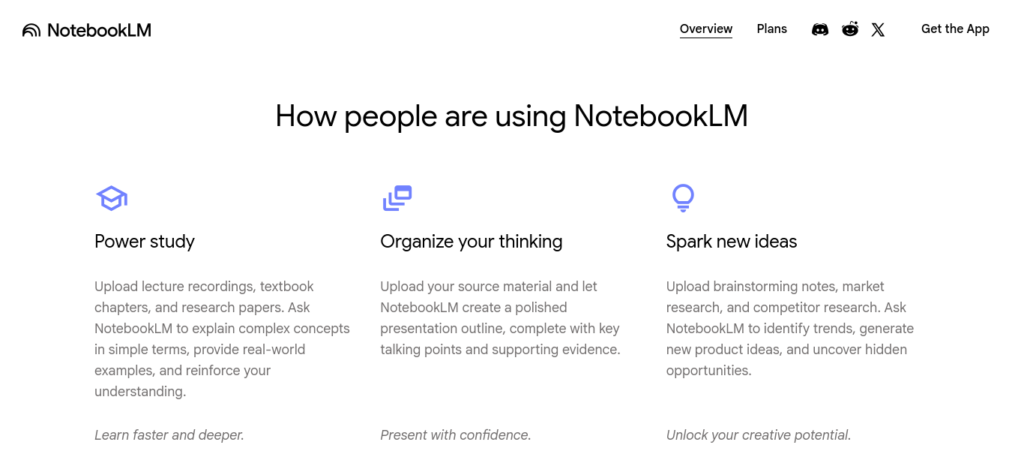
Tool to reach for: Google’s NotebookLM is purpose-built for this. Upload your own PDFs, slides, or notes, and it answers only from that material — it won’t wander off and pull in unrelated information from the open internet. Its free tier supports up to 100 notebooks with up to 50 sources each, and it can even turn a document into a short audio-style discussion for students who retain information better by listening than reading.
One honest limitation: The output is only as good as what you feed it. Messy, unorganized uploads produce messy, unorganized summaries — garbage in, garbage out still applies to AI note-taking tools.
Creating good revision notes is one of the biggest time-savers during exam preparation. Learn how to create smart revision notes with AI and turn textbooks, PDFs, and class notes into structured, exam-ready study material in minutes.
Job 3: Drafting Something You Have to Write
Why this job matters: Blank-page paralysis costs more study time than almost anything else. The job here isn’t “write my essay” — it’s breaking the freeze so you can start writing in your own words.
Who should use this: Students working on essays, applications, or reports who get stuck at the outline stage, or who finish a draft but aren’t confident about grammar and tone.
When to use it: Use AI before you write, for outlining and structure, and after you write, for polishing — never as a replacement for the actual drafting in between.
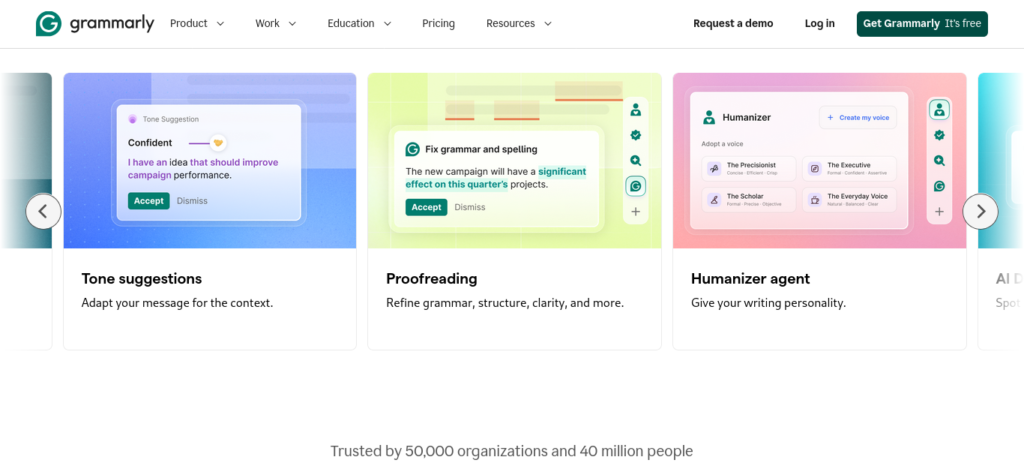
Tool to reach for: Grammarly’s free plan handles grammar, spelling, and basic clarity, plus a limited monthly allowance of AI prompts for rewriting rough sentences. It’s an editor, not a ghostwriter, and that distinction matters for academic integrity.
One honest limitation: Free-tier AI rewrites are limited compared to the paid plan, and over-relying on rewrite suggestions can quietly erase your own writing voice — which is often the exact thing your teacher is grading.
Before submitting your assignment, learn how to use AI ethically for academic writing to avoid plagiarism and create original work.
Job 4: Rehearsing Something You Have to Remember
Why this job matters: Understanding a concept once isn’t the same as being able to recall it under exam pressure. Memory needs repeated, spaced retrieval — not passive re-reading.
Who should use this: Anyone preparing for a test with definitions, dates, formulas, or vocabulary — which is most students, most of the time.
When to use it: Start building flashcards as you learn new material, not two days before the exam. Spaced repetition only works if there’s time between the spaces.
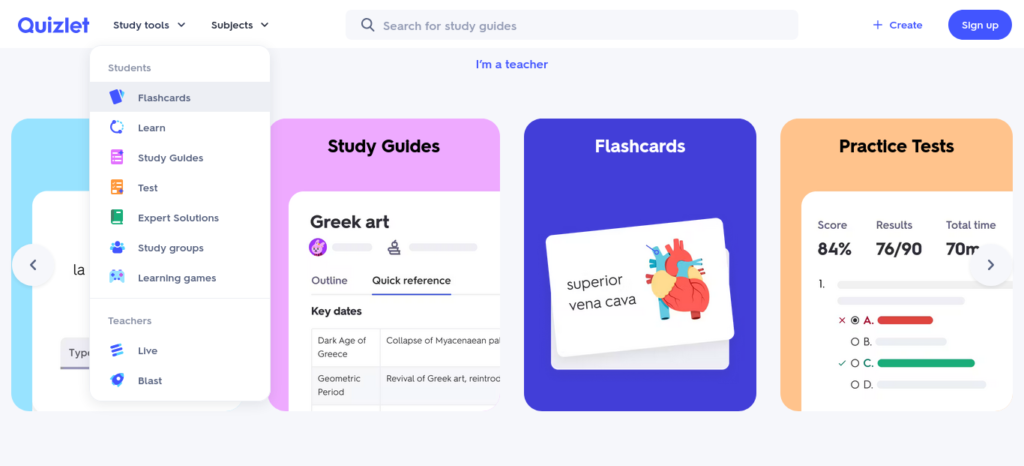
Tool to reach for: Quizlet’s free plan lets you build unlimited flashcard sets and use basic study modes. It also has a massive library of public sets other students have already made — useful if you’re not the first person taking your course.
One honest limitation: Core AI-generated study guides and unlimited practice tests sit behind Quizlet’s paid Plus plan, and free-tier Learn and Test modes have daily caps. If you study daily across multiple subjects, the paid tier (roughly ₹300/month equivalent, billed annually) may pay for itself quickly.
Want to study smarter instead of harder? Discover the best AI tools for creating flashcards automatically and generate personalized study cards from PDFs, notes, and lecture slides in seconds.

How the Four Tools Actually Compare, Side by Side
Every complete beginner guide to AI tools for students eventually needs a side-by-side view — so rather than a wide table that’s painful to read on a phone, here’s a scannable breakdown by job:
🧠 Explaining Concepts
Best Tools:
Strengths:
- Conversational back-and-forth until a concept clicks
- Can rephrase the same idea multiple ways
Watch Out:
- Confident tone doesn’t mean correct answer
- Always verify numbers and formulas separately
📚 Compressing Long Material
Best Tools: NotebookLM
Strengths:
- Answers grounded only in your uploaded files
- Free tier covers 100 notebooks, 50 sources each
- Audio overview option for auditory learners
Watch Out:
- Output quality depends on how organized your uploads are
- Not designed for general web research
✍️ Drafting & Polishing Writing
Best Tools: Grammarly
Strengths:
- Free grammar, spelling, and clarity checks
- ~100 free AI prompts per month
- 50% student discount available on the paid tier
Watch Out:
- Free-tier rewriting is limited
- Overuse can flatten your own writing style
🗂️ Memorizing & Rehearsing
Best Tools: Quizlet
Strengths:
- Unlimited flashcard creation, even on free plan
- Access to millions of existing public study sets
Watch Out:
- Daily limits on Learn/Test modes for free users
- AI-generated practice tests require the paid plan
The Mismatch Mistake Almost Nobody Talks About
Here’s a pattern that shows up constantly and rarely gets named directly: students use a research tool to do a writing job, or a writing tool to do a research job, and then wonder why the results feel off.
Asking a document-summarizer to fact-check general knowledge, or asking a chat assistant to cite sources it doesn’t actually have access to, produces answers that sound fine but aren’t reliable. The tool isn’t broken — it’s just doing a job it wasn’t built for.
The fix is simple: before you open any AI tool, name the job in one sentence first (“I need to compress this PDF” or “I need help fact-checking a claim”). That one sentence tells you which tool to open.
Most students use AI as a simple chatbot, but the real advantage comes from following a complete workflow. Discover our AI study workflow for students and learn how to capture notes, create quizzes, schedule revision, and prepare for exams more effectively.
Common Mistakes Students Make with AI Tools
Almost every complete beginner guide to AI tools for students skips this part, but the mistakes matter more than the tool picks. Here are the ones that show up again and again:
Installing everything at once. Five new apps in one weekend usually means zero habits formed by week three. Add one tool, use it for two weeks, then consider a second.
Submitting AI output unchanged. Most institutions in 2026 allow AI for brainstorming and explanation but restrict it for graded, submitted work — check your specific policy, since these differ widely and are still evolving.
Never checking the source. An AI-generated fact without a source you can verify is a guess wearing a confident tone. Tools like Perplexity that show citations directly make this easier to catch.
Uploading sensitive personal data. Free tools don’t always handle private information the same way paid, institutional tools do — avoid uploading ID numbers or family financial details into a free-tier AI app.
Pro Tips Most Guides Don’t Mention
These are the details that separate a genuinely useful complete beginner guide to AI tools for students from a generic app list:
Use AI as a second opinion, not a first draft. Write your own rough answer first, then ask AI to critique it or point out gaps — this keeps the thinking yours while still getting the benefit of feedback.
Name the output format in your prompt. Instead of “summarize this chapter,” try “summarize this chapter in five bullet points a 10th grader could understand, then write three quiz questions from it.” Specific instructions produce specific, usable answers.
Batch your AI research sessions. Constantly switching between studying and prompting breaks concentration. Set aside a fixed 20-minute block to gather everything you need from AI tools, then close the tabs and study without them.
Re-verify pricing before you commit to a paid plan. Student discounts, referral offers (like Perplexity’s Airtel India partnership), and regional pricing change often — check the official pricing page the same week you plan to subscribe, not from an old screenshot someone shared.
Want to move beyond simple AI answers? Learn how to use ChatGPT as a personal learning assistant to create study plans, generate quizzes, and master new skills faster.
Frequently Asked Questions
Is it cheating to use AI tools for studying? No — using AI to explain concepts, organize notes, or generate practice questions is generally accepted. It becomes an integrity issue when AI-generated text is submitted as your own graded work without disclosure, so always check your institution’s specific policy.
What should a complete beginner guide to AI tools for students actually cover? It should cover one tool per core job — explaining concepts, compressing notes, drafting writing, and rehearsing for exams — plus honest limitations for each, rather than a long, unranked list of app names with no context on when to use them.
Which AI tool should a complete beginner start with? Start with one tool for explaining concepts (like ChatGPT or Gemini) and one for organizing your own notes (like NotebookLM). Add a writing tool and a flashcard tool only once those two are part of your regular routine.
Are there genuinely free AI tools for students, not just free trials? Yes. NotebookLM, Quizlet’s basic plan, Grammarly’s free plan, and Perplexity’s free plan all work indefinitely without payment, though each has usage limits compared to their paid versions.
Can AI tools replace a tutor or teacher? No. AI is useful for explanation, summarization, and practice, but it can’t replace structured guidance, accountability, or subject expertise — and it can be confidently wrong without warning you.
How do I stop AI tools from giving me wrong information? Feed it your own notes or textbook excerpts instead of relying on its general knowledge, and cross-check any specific fact, date, or number against a source you trust before using it in graded work.
Key Takeaways
If you remember nothing else from this complete beginner guide to AI tools for students, remember these five points:
- Pick tools by job (explain, compress, draft, rehearse), not by brand name or hype.
- Start with two tools, not ten — add more only once the first two are habits.
- Every tool has a stated limitation in this guide — read it before you rely on the tool for graded work.
- Watch for the mismatch mistake: using a research tool for writing, or a writing tool for research, produces unreliable results.
- Re-check pricing and free-tier limits before subscribing — offers and regional discounts shift often.
Conclusion
Want to study smarter instead of studying longer? Discover how to use AI to improve academic productivity and build a simple study system that helps you stay organized, learn faster, and achieve better results.
You don’t need the “best” AI tool. You need the right tool for the job in front of you right now — and now you have a way to figure out which one that is in under a minute.
That’s really the whole point of a complete beginner guide to AI tools for students: not more tools, just a clearer starting point.
Next step: Next time you sit down to study, name the job first (“explain,” “compress,” “draft,” or “rehearse”), then open the one tool built for it — not all four at once.





18 Comments