
How to Learn New Skills Faster Using AI (2026 Guide)
Start Here: How to Learn New Skills Faster Using AI in 2 Minutes
If you’ve never used AI to learn anything before, skip straight to “Choose Your Path” and “The Decision Tree” below — they’ll point you to one tool and one first action. Everyone else, keep reading from the top for the full breakdown of how to learn new skills faster using AI.
New to AI? Start with our Ultimate Beginner Guide to AI Tools for Students to discover the best AI tools for research, note-taking, writing, revision, and productivity—all explained in a beginner-friendly, step-by-step format.
Quick Answer
The fastest way to learn new skills using AI is to combine structured planning, daily practice, active recall, and project-based learning. Instead of asking random questions, use AI to create a learning roadmap, explain difficult concepts, generate quizzes, review mistakes, and guide real-world projects. A simple stack like ChatGPT, NotebookLM, and Anki is enough for most beginners.
Want to learn the practical ways students are already using AI in everyday learning? Read our complete guide on How Students Use AI to Study Smarter (Without Cheating) and discover 12 proven techniques to improve learning, revision, and exam preparation.
The 40-Tabs Problem
It’s 9 p.m. You’ve decided to learn something — Python, spoken English, Excel, digital marketing, doesn’t matter which. You open YouTube. Fourteen tabs later, you have three “beginner roadmaps” that disagree with each other, a Reddit thread arguing about the best course, and zero minutes actually spent learning.
This isn’t a motivation problem. It’s a filtering problem. You had the time tonight. You spent it deciding what to do instead of doing it.
How to Learn New Skills Faster Using AI (The Real Fix)
That’s the actual gap AI closes — not “AI makes you smarter,” but AI removes the 45 minutes of deciding so you can spend 45 minutes doing. If you’re wondering how to learn new skills faster using AI without it turning into another distraction, this playbook is built around that one idea: a repeatable framework, verified tool picks, and 30+ ready-to-copy prompts.
🧭 Choose Your Path
The fastest way to learn new skills faster using AI is to stop reading generic advice and jump straight to what applies to you. Jump to the section that matches what you’re learning — each one links to the tool stack built for it.
- I want to learn coding → see The Starter Stack and the Coding Prompts in the Vault
- I want to learn spoken English → see ELSA Speak profile and the Language Prompts
- I want to learn digital marketing / a business skill → see ChatGPT + Perplexity combo
- I want to prep for exams (JEE/CAT/UPSC/GATE/semester) → see NotebookLM profile and Revision Prompts
- I want to learn design or a visual skill → see the Project Prompts and Practice Prompts in the Vault

The FASTER Framework™: How to Learn New Skills Faster Using AI (FutureFastAI’s Learning System)
Forget generic advice like “just use AI more.” This is the actual, repeatable system for how to learn new skills faster using AI — run this five-part loop for any skill:
F — Find the real goal (not “learn Python,” but “build a working script in 3 weeks”)
A — Ask AI to map it (a plan sized to your actual weekly hours)
S — Study daily in short blocks (20–45 minutes beats 3-hour weekend cramming)
T — Test yourself (AI quizzes you — you don’t just re-read notes)
E — Execute a small project (apply it to something real, not another exercise)
R — Revise & repeat (weekly recap, then move to the next chunk)
What happens if you skip this: Most people who “use AI to learn” just open a chat window and ask random questions. Without the F (real goal) and the T (testing), you get information that feels understood in the moment and evaporates within a week.
Most students use AI as a simple chatbot, but the real advantage comes from following a complete workflow. Discover our AI study workflow for students and learn how to capture notes, create quizzes, schedule revision, and prepare for exams more effectively.
Your Learning Dashboard (What “On Track” Looks Like)
Here’s a simple way to track this yourself — copy this into Notes or a spreadsheet:
| Field | Example |
| Today’s Goal | Finish Module 2: Loops |
| Learning Time | 45 mins |
| Skill Level | Beginner |
| Current Streak | Day 5 |
| Today’s AI Tool | ChatGPT (free tier) |
| Today’s Challenge | Build one small script using loops |
| Progress | ██████░░░░ 60% of Module 2 |
(This is a template you fill in yourself daily — no app required, just a habit.)
Many students struggle because they do not have a structured study schedule. If that sounds familiar, check out AI Tools for Creating a Study Timetable Automatically: 9 Powerful and Smart Solutions for Students in 2026 to learn how AI can create a personalized timetable in just a few minutes.
🌳 The Decision Tree: Which Tool Should You Start With?
Are you a complete beginner to AI tools?
│
├─ YES → Do you need it 100% free?
│ ├─ YES → Start with NotebookLM (if you have notes/PDFs)
│ │ or ChatGPT’s free tier (if starting from zero)
│ └─ NO → ChatGPT Plus (₹1,999/mo) for higher limits
│
└─ NO, I’ve used AI before → What’s your main blocker?
├─ “I forget everything” → Anki (spaced repetition, free)
├─ “I can’t speak confidently” → ELSA Speak (free tier)
├─ “I need real sources” → Perplexity (free tier)
├─ “I get overwhelmed starting tasks” → Goblin.tools (free)
└─ “I need structured tutoring, not chat” → Kiwi AI (free tier: 2 notes/48 hrs)
What happens if you skip this: You’ll likely default to whichever tool you’ve heard of most (usually ChatGPT), even when a free, purpose-built tool would solve your specific blocker faster.
🎯 Your AI Mentor, Matched to Your Need
| If you need… | Ask this AI |
| Motivation & general explanation | ChatGPT |
| Verified research with sources | Perplexity |
| Notes turned into a study guide | NotebookLM |
| Speaking & pronunciation practice | ELSA Speak |
| Long-term memory retention | Anki |
| Task breakdown when overwhelmed | Goblin.tools |
| Structured tutor-style teaching | Kiwi AI |
Meet the Tools: Why, Who, When, and the One Limitation Each Has
Every tool below was checked individually at research time. Pricing shown in both currencies — where India-specific pricing isn’t officially published, that’s stated plainly, not estimated as fact.
📓 NotebookLM (Google) — Best for Grounded Revision
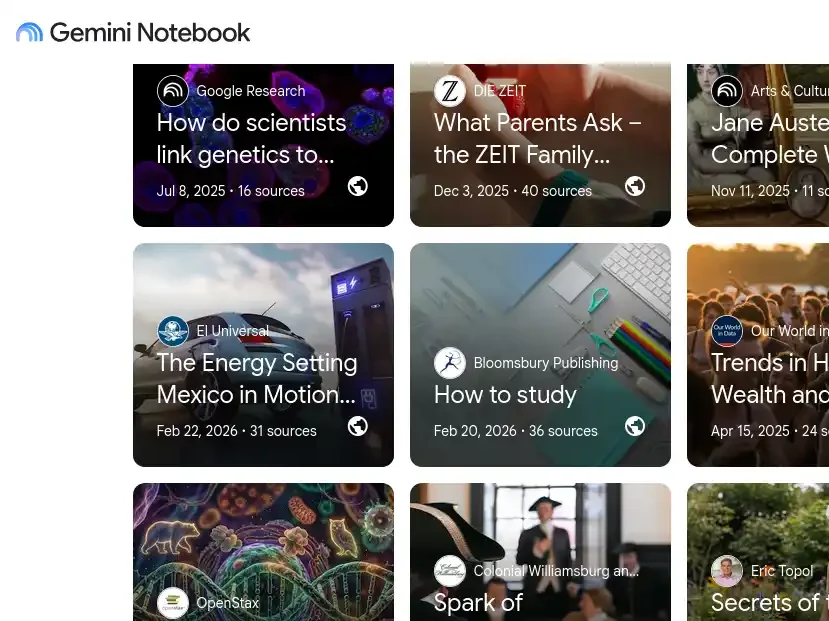
Why it’s useful: It only answers from documents you upload, so it can’t invent facts the way open chat tools sometimes do — valuable when you’re revising a fixed syllabus and accuracy matters more than creativity.
Who should use it: Anyone with existing notes, PDFs, or slides — students revising for exams are the clearest fit.
When to use it: The week before a test, or any time you want a quiz generated from your material specifically, not the open internet.
One limitation: It knows nothing outside what you feed it — it won’t teach you a topic you haven’t uploaded material on.
Pricing: Free (₹0 / $0) for core notebook, summary, and quiz features. Some bundled Gemini tiers exist for heavier AI use elsewhere — bundled pricing unverified, check before publishing.
💬 ChatGPT — Best for Getting Started From Zero
Why it’s useful: Broadest general knowledge of any tool here, plus the largest library of study-prompt guides online, which flattens the learning curve for first-time AI users.
Who should use it: Absolute beginners to AI, and anyone learning a broad or unfamiliar subject with no existing notes to upload.
When to use it: Day one of any new skill, for the initial roadmap and concept explanations.
One limitation: It’s general-purpose by design — it doesn’t inherently behave like a tutor, so the structure (asking it to quiz you, not just explain) is on you.
Pricing: Free tier usable for daily casual study. Plus tier at official India pricing of ₹1,999/month (≈ $21/month), with a lighter “Go” tier reported around ₹399–700/month depending on region and current promotions — confirm exact current tier at chatgpt.com/pricing, as this shifts often.
🧭 Claude (Anthropic) — Best for Long Documents & Careful Reasoning
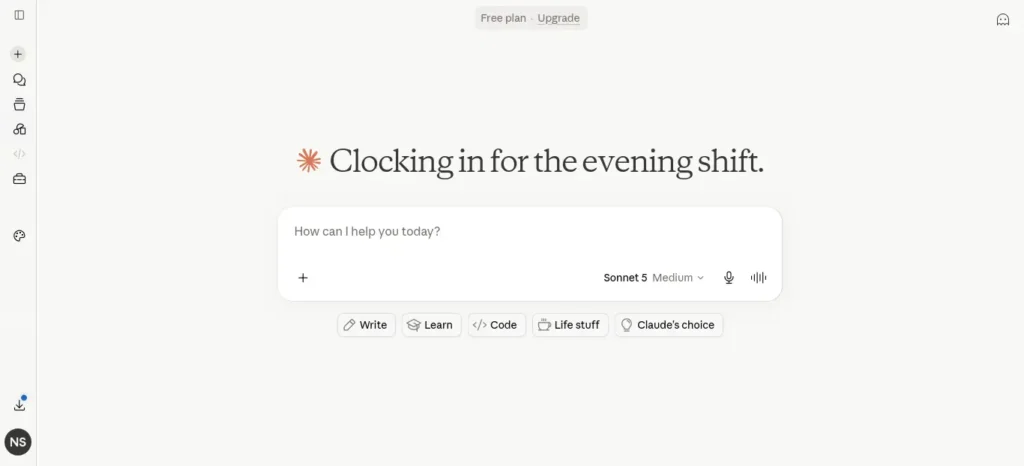
Why it’s useful: Handles long PDFs, research papers, and multi-step reasoning (like debugging a tricky piece of code) without losing track of earlier context in the conversation.
Who should use it: Students working with long readings, research writing, or code that needs careful, cautious explanation rather than a fast guess.
When to use it: Literature reviews, long assignment feedback, or any task where you’d rather the AI say “I’m not sure” than confidently guess wrong.
One limitation: No confirmed India-specific UPI billing at research time — international card payment is currently the norm.
Pricing: Free tier available for occasional use. Pro at $20/month (≈ ₹2,000–2,400/month after conversion and tax, per July 2026 India-pricing coverage). No individual student discount confirmed as of mid-2026.
🔍 Perplexity AI — Best for Research You Can Verify
Why it’s useful: Every answer links back to a source, so you can actually check and cite it — unlike a plain chatbot answer you have to take on faith.
Who should use it: Students doing assignments, projects, or research where “where did this fact come from” matters for grading or credibility.
When to use it: Any time you need a starting point for sources, not a final, submittable answer.
One limitation: Several “free Perplexity Pro forever” promotions circulating online have already expired — don’t plan around an offer without checking the current official terms.
Pricing: Solid free tier for standard searches.
Pro at $20/month (≈ ₹1,750/month approx.); a discounted “Education Pro” tier for verified students has been reported around $10/month (≈ ₹880/month approx.) — confirm current terms directly, as referral promotions change often.
🗂️ Anki — Best for Not Forgetting What You Just Learned
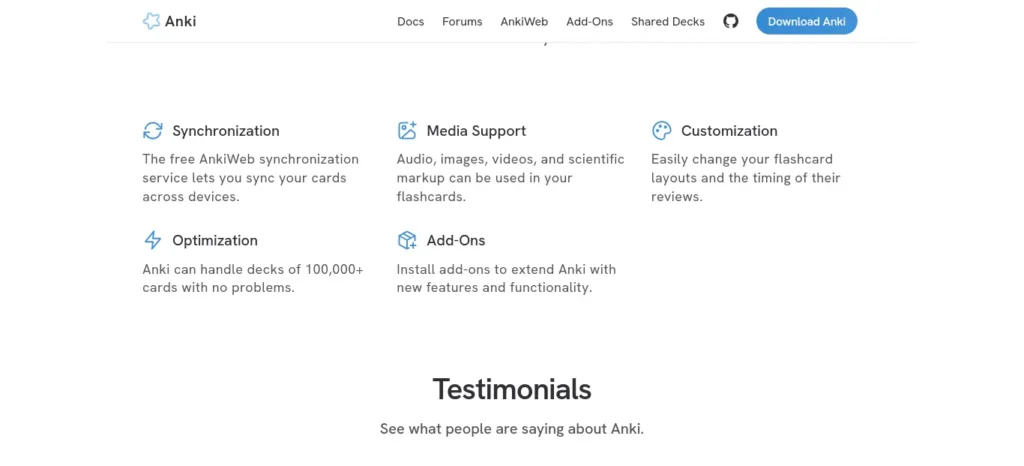
Why it’s useful: Spaced repetition is one of the most well-evidenced memory techniques that exists — it schedules your reviews right before you’re about to forget, not on a fixed calendar.
Who should use it: Anyone memorizing vocabulary, formulas, dates, or terminology — language learners and exam-takers especially.
When to use it: Daily, in short 10–15 minute sessions, alongside whatever tool you’re using to learn new material.
One limitation: No built-in AI — pair it with a free chat tool to draft your flashcards faster, then review the cards yourself.
Pricing: Free on desktop and Android. iOS app has historically carried a one-time paid cost — confirm current App Store price before buying.
🗣️ ELSA Speak — Best for Spoken English Confidence
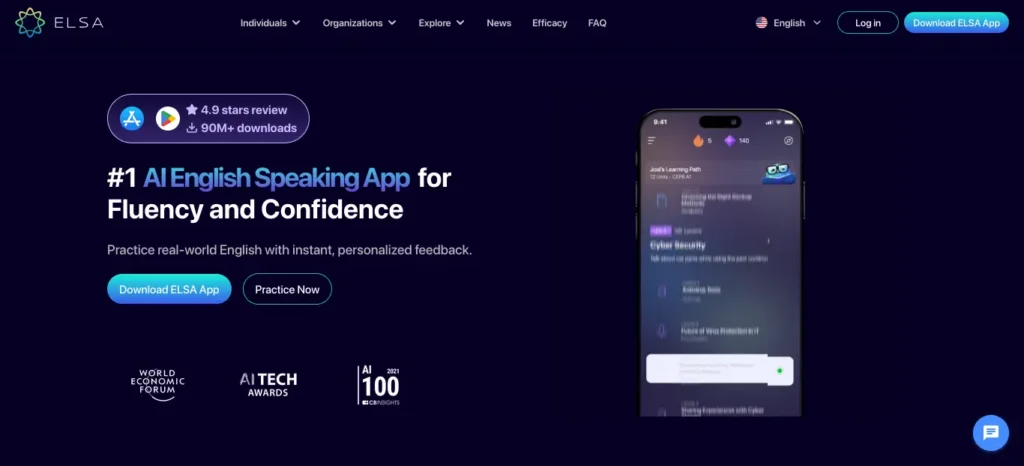
Why it’s useful: Gives instant, specific pronunciation feedback (not just “good job”) using speech recognition — genuinely useful for interview and presentation prep.
Who should use it: Students preparing for placements, interviews, or IELTS/TOEFL-style speaking sections.
When to use it: 10 minutes daily, ideally spoken out loud in a quiet space, not silently read.
One limitation: Multiple user reviews describe the paid tier as expensive relative to the free tier, and some flag auto-renewal billing complaints — read the cancellation terms before subscribing.
Pricing: Free pronunciation dictionary and basic plans.
Premium reported around $11.99–13.33/month on annual billing (≈ ₹1,050–1,170/month approx. conversion).
🧩 Goblin.tools — Best for “I Don’t Know Where to Start”
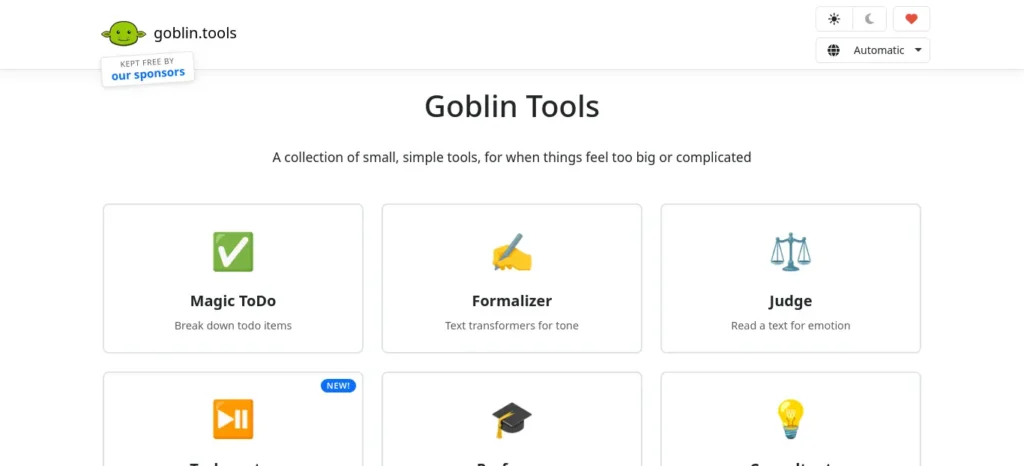
Why it’s useful: Its “Magic ToDo” feature takes a vague, overwhelming task (“prepare for the exam”) and breaks it into small, concrete first steps — solving the procrastination problem that sits before studying even begins.
Who should use it: Anyone who freezes at the start of a big task, including neurodivergent learners who specifically report finding this helpful.
When to use it: The moment a task feels too big to start — before you open any subject-tutoring tool.
One limitation: It breaks tasks down; it doesn’t teach the subject itself — pair it with an explainer tool.
Pricing: Free, with no confirmed paid tier at research time.
🎓 Kiwi AI — Best for Tutor-Style Structure
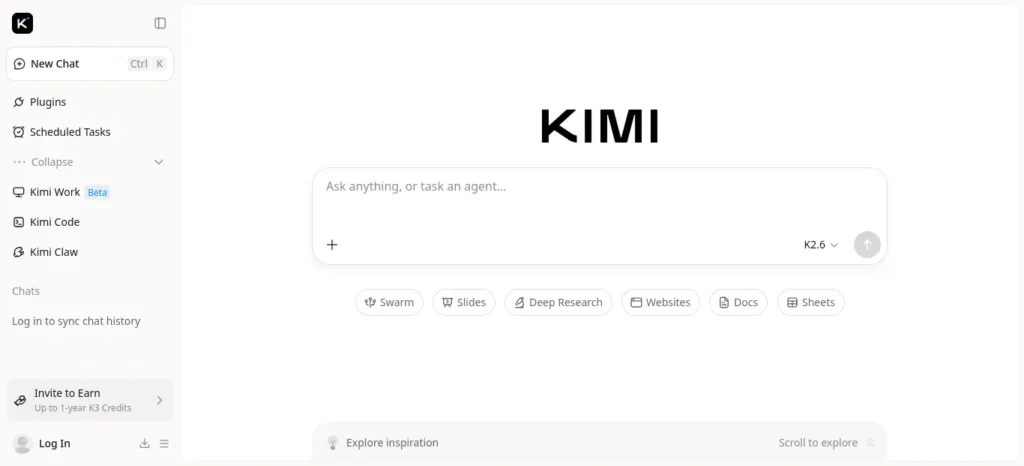
Why it’s useful: Built specifically to behave like a tutor rather than a general chatbot, including a “Scan Pages” feature that turns a photo of a physical textbook page into structured, quizzable notes — genuinely useful where digital textbooks aren’t the norm.
Who should use it: Students who find open-ended chat answers overwhelming and want a more guided, structured format.
When to use it: During exam season, for single-subject, focused revision from physical materials.
One limitation: Free tier caps at 2 notes every 48 hours — too tight for multi-subject daily use.
Pricing: Free tier as above.
Pro at €9.99/month (≈ $10.80 / ₹950/month approx.) or €59.99/year (≈ $65 / ₹5,700/year approx.).
Figures are currency conversions, not official India pricing — confirm live checkout price.
📚 Elicit / Consensus — Best for Academic Literature
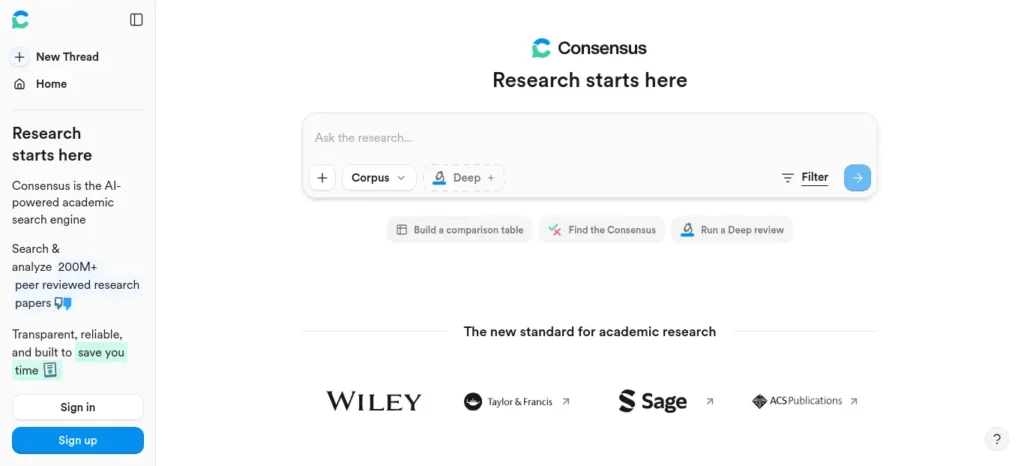
Why it’s useful: Purpose-built for finding and summarizing research papers with citations, narrower and more precise than a general search-and-cite tool for academic work specifically.
Who should use it: Postgraduate students, thesis writers, or anyone doing literature-heavy research assignments.
When to use it: Early in a research project, to find and triage relevant papers before deep reading.
One limitation: Narrow by design — not useful for general skill-learning outside academic research.
Pricing: Free tiers reported for basic searches
🏫 Khanmigo (Khan Academy) — School-Curriculum Tutoring
Why it’s useful: Structured, curriculum-aligned tutoring rather than open-ended chat, which suits school-level subjects with a fixed syllabus.
Who should use it: School students following a structured curriculum, where availability applies.
When to use it: Alongside regular schoolwork, for curriculum-specific explanation.
One limitation: Current India availability and pricing could not be confirmed with a reliable source at research time — don’t advertise this as free for Indian users without checking khanacademy.org directly first.
🧱 Build Your Stack (Don’t Use One Tool for Everything) IMPORTANT
Starter Stack (₹0 total): NotebookLM + ChatGPT free tier + Anki
Research Stack: Perplexity + NotebookLM
Language & Speaking Stack: ELSA Speak + ChatGPT (for grammar/vocabulary explanation)
Exam Revision Stack: NotebookLM + Anki + Kiwi AI (if you hit NotebookLM’s need for a tutor format)
What happens if you skip this: Relying on a single tool for research, memory, and speaking practice means you’re using a general tool to do a specialized job — you’ll get a worse result than a tool built for that exact task.
If you are looking for free AI resources, do not miss Best AI Tools for Students Free in 2026: 10 Powerful Picks to Study Faster and Smarter, which features some of the most useful no-cost tools available for students.
⏱️ A Realistic Daily Routine
20 min — Learn a new concept (ChatGPT / NotebookLM)
15 min — Practice with a small exercise
10 min — AI quizzes you on what you just covered
5 min — Log what’s still shaky for tomorrow’s review
Total: 50 minutes a day. That’s the whole loop — no 3-hour weekend cramming required.
Want to study smarter instead of studying longer? Discover how to use AI to improve academic productivity and build a simple study system that helps you stay organized, learn faster, and achieve better results.
🗓️ The 7-Day AI Learning Challenge
| Day | Focus |
| 1 | Pick your skill, ask AI to build a realistic 2-week plan |
| 2 | Learn the first concept, practice one small exercise |
| 3 | Get quizzed on Day 2’s material before learning anything new |
| 4 | Learn concept two, connect it back to concept one |
| 5 | Build one tiny project using both concepts |
| 6 | Full review — ask AI to quiz you on the whole week |
| 7 | Reflect: what’s still shaky? Adjust next week’s plan |
📋 The AI Prompt Vault (Copy, Paste, Learn)
A working sample from each category — enough to start today. Save the ones you use most.
🗺️ Study Planning Prompts
- “I have [X hours/week] to learn [skill]. Build me a realistic 4-week plan, assuming I’m a complete beginner.”
- “Break [skill] into the 5 most important sub-topics, ranked by what I need to learn first.”
🧠 Learning & Explanation Prompts
- “Explain [concept] like I’m learning it for the first time, then explain the more technical version.”
- “Give me a real-world analogy for [concept] that a [your field, e.g., commerce student] would relate to.”
🔁 Memory & Revision Prompts
- “Turn these notes into 10 flashcard-style question-and-answer pairs: [paste notes].”
- “Quiz me on [topic] with 5 questions, one at a time, and tell me what I got wrong after each answer.”
🛠️ Practice Prompts
- “Give me one small, specific exercise to practice [concept] — nothing generic, something I can finish in 15 minutes.”
- “Here’s my attempt at [exercise]: [paste]. What’s wrong with it, and what’s one thing I did well?”
🎤 Interview & Speaking Prompts
- “Act as an interviewer for a [role] position. Ask me one question at a time and critique my answer’s structure.”
- “Rewrite this answer to sound more confident without changing the facts: [paste answer].”
💻 Coding Prompts
- “Here’s an error message: [paste error]. Explain the underlying cause, not just the fix.”
- “Review this code for readability and suggest one improvement, explaining why it matters: [paste code].”
✍️ Writing & Research Prompts
- “Summarize the argument of this article in my own words, in 3 sentences: [paste text].”
- “What are 3 credible sources I should check before citing this claim: [paste claim]?”
Copy-Paste Command Center — one worked example:
| Element | Detail |
| Prompt | “Quiz me on [topic] with 5 questions, one at a time, and tell me what I got wrong after each answer.” |
| Expected Output | A single question, waits for your answer, gives feedback, then the next question |
| When to Use | After learning a new concept, same day |
| When NOT to Use | Before you’ve learned the concept at all — you’ll just guess |
📊 Make the Benefits Tangible
Difficulty Meter (example — learning Python): Difficulty: ⭐⭐⭐☆☆ · AI Help Available: ⭐⭐⭐⭐⭐ · Realistic Timeline: 30 days for basics
Illustrative Time Math: If a focused AI-guided study session realistically replaces some of the trial-and-error time spent searching for explanations, a student studying 2 hours daily who cuts even 30–45 minutes of that searching time saves roughly 3.5–5 hours a week — around 15–20 hours a month. (This is a rough illustration to show the mechanism, not a guaranteed or measured result — actual time saved depends entirely on your subject and habits.)
Skill Progress Tracker (example, Week 1–4 of a new skill):
Week 1: □□□□□□□□□□ (0% — just planning)
Week 2: ■■□□□□□□□□ (20% — core concepts)
Week 3: ■■■■□□□□□□ (40% — practicing)
Week 4: ■■■■■■■■□□ (80% — first small project done)
❌ The Mistake Detector: Are You Doing One of These?
Check yourself honestly:
- ❌ Reading AI explanations the way you’d scroll a feed, without writing anything down
- ❌ Watching AI “solve” the exercise instead of solving it yourself first
- ❌ Copying the AI’s answer straight into an assignment without understanding it
- ❌ No practice — explanation without ever applying it to a real problem
- ❌ No review — never coming back to check what you actually remember a week later
What happens if you skip fixing this: The skill will feel learned in the moment and quietly disappear within a week — a well-documented pattern with passive review of any kind, not specific to AI.
✅ Pro Tips (Not the Obvious Ones)
- Ask AI to argue the wrong answer. Prompt: “Explain the most common wrong way people understand [concept], and why it’s wrong.” This catches misconceptions before an exam does.
- Make it grade your explanation, not just give you one. Explaining a concept back and getting corrected builds recall far better than passively receiving information.
- Set a hard stop on “AI shopping.” Give any new tool one full week before switching — tool-hopping feels productive but resets your habit-building every time.
- Batch your “dumb questions.” Save up small confusions and ask them together at the end of a session — it keeps your active learning time uninterrupted.
🔍 AI Myth vs Reality
Myth: AI replaces the need to actually learn.
Reality: AI speeds up the explanation and feedback loop — the practice and recall still have to come from you.
Myth: More AI usage automatically means faster progress.
Reality: Better practice and testing yourself beats more prompting every time. A student asking 50 questions without ever being quizzed learns less than one asking 10 questions and getting tested on 5.
🧍 Common Learner Patterns (Illustrative, Not Real Testimonials)
These are composite patterns we commonly see, not real individuals or verified testimonials — useful for recognizing your own situation, not as case-study evidence.
- The overloaded student: Juggling coursework and a new skill, benefits most from the Starter Stack and short daily sessions rather than weekend cramming.
- The career-switcher: Learning a technical skill from scratch, benefits from ChatGPT for foundational concepts plus a project-based practice prompt each week.
- The exam aspirant (UPSC/GATE/CAT): Benefits most from NotebookLM for syllabus-grounded revision plus Anki for high-volume memorization.
- The freelancer upskilling fast: Time-constrained, benefits from Perplexity for quick verified research plus a tight daily 30-minute routine.
- The nervous speaker: Needs interview or presentation confidence, benefits most from ELSA Speak plus mock-interview prompts.
Want to reclaim at least one extra hour every single day? Check out our detailed guide on the AI tools that can save you at least one hour every day in 2026 before choosing your workflow.
🧠 Self-Assessment: Which Path Fits You?
Check what applies:
- ☐ I get distracted easily
- ☐ I forget material quickly after learning it
- ☐ I’ve never finished an online course
- ☐ I don’t know where to start with a new skill
- ☐ I only have 30 minutes a day
Mostly checked? Start with Goblin.tools (task breakdown) + a 20-minute daily cap — momentum matters more than intensity for you right now.
Mostly unchecked, just need direction? Go straight to the Starter Stack and the FASTER framework above.
Confidence Check (Do This After Every Topic)
Ask yourself: “Can I explain this out loud, in my own words, without looking at notes?”
- Yes, confidently → move to the next topic
- Not really → ask AI to quiz you again before moving on
This 10-second habit catches the gap between “I understood it while reading” and “I actually know it” — the single biggest source of false confidence in self-directed learning.
📎 The One-Screen Cheat Sheet
- Best Free Tool (general): ChatGPT free tier
- Best Free Tool (exam revision): NotebookLM
- Best Paid Tool (heavy daily use): ChatGPT Plus (₹1,999/mo) or Claude Pro (≈₹2,000–2,400/mo)
- Best Research Tool: Perplexity
- Best Speaking Tool: ELSA Speak
- Best Memory Tool: Anki
- Best Starter Prompt: “I have [X hours/week] to learn [skill]. Build me a realistic 4-week plan, assuming I’m a complete beginner.”
Frequently Asked Questions
Can AI actually help me learn faster, or is it just convenient? It mainly shortens the feedback loop — explanation, practice, correction, faster than waiting for a class or tutor. The actual learning still depends on you doing the recall and practice yourself.
Is AI better than a paid online course? Not “better” — different. A course gives a vetted curriculum and often a certificate; AI gives flexible, personalized explanation on demand. Most students in 2026 use both together, not one instead of the other.
Which free AI tools should a complete beginner start with? NotebookLM (if you already have notes), ChatGPT’s free tier (if starting from zero), and Anki for retention — that combination covers most beginner needs at zero cost.
How do I stop forgetting what AI teaches me? Pair every explanation with active recall — get quizzed, don’t just re-read — and space your reviews over several days instead of cramming once. This is the well-documented spaced-repetition principle, not something unique to AI.
Is it okay to use AI for graded assignments or exams? Only within your institution’s specific policy. Indian universities have updated AI-use guidelines through 2025–2026, and rules vary by course — check yours directly rather than assuming.
What’s the single best AI prompt to start with today? “I have [X hours/week] to learn [skill]. Build me a realistic 4-week plan, assuming I’m a complete beginner.” — it forces the AI to work within your real constraints instead of giving a generic course outline.
Key Takeaways
- The real bottleneck in self-learning is direction and feedback, not access to information.
- Run the FASTER framework — Find the goal, Ask AI to map it, Study daily, Test yourself, Execute a project, Revise — instead of open-ended chatting.
- A free stack (NotebookLM + ChatGPT free tier + Anki) covers most beginner needs at ₹0.
- Paid tools matter once a specific, recurring limitation shows up — not by default.
- Verify every price and policy directly before committing, since both change often.
💡 Before You Go…
You don’t need another AI tool. You need one proven system you’ll actually follow. Start today, stay consistent, and let AI help you learn—not think for you.
Conclusion
You don’t need the perfect tool tonight. You need one small action: open ChatGPT or NotebookLM, paste in the study-planning prompt above, and run Day 1 of the 7-Day Challenge before you close this tab. Everything else in this playbook is here for when you need it — not before.
FutureFastAI Insight
An AI tool can shorten the time between confusion and clarity, but it can’t replace showing up daily. The students who see real results are the ones who pick one small system and repeat it — not the ones with the most subscriptions.
Privacy Reminder
Before uploading notes, ID documents, or personal information to any tool listed here, check that tool’s current privacy policy. Avoid uploading sensitive personal data unless you understand exactly how the platform stores and uses it.
How We Researched This Guide
This guide draws on official product pricing pages, publicly reported India-pricing coverage, and independent third-party tool reviews checked at research time. Where a detail couldn’t be confirmed from a reliable source, it’s marked “unverified” rather than presented as fact. No hands-on testing of these tools was performed for this guide, and the illustrative learner patterns above are explicitly not real testimonials.
Last Reviewed: July 19, 2026 — pricing and free-tier details should be re-checked after ~60 days.
Affiliate Transparency: This guide currently contains no affiliate links. If that changes, any commission-earning link will be disclosed plainly where it appears.
Author bio: Nandhakumar is the founder of FutureFastAI, where he publishes practical guides on AI tools, productivity, and digital skills. His work focuses on helping students, beginners, and professionals use AI effectively through clear workflows, unbiased tool comparisons, and actionable learning strategies. Every guide is written with an emphasis on accuracy, transparency, and real-world usefulness, with pricing and feature information reviewed regularly whenever possible.




2 Comments