

AI Tools That Save You at Least One Hour Every Day (2026)
Table of Contents
- You’ve Spent More Time Comparing “Best AI Tools” Lists Than Actually Using One
- Who Should Read This?
- The Actual Time-Drain (It’s Rarely What You Think)
- How We Evaluated These AI Tools
- Five AI Tools That Save You at Least One Hour Every Day
- Which One Should You Open First?
- How These Tools Actually Chain Together
- Common Mistakes Students Make With AI Productivity Tools
- Pro Tips Nobody Tells You
- Frequently Asked Questions
- Final Thoughts on Building a Faster Study Routine
You’ve Spent More Time Comparing “Best AI Tools” Lists Than Actually Using One
Be honest: you’ve probably got three tabs open right now, each one ranking the same five apps in a slightly different order. You’ve watched a comparison video, skimmed two roundups, and you still haven’t opened a single tool today.
That’s not research — that’s procrastination wearing a productivity costume. Meanwhile the actual work, the lecture you need to review or the draft that needs polishing, is still sitting there untouched.
That’s not a motivation problem. That’s a tooling problem — and it’s the exact gap that AI tools that save you at least one hour every day are built to close.
Most students use AI as a simple chatbot, but the real advantage comes from following a complete workflow. Discover our AI study workflow for students and learn how to capture notes, create quizzes, schedule revision, and prepare for exams more effectively.

Who Should Read This?
This guide is for:
- College students juggling lectures, group projects, and assignment deadlines
- Busy professionals trying to reclaim an hour a day from repetitive admin work
- Freelancers managing multiple client calls, drafts, and deliverables at once
- Content creators who need to turn research into drafts and slides faster
- Researchers processing long-form reading, interviews, or transcripts on a deadline
If any of that sounds like your week, keep reading — every tool below was chosen for exactly these kinds of repetitive, time-eating tasks.
New to AI? Start with our Ultimate Beginner Guide to AI Tools for Students to discover the best AI tools for research, note-taking, writing, revision, and productivity—all explained in a beginner-friendly, step-by-step format.
The Actual Time-Drain (It’s Rarely What You Think)
Ask most students where their time goes and they’ll say “studying.” Ask them to track it for a week and the honest answer is usually different: re-listening to recordings, retyping notes, rebuilding slides from scratch, and rewriting the same sentence four times because it doesn’t sound right.
None of that is learning. It’s overhead — the repetitive setup work that happens before the actual thinking starts. This is the layer AI tools are genuinely good at removing, and it’s a different claim than “AI will do your homework for you.”
The tools below were picked because each one targets one specific overhead task, not because they’re trending. If a tool doesn’t remove a task you actually repeat weekly, it won’t save you an hour — no matter how good its demo video looks.
How We Evaluated These AI Tools
Every tool in this guide was checked against the same six criteria, using official pricing pages, verified user reviews, and documented free-tier limits — not just the marketing copy on each tool’s homepage:
- Time saved on the specific task the tool is built for
- Free plan value — whether the free tier is genuinely usable day-to-day, or just a limited teaser
- Ease of use — how quickly a first-time user gets to a useful result
- Student friendliness — real pricing, verified student discounts, and a beginner-readable interface
- Reliability — whether the free tier’s limits and features hold up under a normal week of use
- Learning curve — how much setup time is required before the tool starts paying off
Tools that fell short on more than one of these were left out of this list, even where they’re widely used elsewhere.
Five AI Tools That Save You at Least One Hour Every Day
Most lists stop at “here’s what it does.” That’s not enough to decide whether to install something at 11 PM tonight. So for each tool, here’s why it exists, who it’s actually for, when to reach for it, and the one limitation nobody puts in the marketing copy.
If you are looking for free AI resources, do not miss Best AI Tools for Students Free in 2026: 10 Powerful Picks to Study Faster and Smarter, which features some of the most useful no-cost tools available for students.
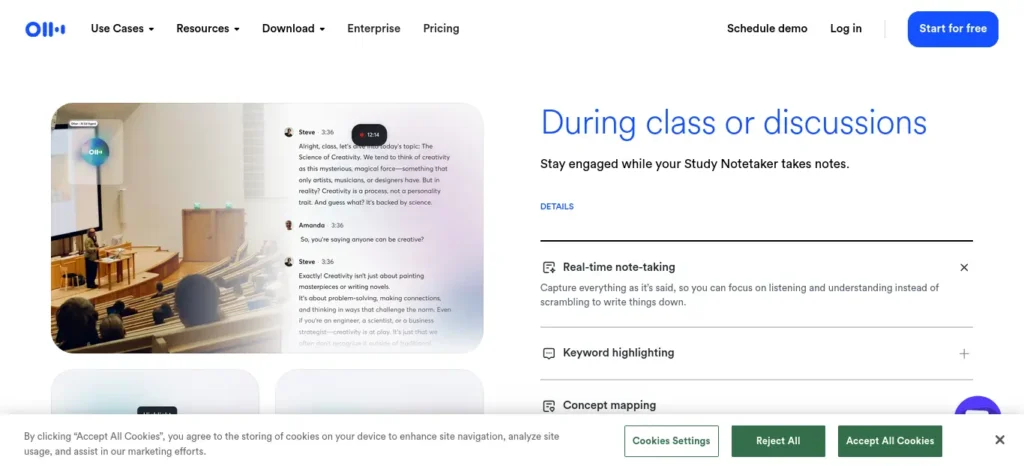
Otter.ai — For When You Can’t Afford to Miss What Was Said
Why it’s useful: Otter listens to a live lecture or call and hands you a searchable transcript with a summary, so you’re not relying on memory or messy handwritten notes afterward.
Who should use it: Students in lecture-heavy courses — law, medicine, engineering theory papers — where missing one sentence can mean missing the actual exam-relevant detail.
When to use it: Turn it on at the start of any class or group discussion you know you’ll need to reference later, not just the ones that feel important in the moment (those are hard to predict in advance).
One limitation to know: The free plan caps you at 300 transcription minutes a month with a 30-minute limit per session, so a single long lecture can hit the wall before it’s fully captured. Track your monthly usage instead of assuming it resets mid-conversation.
Fireflies.ai — For Group Calls Where You Need Answers, Not Just Notes
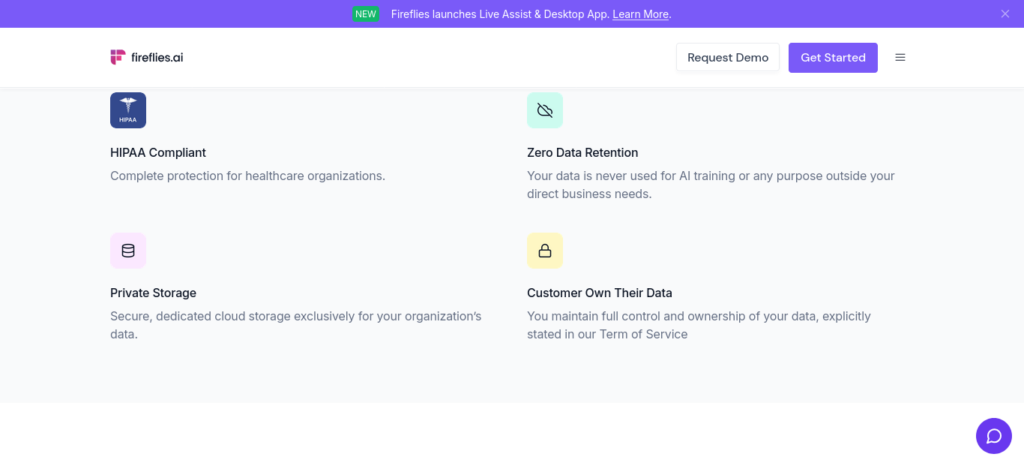
Why it’s useful: Beyond transcribing, Fireflies can search the web mid-call to fact-check a claim or pull up a reference, which regular transcription tools don’t do.
Who should use it: Students running group project calls or study sessions where someone inevitably asks “wait, is that actually true?” and everyone pauses to Google it separately.
When to use it: Group discussions and brainstorming calls, where the value isn’t just the transcript — it’s not breaking the conversation’s momentum to fact-check something.
One limitation to know: The free tier’s 800-minute storage cap fills up faster than it sounds, typically within about six weeks of regular use, and older recordings can become inaccessible once you’re over the limit.
QuillBot — For the Paragraph You’ve Rewritten Four Times
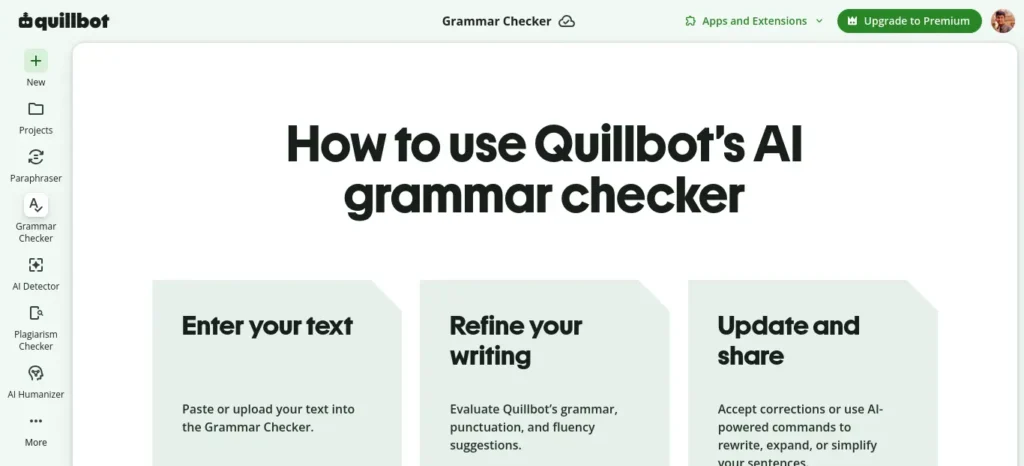
Why it’s useful: QuillBot rephrases clunky sentences and catches basic grammar issues, which is faster than manually rewriting the same paragraph until it finally sounds right.
Who should use it: Students writing in a second language, or anyone who reads their own writing back and thinks “this technically says what I mean, but not clearly.”
When to use it: As a second pass after your first draft — not as the tool that writes the first draft for you. It works best on something you’ve already thought through.
One limitation to know: The free tier caps paraphrasing at 125 words per pass, so a full essay needs to be worked through in chunks rather than pasted in all at once.
Taskade — For When “Organize the Group Project” Is the Whole Problem
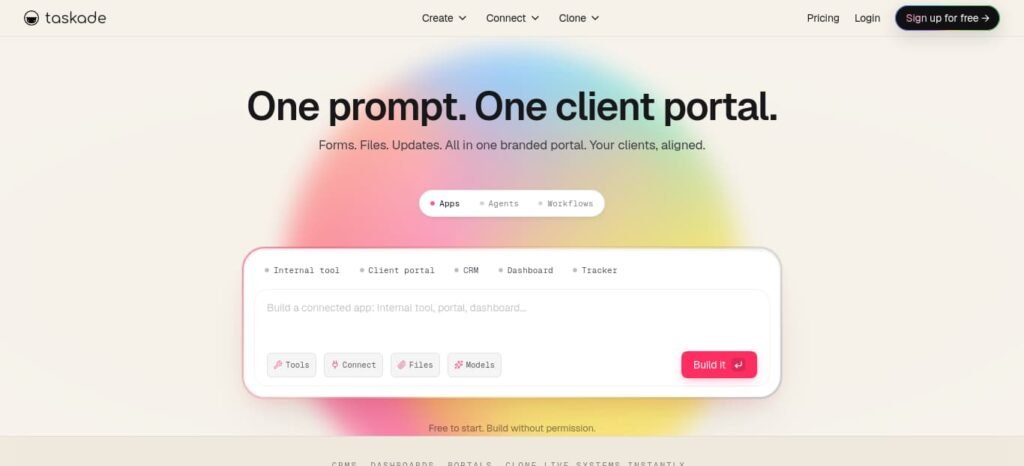
Why it’s useful: Taskade’s AI agents can turn a vague instruction like “prepare the marketing section” into an actual structured task list, which removes the awkward back-and-forth of figuring out who does what.
Who should use it: Anyone managing a multi-person project — a group assignment, a club event, a hackathon team — where the coordination itself is eating time.
When to use it: At the start of a project, before work begins, so the task breakdown exists in writing instead of living in three different WhatsApp threads.
One limitation to know: It’s built for task execution, not deep note-taking, so it won’t replace a dedicated notes app if your real need is a detailed subject wiki.
ElevenReader — For Reading You Can Do With Your Ears Instead of Your Eyes
Why it’s useful: It converts PDFs, articles, and textbook chapters into natural-sounding audio, turning otherwise-dead commute or chore time into revision time.
Who should use it: Students with a long daily commute, or anyone who retains information better by listening than by staring at another PDF at 1 AM.
When to use it: For a second or third pass through material you’ve already read once — it supplements active reading, it doesn’t replace it.
One limitation to know: The free tier gives you 10 hours a month, which is generous but finite; dense, formula-heavy material still benefits more from focused reading than passive listening.
Which One Should You Open First? (Quick-Pick Table)
🎙️ Otter.ai
Core Job: Lecture transcription
Free Tier Limit: 300 minutes/month
Best For: Lecture-heavy courses
Skip If: You mostly need group-call fact-checking
💬 Fireflies.ai
Core Job: Meeting notes + live search
Free Tier Limit: 800 minutes storage
Best For: Group project calls
Skip If: You just need solo lecture notes
✍️ QuillBot
Core Job: Paraphrasing & grammar
Free Tier Limit: 125 words/pass
Best For: Polishing a written draft
Skip If: You need a full-length plagiarism check
🗂️ Taskade
Core Job: Task & project organization
Free Tier Limit: Full AI included on free plan
Best For: Coordinating group work
Skip If: You need deep note-taking, not tasks
Many students struggle because they do not have a structured study schedule. If that sounds familiar, check out AI Tools for Creating a Study Timetable Automatically: 9 Powerful and Smart Solutions for Students in 2026 to learn how AI can create a personalized timetable in just a few minutes.
🎧 ElevenReader
Core Job: Text-to-speech reading
Free Tier Limit: 10 hours/month
Best For: Commute-time revision
Skip If: The material is dense and formula-based
Creating good revision notes is one of the biggest time-savers during exam preparation. Learn how to create smart revision notes with AI and turn textbooks, PDFs, and class notes into structured, exam-ready study material in minutes.
How These Tools Actually Chain Together
A Real Example of Two Tools Working Together
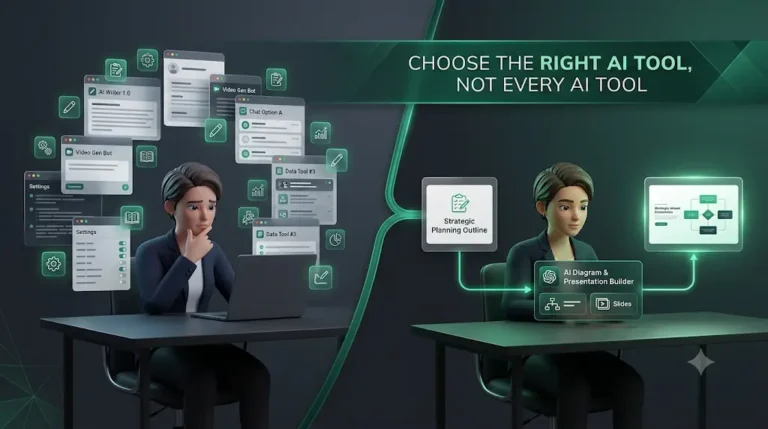
Here’s where most guides stop short: they cover tools one at a time and never show what happens when you use two together on the same task.
Take a group presentation. One student records the planning call in Fireflies, so nobody has to take manual notes while brainstorming. The transcript then feeds directly into Taskade, where it gets turned into an assigned task list within minutes instead of a scattered group chat argument about who’s doing what.
That’s the real time saving — not one tool doing everything, but two narrow tools removing two separate bottlenecks in the same afternoon.
Understanding a lesson is only the first step. The real challenge is turning it into revision material. For that, read How to Turn Class Notes into Exam Revision Notes with AI: Powerful 2026 Student Success Guide and see how students are converting class notes into powerful exam-ready summaries.
Common Mistakes Students Make With AI Productivity Tools
Treating the free tier as unlimited. Otter’s 300-minute cap and Fireflies’ 800-minute storage cap both run out — usually mid-semester, usually right before a deadline. This happens because most students only notice the limit exists after they’ve already hit it.
Trusting AI output without a second look. Accepting a QuillBot paraphrase without re-reading it is one of the most common ways students unintentionally submit work where the original meaning has quietly shifted. The fix is a two-minute human check, every time — it happens because a tool that sounds confident feels correct, even when it isn’t.
Installing everything at once. Adding four new tools in one weekend “to see what sticks” almost always means none of them get used long enough to become a habit. This happens because trying a tool once feels productive, even when it changes nothing about your actual routine.
Using AI as a first draft instead of a second pass. Tools like QuillBot work best refining something you’ve already thought through — using them to generate the first draft tends to produce writing that sounds fine but says less than you actually meant.
Pro Tips Nobody Tells You
Set a recurring “review day,” not a same-day review. Reading your Otter transcript the moment class ends means you’re reviewing what’s still fresh anyway. A weekly Sunday review surfaces what you actually forgot — which is the part worth catching.
Check for student pricing before paying full price. Several of these tools, including QuillBot and Otter, quietly offer verified student discounts that aren’t the default price shown on the pricing page. It’s worth checking before assuming the free tier is your only affordable option.
Pair each tool with one fixed trigger. “Every lecture gets recorded” or “every draft gets one QuillBot pass” turns a tool into a habit instead of something you remember to use occasionally — and habit, not capability, is what produces the daily time saving.
Budget in USD, not INR. None of these five tools bill natively in Indian Rupees; your card gets charged in dollars and your bank handles the conversion, which can add a small, unpredictable markup worth checking before you commit to an annual plan.
Want to finish your study sessions faster without losing quality? Then explore How to Use AI to Study Faster: 7 Powerful Methods to Save 2 Hours Every Day in 2026 and discover smart workflows that help productive students save time every day.
Frequently Asked Questions
Can AI tools really save one hour every day? For a specific, repeated task — like lecture transcription or slide-building — students report savings in the 30 to 90 minute range per use. It depends entirely on how much time that particular task was already costing you before automating it.
What’s the best free AI tool for students in India? There isn’t a single “best” — it depends on your bottleneck. Otter and Fireflies solve lecture/meeting capture, QuillBot solves writing polish, Taskade solves project coordination, and ElevenReader solves revision-on-the-go. All five have a usable free tier.
Do I need to pay for AI tools as a student? Not to start. Every tool here has a free tier that’s functional for regular use, not just a demo. Paying only makes sense once you consistently hit a free-tier limit — and even then, check for a student discount first.
Which AI tool should I try first? Whichever one removes your single biggest weekly time-drain — not the one that’s most talked about. If you’re unsure, Taskade’s free plan is a low-risk starting point since its AI features aren’t locked behind a paywall.
Are AI note-takers like Otter allowed in college lectures? This varies by institution and even by professor, so check your college’s recording policy before using any transcription tool in class — some require the instructor’s consent to record.
Final Thoughts on Building a Faster Study Routine
None of these five tools will fix a bad routine on their own. But used against the right bottleneck — the one actually eating your evenings — even one of them can turn a 90-minute task into a 30-minute one, starting tonight.
Here’s the practical next step: start with one tool that solves your biggest weekly bottleneck. Use it consistently for seven days before adding another. A simple, one-tool routine is usually more effective than juggling five different apps at once — that’s really all it takes to build a faster, less exhausting study routine.
Want to learn the practical ways students are already using AI in everyday learning? Read our complete guide on How Students Use AI to Study Smarter (Without Cheating) and discover 12 proven techniques to improve learning, revision, and exam preparation.




6 Comments