
9 Best AI Tools for Assignment Planning & Deadlines (2026)
It’s 11 PM. Three Assignments Are Due Tomorrow. You Have a Plan for None of Them.
You know this night. Two assignments due by 9 AM, a third due by midnight, and a WhatsApp group chat that’s gone quiet because everyone else is in the same spiral. You didn’t forget these deadlines — they’ve been sitting in your notes app for two weeks. You just never turned “due Monday” into “start Thursday.”
That gap — between knowing a deadline and actually scheduling the work behind it — is the real problem the best AI tools for assignment planning and deadline management actually solve. It’s not a memory problem. It’s a translation problem: turning a due date into a plan you’ll actually follow.
Many students struggle because they do not have a structured study schedule. If that sounds familiar, check out AI Tools for Creating a Study Timetable Automatically: 9 Powerful and Smart Solutions for Students in 2026 to learn how AI can create a personalized timetable in just a few minutes.
This guide skips the usual “ChatGPT, Notion, Grammarly” recycled list. Instead, it matches nine specific tools to nine kinds of students, tells you exactly why each one works, who it’s wrong for, and what it costs in rupees — not just dollars you have to convert yourself.
What Actually Counts as an “AI Tool for Assignment Planning”?
An AI assignment planning tool does more than store a due date — it helps decide when you’ll work on a task, often by reading your calendar, estimating effort, and adjusting the plan automatically when your week changes. That’s different from a reminder app, which only tells you a deadline exists.
Three capabilities separate a real assignment management tool from a glorified sticky note: calendar-aware scheduling, natural-language task capture (typing or speaking “lab report due Friday” and having it parsed correctly), and some form of automatic rescheduling when plans shift. Everything below is measured against those three.
Match Your Student Type to a Tool
Different deadline problems need different fixes. Here’s the honest mapping, based on what each tool is actually built to solve — not marketing copy.
Learning difficult subjects becomes much easier when you use the right study strategy. If you want a complete exam preparation system, read How to Prepare for Exams Using ChatGPT Step by Step: Powerful 2026 Student Guide and discover how students are using AI to build study plans, revision notes, mock tests, and smarter exam strategies.
If you’re a chronic procrastinator who needs deadlines broken into forced checkpoints, look at Reclaim.ai or Motion — both auto-block time on your calendar so the work isn’t optional, it’s already scheduled.
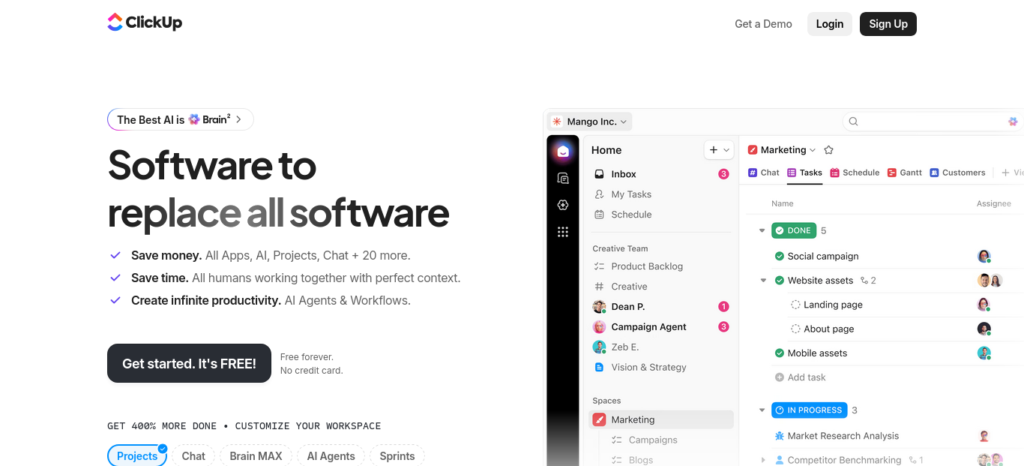
If you’re coordinating a group project, ClickUp’s free plan handles shared task lists across unlimited teammates without anyone paying.
If your budget is genuinely zero, TickTick, My Study Life, and Google Calendar with Gemini cost nothing and cover most core academic planning needs.
If you’re prepping for exams or placements with a heavy revision load, My Study Life’s built-in exam tracker is purpose-built for spacing out revision sessions, not adapted from a generic productivity app.
If you’re a light note-taker who wants everything in one workspace, Notion AI connects your class notes, assignment tracker, and weekly planner in a single, linkable system.
How We Selected These AI Tools
Rather than recommending the most popular apps, we focused on the tools that genuinely help students plan assignments and manage deadlines. Each tool was evaluated based on its AI planning capabilities, assignment management features, ease of use, free plan value, pricing, calendar integration, and overall usefulness for college and university students. We also considered different student needs—such as solo study, group projects, exam preparation, and unpredictable schedules—so every recommendation fits a specific use case instead of trying to be a one-size-fits-all solution.
The 9 Tools, Compared at a Glance
Prices are approximate, based on a ₹95/USD conversion, and change often — check each tool’s official pricing page before relying on these numbers.
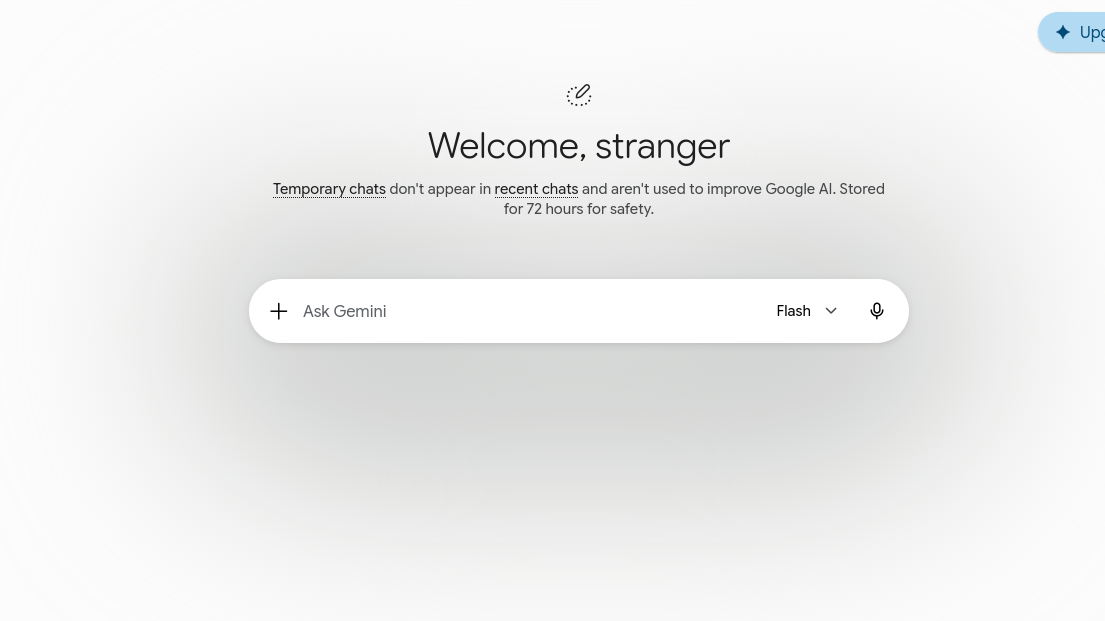
🗓️ Google Calendar + Gemini
Best For: Anyone who wants zero setup
Free Plan: Yes, fully free
Price: ₹0
Auto-Schedules Tasks? Suggests only, doesn’t auto-block
✅ TickTick
Best For: Budget-conscious, subject-wise tracking
Free Plan: Yes (9 lists, 99 tasks/list)
Price: ₹0 / ~₹2,565–3,420 per year
Auto-Schedules Tasks? No
📋 Todoist
Best For: Fast task capture via voice
Free Plan: Yes (5 projects)
Price: ₹0 / ~₹475 per month (annual)
Auto-Schedules Tasks? No
🧠 Notion AI
Best For: All-in-one notes + planner
Free Plan: Yes (limited AI replies)
Price: ₹0 / ~₹950 per month (annual)
Auto-Schedules Tasks? No
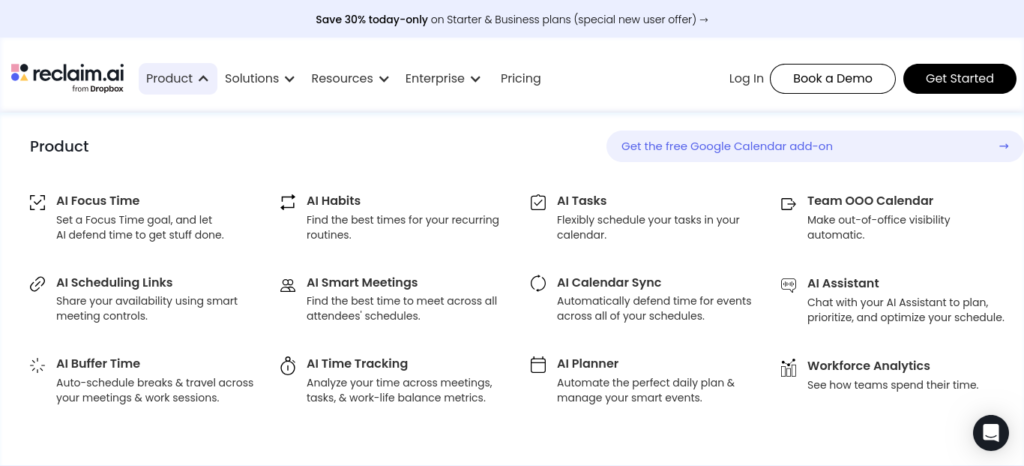
⏰ Reclaim.ai
Best For: Auto-blocking study time
Free Plan: Yes, permanent Lite plan
Price: ₹0 / ~₹760–950 per month
Auto-Schedules Tasks? Yes
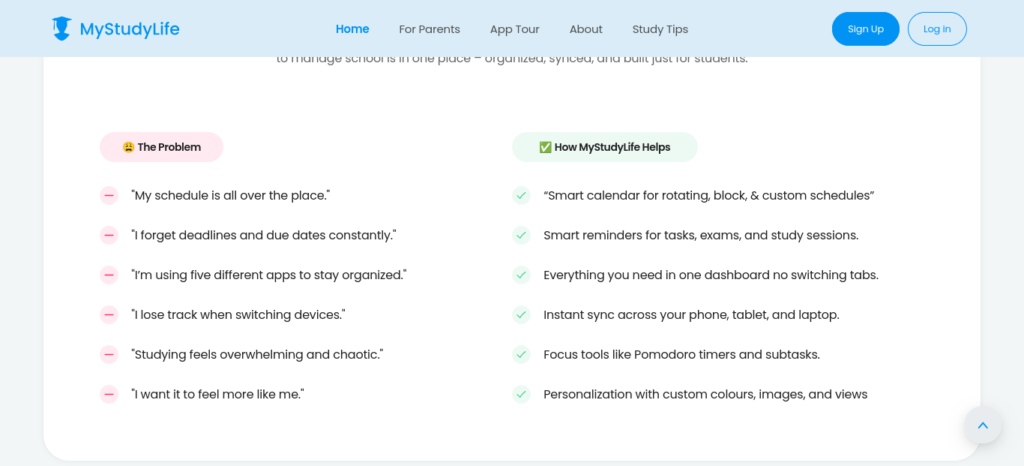
🎓 My Study Life
Best For: Purpose-built academic planner
Free Plan: Yes
Price: ₹0 (optional weekly premium)
Auto-Schedules Tasks? No
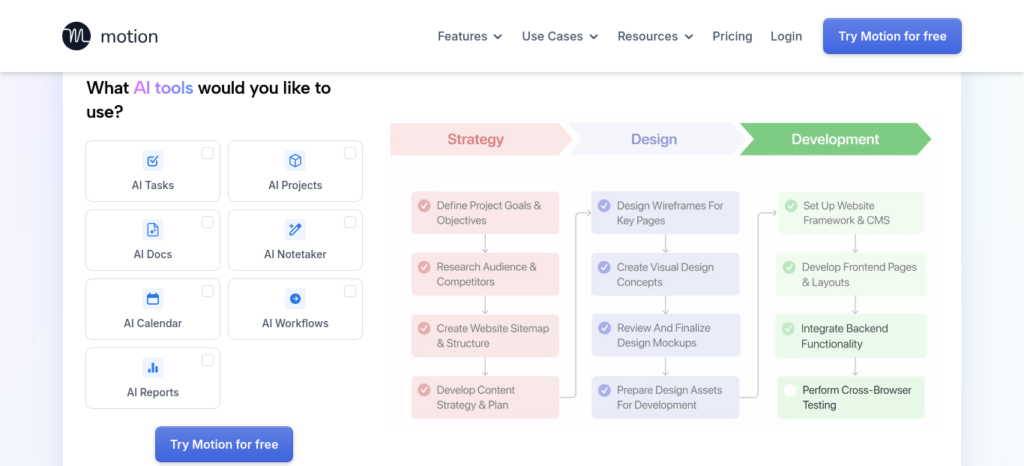
🚀 Motion
Best For: Full auto-scheduling, no manual planning
Free Plan: No, 7-day trial only
Price: ~₹1,210–1,805 per month
Auto-Schedules Tasks? Yes
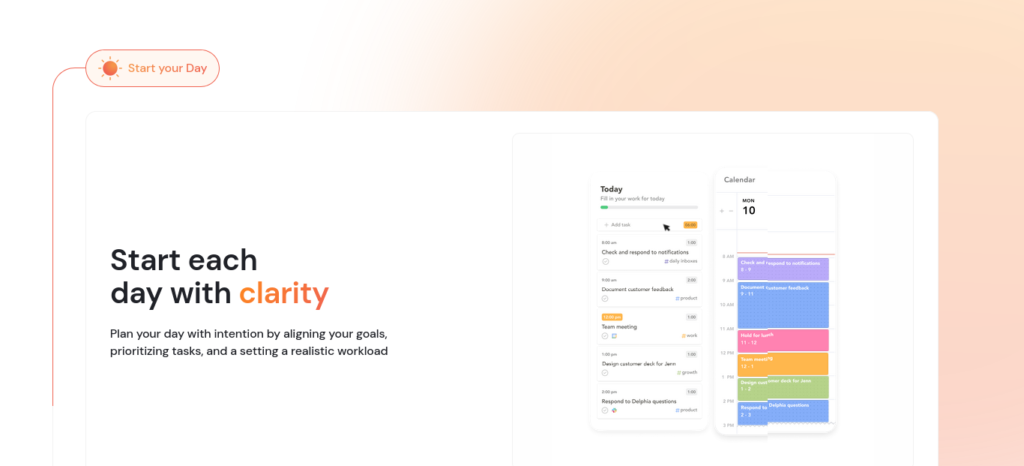
🌙 Sunsama
Best For: Guided daily planning ritual
Free Plan: No, 14-day trial only
Price: ~₹1,900–2,375 per month
Auto-Schedules Tasks? No (manual, guided)
📌 ClickUp
Best For: Free group project coordination
Free Plan: Yes, unlimited members
Price: ₹0 / AI add-on ~₹850 per member/month
Auto-Schedules Tasks? No (AI add-on is separate)
Google Calendar + Gemini: The Zero-Setup Default
Why it works: it’s already on your phone, already synced to your Google Classroom assignments if your college uses it, and Gemini can now suggest study blocks in plain language when you ask it to look at your week inside Google Calendar.
Who it’s for: students who don’t want to learn a new app and just need their existing calendar to work harder.
When to use it: for a lighter course load with fewer overlapping deadlines — it’s a scheduling assistant, not a dedicated assignment tracker.
The limitation: Gemini suggests time blocks; it doesn’t defend them the way a dedicated auto-scheduler does. If a friend asks you to hang out during your “study block,” nothing stops you from just deleting it.
Hands-on note: [Placeholder — add a genuine testing observation before publishing, e.g., how Gemini’s suggestions performed against a real week of classes, or how often a suggested block got skipped.]
FutureFastAI Verdict: ⭐⭐⭐⭐☆
Best for students who want zero setup and have a lighter, more predictable course load.
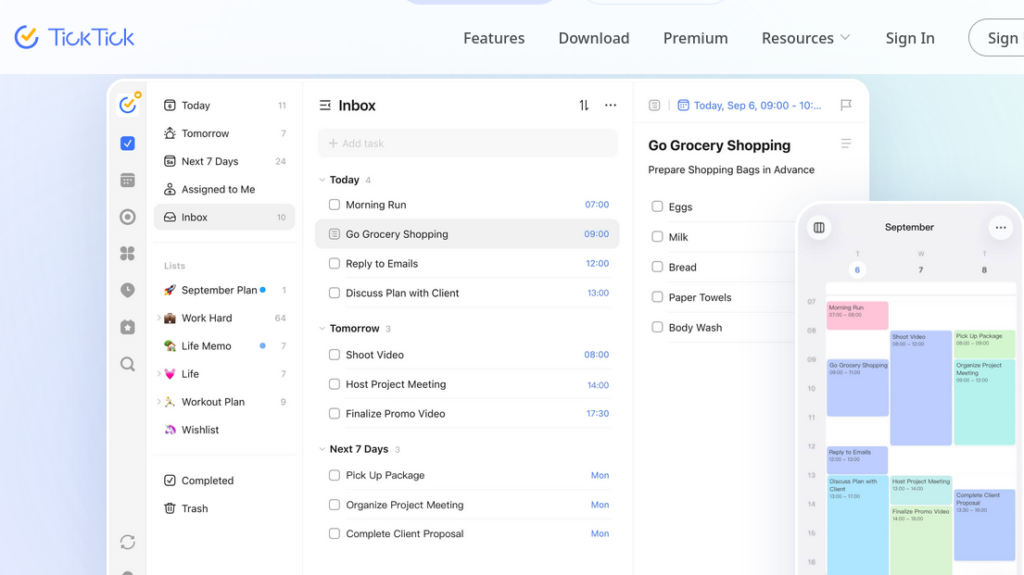
TickTick: The Budget Pick That Does More Than It Should
Why it works: a built-in calendar view, Pomodoro timer, and habit tracker come bundled into one free app — most students pay for three separate apps to get this. TickTick is free to try directly from its official site.
Who it’s for: students tracking assignments subject-by-subject who also want to build study habits (daily reading, revision streaks) alongside deadline tracking.
When to use it: from week one of the semester, since its Eisenhower matrix view is genuinely useful for deciding which of three same-day deadlines to start first.
The limitation: the free plan allows only one collaborator per shared list, so it’s a weak fit for group assignments unless you upgrade.
Hands-on note: [Placeholder — add a genuine testing observation before publishing, e.g., how the Eisenhower matrix view held up during a real deadline pile-up, or how the Pomodoro timer felt during actual study sessions.]
FutureFastAI Verdict: ⭐⭐⭐⭐⭐
Best for budget-conscious students who want a calendar, habit tracker, and Pomodoro timer without paying for three separate apps.
Todoist: Best for Capturing Tasks Fast, Not for Planning Them
Why it works: Ramble, Todoist‘s voice-to-task feature, lets you speak a task between classes (“submit physics lab report by Friday 6 PM”) and have it parsed into a structured to-do automatically, in 38 languages.
Who it’s for: students who lose tasks because typing them out takes too long in the moment — walking out of a lecture hall, for instance.
When to use it: for quick capture throughout the day, paired with a weekly review to actually schedule what you’ve captured.
The limitation: reminders — the one feature that actually stops you from missing a deadline — sit behind the paid Pro plan. The free plan is a capture tool, not a nudge system.
Hands-on note: [Placeholder — add a genuine testing observation before publishing, e.g., how accurately Ramble parsed a spoken task, or how quickly the 5-project free-plan cap became a problem.]
FutureFastAI Verdict: ⭐⭐⭐☆☆
Best for students who need fast, on-the-go task capture and don’t mind pairing it with a separate reminder system.
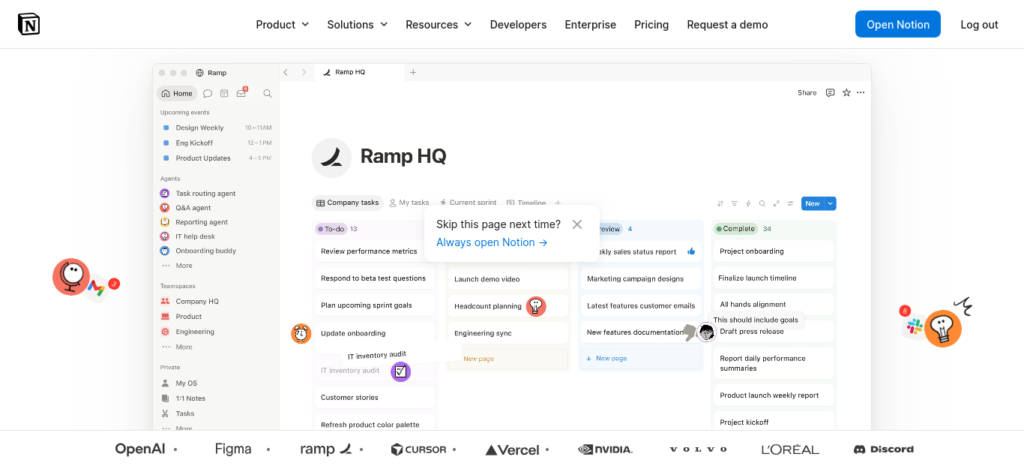
Notion AI: The Workspace for Students Who Already Take Detailed Notes
Why it works: it links your assignment tracker, lecture notes, and weekly planner into one workspace, so you’re not duplicating information across three apps. Notion offers this as part of its free plan.
Who it’s for: students who already take structured notes and want their planning system to live next to them, not in a separate app entirely.
When to use it: if you’re willing to spend an hour at the start of term building a simple database — assignments with due dates, course, and status — Notion pays that time back over the semester.
The limitation: the free plan limits AI responses, so the very feature that makes Notion useful for planning (summarising your week, flagging overdue items) is genuinely usable only once you upgrade.
Hands-on note: [Placeholder — add a genuine testing observation before publishing, e.g., how long the initial database setup actually took, or how the free-plan AI limit felt during a busy week.]
FutureFastAI Verdict: ⭐⭐⭐⭐☆
Best for students who already take structured notes and want their planner living next to them, not in a separate app.
Reclaim.ai: For Students Who Need the Calendar to Fight Back
Why it works: it doesn’t just suggest study time — it blocks it on your calendar and automatically reschedules that block if a class or commitment shifts, which is a meaningfully different kind of pressure than a reminder popup. Reclaim.ai offers this on its permanent free Lite plan.
Who it’s for: students whose weeks are genuinely unpredictable — part-time work, sports commitments, or family responsibilities that keep shifting their free hours.
When to use it: pair it with a separate task list (it integrates with Todoist and Google Tasks) so Reclaim handles when, while your task app handles what.
The limitation: the free Lite plan caps you at a small number of smart meetings and one task integration — enough to test it seriously, tight if you lean on it every day.
Hands-on note: [Placeholder — add a genuine testing observation before publishing, e.g., how it handled a real schedule change mid-week, or how quickly the free-tier limits were reached.]
FutureFastAI Verdict: ⭐⭐⭐⭐⭐
Best for students managing multiple, unpredictable deadlines who need the calendar to actually defend their study time.
My Study Life: The One Actually Built for Students, Not Adapted for Them
Why it works: rotating class timetables, a homework planner, and an exam revision tracker that spreads study sessions across the weeks before a test — this is designed around how a semester actually works, not repurposed from a general productivity app. My Study Life is free to download directly.
Who it’s for: students heading into exam season who need revision spread out instead of crammed, and anyone whose college uses a rotating (not fixed weekly) class schedule.
When to use it: at the start of a semester, entering your full timetable once so the app can build around it — and again a few weeks before exams to lay out revision.
The limitation: some users report occasional sync issues between the mobile and web versions, and it lacks the auto-scheduling intelligence of Reclaim.ai or Motion — it organizes well, but doesn’t reshuffle your day for you.
Hands-on note: [Placeholder — add a genuine testing observation before publishing, e.g., how long it took to enter a full rotating timetable, or how the exam revision tracker performed against a real syllabus.]
FutureFastAI Verdict: ⭐⭐⭐⭐☆
Best for students heading into exam season who want revision spread out instead of crammed into the final week.
Motion: For Students Who Want the Scheduling Decision Made For Them
Why it works: it auto-schedules every task onto your calendar based on deadline and priority, then reshuffles automatically as your day changes — the closest thing on this list to a personal scheduling assistant. Motion offers a 7-day trial to test this before paying.
Who it’s for: students with genuinely chaotic weeks — juggling an internship, coursework, and placement prep simultaneously — who find manual planning itself exhausting.
When to use it: only after testing the 7-day trial with a real week of assignments, since there’s no free plan to fall back on if it doesn’t fit your workflow.
The limitation: it’s the most expensive tool on this list without a genuine free tier, and reviewers note it’s easy to end up paying for AI credits and features a lighter student workload won’t fully use.
Hands-on note: [Placeholder — add a genuine testing observation before publishing, e.g., how the interface felt on day one versus day seven, or how the auto-rescheduling handled a real assignment pile-up.]
FutureFastAI Verdict: ⭐⭐⭐☆☆
Best for students with genuinely chaotic weeks who are willing to pay for a tool to make the scheduling decision for them.
Sunsama: The Guided Ritual, Not the Automated Fix
Why it works: it walks you through a structured daily planning session and an evening review, which builds the habit of intentional planning rather than reactive firefighting. Sunsama offers a 14-day trial with no credit card required.
Who it’s for: students who’ve tried auto-scheduling tools and found them disorienting, and who do better with a guided manual process than a fully automated one.
When to use it: if you’re disciplined enough to actually do the 15–20 minute daily ritual — it adds no value if you skip the planning session itself.
The limitation: no free plan, and it’s priced at the premium end of this list — hard to justify unless you’re confident you’ll keep the daily ritual going past week two.
Hands-on note: [Placeholder — add a genuine testing observation before publishing, e.g., whether the daily planning ritual actually stuck past the first week, or how it felt to skip a day.]
FutureFastAI Verdict: ⭐⭐☆☆☆
Best for disciplined planners who want a guided ritual — weak value for most student budgets otherwise.
ClickUp: The One Built for Teams, Not Solo Deadlines
Why it works: the free plan supports unlimited members, so a five-person group project can share one task board without anyone paying — most tools on this list charge per collaborator. ClickUp offers this on its Free Forever plan.
Who it’s for: students juggling group assignments, hackathon teams, or a student club alongside personal coursework.
When to use it: for coordinating shared deliverables specifically — it’s overkill for tracking your own personal homework list alone.
The limitation: its AI features (ClickUp Brain) aren’t included in the free plan at all — they’re a separate paid add-on, so don’t expect AI scheduling help without paying extra on top of the free tier.
Hands-on note: [Placeholder — add a genuine testing observation before publishing, e.g., how a real group project board held up with five teammates, or how quickly the 60MB free storage limit was hit.]
FutureFastAI Verdict: ⭐⭐⭐⭐☆
Best for group assignments and student club projects where several people need to share one board for free.
Common Mistakes Students Make With These Tools
Logging the due date instead of a start date. Writing “essay due Friday” gives any scheduler — human or AI — nothing to work with. Writing “start essay Tuesday, review Thursday” gives it something real to plan around.
Running three overlapping systems at once. A calendar app, a task app, and a study planner all tracking the same assignment is more setup work than the deadline itself. Pick one primary tool and use others only for what it genuinely can’t do.
Over-customizing in week one. Building an elaborate colour-coded, tag-heavy system in the first few days often becomes a way to avoid starting the actual assignment. Simple beats elaborate for the first month.
Trusting notifications completely. Alerts get muted, dismissed, or buried during a busy week. A five-minute weekly review catches what a missed push notification won’t.
Switching tools mid-semester because a new one looks better. Re-entering every assignment into a new app usually costs more focus than it saves — finish the semester with what you have, then switch if it genuinely didn’t work.
Pro Tips Most Guides Don’t Mention
Reverse-engineer your task estimates from past assignments. Before your semester starts, look at how long your last three essays or lab reports actually took — not how long you guessed. Most students underestimate by 30–40%, and every scheduling tool on this list is only as accurate as the time estimate you feed it.
Use a sync failure as an accidental review trigger. If a tool’s calendar sync breaks or lags (it happens, especially with free tiers), don’t just fix it and move on — treat the interruption as a prompt to manually check what’s actually due this week. It’s a free forcing function you didn’t have to build yourself.
Set your “start” reminder for your actual low-energy time, not your ideal one. If you know you procrastinate hardest right after your last class, set the task reminder for that exact slot instead of “evening” — vague timing is why reminders get ignored.
Block revision time before the syllabus is even finished. My Study Life and Reclaim.ai both let you add recurring blocks — set exam revision sessions three to four weeks out, even before you know the exact exam date, and adjust later. Waiting for the exact date usually means starting too late.
Frequently Asked Questions
What is the best free AI tool for assignment planning?
TickTick, Reclaim.ai’s Lite plan, My Study Life, and ClickUp’s free tier all offer genuine, permanent free plans — not trials — that cover core assignment tracking and reminders for individual students.
Which AI tool actually auto-schedules study time instead of just reminding you?
Reclaim.ai and Motion both automatically block time on your calendar based on deadlines and reschedule it if your plans change. Todoist, TickTick, and Notion organize and remind, but leave the actual scheduling decision to you.
Is Notion AI good for tracking college assignments?
Yes, if you’re already comfortable taking structured notes — Notion links your assignment tracker to your class notes and weekly planner in one workspace, though its AI summarisation features work best on the paid Plus plan.
What’s the best tool for managing group project deadlines?
ClickUp’s free plan supports unlimited team members on shared task boards, making it the strongest free option here for coordinating a group assignment without anyone paying for a seat.
Do I need to pay for an AI planning tool as a student?
Not necessarily. If your semester has genuinely unpredictable, overlapping deadlines, a low-cost plan like Reclaim.ai’s Starter tier can be worth it. For a lighter course load, the free tiers of TickTick, My Study Life, or Google Calendar cover most needs.
How do I stop missing assignment deadlines even after using a planning app?
Most missed deadlines happen because the due date was logged without a start date. Break every assignment into at least two checkpoints — a start date and a review date — so your tool has something concrete to schedule around, and do a five-minute weekly review so nothing depends on a single notification.
The Bottom Line
None of these nine tools will do the assignment for you, and none of them fix a habit you’re not willing to build. What they do is remove the friction between knowing a deadline exists and actually starting the work behind it — which, most nights, is the entire problem.
Start with whichever free tool matches your situation from the persona list above, run it for one real week with real assignments, and only pay for an upgrade once you’ve hit a specific limit the free plan can’t solve.





3 Comments