
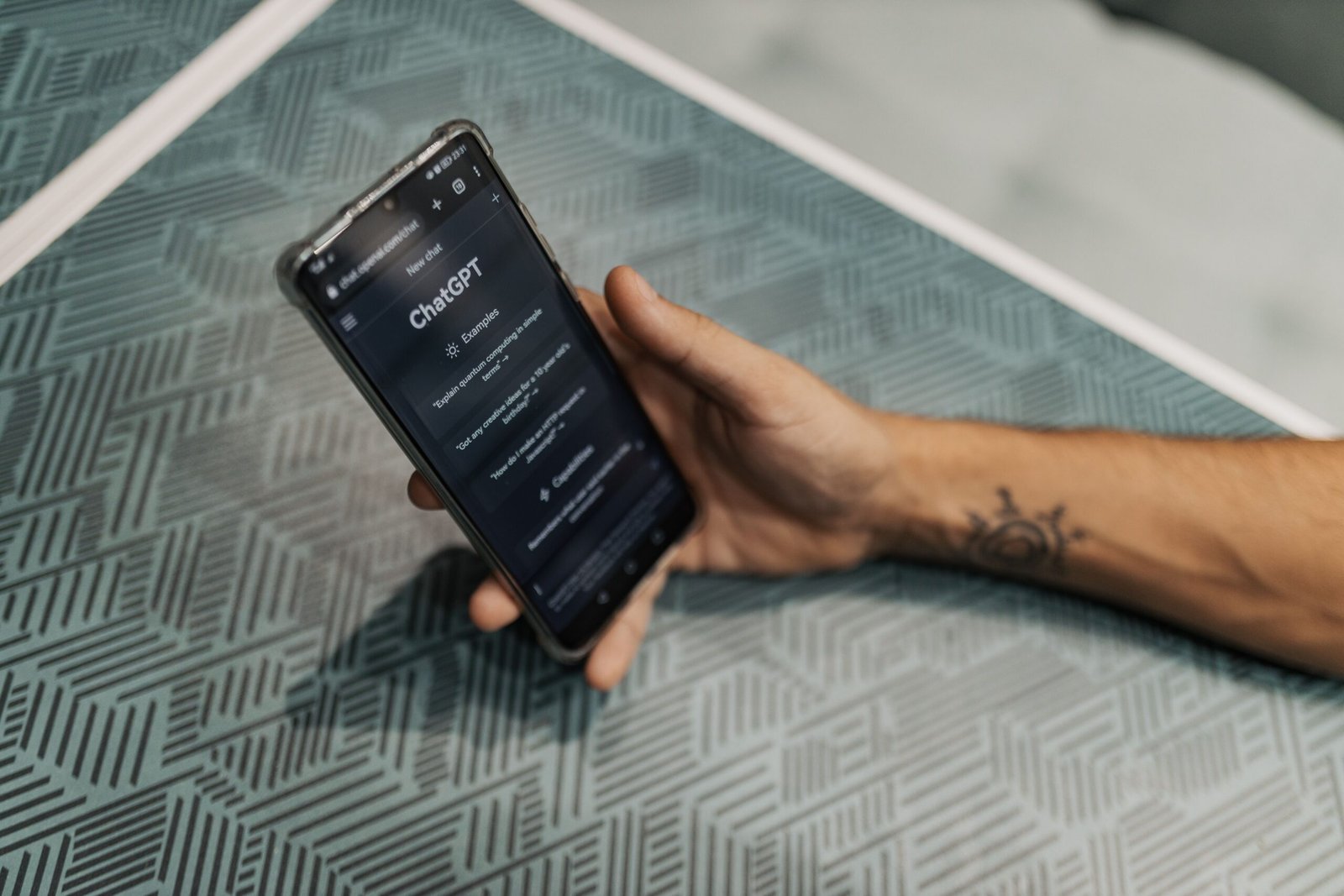
How to Use ChatGPT as a Personal Learning Assistant: 11 Proven Methods for 2026
Introduction
A few months ago, a friend of mine — let’s call her Meera — texted me at 11 p.m., clearly stressed. She was relearning statistics for a data analyst job switch, and she said something that stuck with me: “I keep watching YouTube videos, but nothing sticks. I just feel like I’m collecting information, not learning it.”
Sound familiar? If you’ve ever sat through a course, bookmarked twenty tutorials, or bought a course you never finished, you already know the real problem isn’t access to information. It’s personalization — having someone (or something) that adapts to exactly where you’re stuck, asks you the right questions, and pushes you just hard enough without overwhelming you.
That night, I told Meera to stop watching another video and instead open ChatGPT and ask it to quiz her on standard deviation using real-world examples instead of textbook ones. Twenty minutes later, she texted back: “Oh. OH. I finally get it.”
That’s the moment I realized ChatGPT isn’t just a chatbot that spits out answers — when used correctly, it can function like a patient, endlessly available tutor that never gets annoyed when you ask “wait, can you explain that again?”
But here’s the catch, and it’s the part most guides skip: most people use ChatGPT for learning incorrectly. They ask it questions, copy the answer, and move on — which feels productive but barely builds real understanding. There’s a curiosity gap worth sitting with: what if the way you’re prompting ChatGPT is actually working against your learning, not for it?
In this guide, I’ll walk you through exactly how to use ChatGPT as a personal learning assistant in 2026 — not as a shortcut machine, but as a genuine tutor that adapts to your pace, your goals, and your gaps. We’ll cover setup, specific prompt templates I’ve tested myself, study plan creation, quiz generation, language learning, career upskilling, and the honest limitations nobody likes to mention. By the end, you’ll have a repeatable system, not just a one-off trick.
Let’s get into it.
Why ChatGPT Works So Well as a Learning Assistant
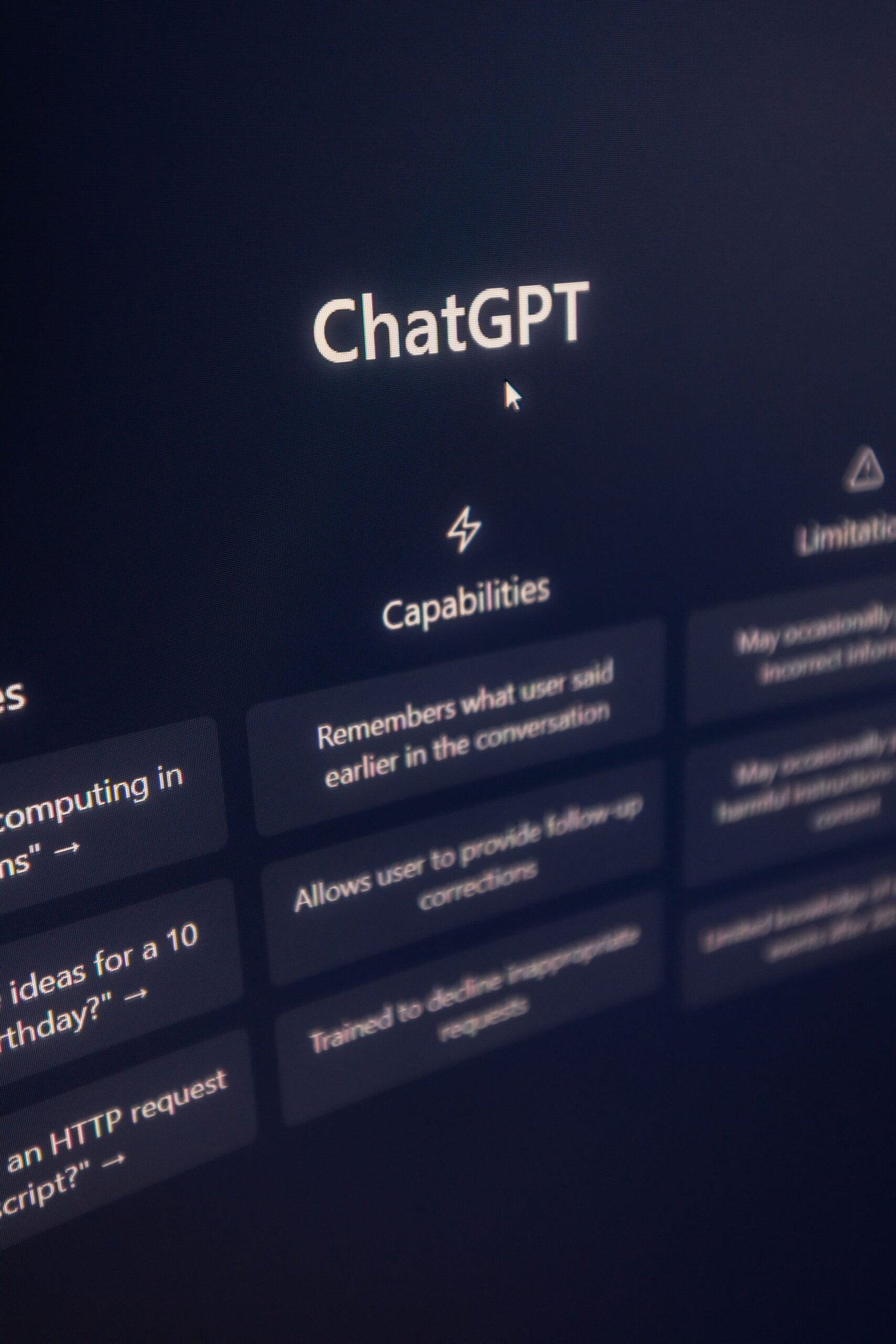
Before jumping into tactics, it helps to understand why this works, because that understanding will shape how you prompt it later.
Traditional learning resources — textbooks, pre-recorded courses, even most apps — are static. They were built for an “average” learner, which means they’re either too easy or too hard for you specifically, at any given moment. ChatGPT’s biggest advantage is that it’s dynamic. It can rephrase an explanation five different ways until one clicks, generate practice questions tailored to your exact weak points, and hold a back-and-forth conversation the way a real tutor would — at 2 a.m., for free, without judgment.
There’s also a memory and context advantage. Newer ChatGPT versions can retain context about your goals, your skill level, and your learning style across a conversation (and, with memory features enabled, across sessions too). This means you don’t have to re-explain your background every single time — once it knows you’re a visual learner or that you’re prepping for a specific certification, it can keep that in mind.
The expertise angle matters too. ChatGPT has been trained on an enormous range of academic, professional, and instructional material, which means it can explain a concept from physics, marketing, coding, or language grammar with reasonable depth. It’s not infallible (we’ll get to that honestly in the limitations section), but for most foundational and intermediate learning, it punches well above what a static resource can offer.
The real-life example that convinced me of this was tutoring my younger cousin in chemistry. His school textbook explained molarity in one dense paragraph. I asked ChatGPT to explain molarity using a kitchen recipe analogy — comparing concentration to how much salt you add to a fixed amount of water. He got it in two minutes. That’s the core advantage: infinite re-explanation, tailored to context, something no static book or video can match.
The common mistake here is assuming ChatGPT is “just Google with sentences.” It’s not. Google retrieves; ChatGPT can reason, adapt, simulate a dialogue, and build on previous turns in a conversation. Treating it like a search engine wastes 80% of its potential as a learning tool.
Actionable takeaway: Before using ChatGPT for any topic, mentally reframe it as a tutor who’s available 24/7, not a search bar. That mindset shift alone changes how you’ll prompt it for the rest of this guide.
Step 1: Set Up ChatGPT for Learning (Not Just Answers)
This is the step almost everyone skips, and it’s the one that makes the biggest difference.
What it is: Setting up “Custom Instructions” (found in ChatGPT’s settings) so that every conversation defaults to a teaching style instead of an answer-dumping style.
Why it matters: Without this setup, ChatGPT’s default behavior is to be efficient — give you the answer, sometimes a short explanation, and move on. That’s great if you’re debugging code at 1 a.m. and need a fast fix. It’s terrible if your goal is to actually understand a concept deeply enough to remember it next week.
How it works: In ChatGPT settings, under “Custom Instructions” or “Personalization,” you can tell the model how to behave across all future conversations. A prompt template I personally use and recommend:
“When I ask you to help me learn something, don’t just give me the final answer immediately. First check what I already know by asking one quick question. Then explain concepts using simple analogies before technical terms. After explaining, quiz me with one question to check understanding before moving forward. If I get something wrong, explain why gently and let me try again.”
This single setup change turns every future chat into a built-in Socratic tutor without you having to retype instructions each time.
Advantages: Saves you from repeating instructions; keeps consistency across sessions; reduces the temptation to just copy-paste answers without engaging.
Disadvantages: It can feel slower at first if you’re used to instant answers. Some people get mildly frustrated when ChatGPT asks them a question back instead of answering directly — but that friction is exactly what builds retention.
Real-life example: A reader of mine preparing for a UPSC-style exam set this instruction and reported that within two weeks, her recall during mock tests improved noticeably, because she was being quizzed in real time rather than passively reading explanations.
Common mistake: People set custom instructions once, then forget they exist, and get annoyed when ChatGPT behaves “weirdly” later. Revisit and refine these instructions every few weeks as your learning style or goals shift.
Best situation to use this: Anytime you’re learning something foundational — a new subject, language, or skill — rather than doing a quick one-off lookup.
Actionable takeaway: Open ChatGPT’s settings right now and add a short custom instruction telling it to teach, not just answer. This five-minute setup pays off for months.
Step 2: Use the Socratic Prompting Method
What it is: A prompting style where, instead of asking ChatGPT to explain something, you ask it to question you toward the answer — the same method great human tutors use.
Why it matters: Passive reading creates an illusion of competence. You read an explanation, nod, feel like you understood it, and then completely blank during a test. Active recall — being forced to retrieve information rather than just recognize it — is one of the most well-supported learning techniques in cognitive science.
How it works: Instead of typing “explain photosynthesis,” try: “Ask me questions one at a time to help me figure out photosynthesis myself. Don’t give me the answer unless I’m completely stuck, and give me hints first.” ChatGPT will then lead you through guided questions, nudging you toward the concept rather than handing it over.
A more advanced version for problem-solving subjects (math, coding, physics): “I’m going to attempt this problem. Don’t solve it for me. Just tell me if my first step is correct, and if not, ask me a question that helps me see my mistake.”
Advantages: Builds deeper retention; mimics real tutoring; forces engagement rather than passive consumption; works for almost any subject.
Disadvantages: Takes longer per concept; can feel inefficient if you’re cramming the night before an exam, where direct answers might be more practical short-term.
Real-life example: When learning basic Python, instead of asking ChatGPT to fix a broken loop, I asked it to ask me leading questions about why the loop wasn’t terminating. It asked, “What value does your loop variable have on the last iteration?” That single question helped me self-correct, and I’ve never made that specific mistake again — something that wouldn’t have happened if it had simply fixed the code for me.
Common mistake: People give up on this method after one or two questions because they want the answer immediately. Push through the initial discomfort — that’s where the learning actually happens.
Best situations to use it: Concept-heavy subjects (science, math, logic, grammar rules) where understanding why matters more than just knowing what.
Actionable takeaway: Next time you’re stuck on a concept, instead of asking “what is X,” ask ChatGPT to question you toward the answer instead.

Step 3: Build a Personalized Study Plan
What it is: Using ChatGPT to generate a structured, time-bound study plan based on your current level, available time, and target goal.
Why it matters: Most people fail at self-directed learning not because they lack motivation, but because they lack structure. Without a plan, you study randomly — whatever feels interesting that day — and miss weak areas entirely.
How it works: Give ChatGPT specific inputs: your current level, your goal, your deadline, and your daily available time. A solid template: “I want to learn [topic] in [X weeks]. I currently know [your level]. I have [X hours] available per day. Create a week-by-week study plan with specific daily tasks, and include short review days every week to reinforce earlier material.”
The key detail most people skip: ask it to include review days, not just new-content days. Forgetting curves are real, and revisiting material a few days after first learning it dramatically improves retention.
Advantages: Removes decision fatigue; creates accountability; can be regenerated instantly if your schedule changes; adapts to any subject from coding to cooking to languages.
Disadvantages: The plan is only as good as the inputs you give it — vague goals produce vague plans. It also won’t know your real-world distractions or energy patterns unless you tell it.
Real-life example: I asked ChatGPT to build me an 8-week plan to get conversational in basic Spanish for a trip, with 30 minutes a day. It built a plan that started with travel-specific vocabulary in week one (since that was my actual goal) rather than generic grammar drills — something most static courses don’t personalize.
Common mistake: Generating a plan once and never asking ChatGPT to adjust it. Treat the plan as a living document — go back weekly and say “here’s what I actually completed, adjust the next week accordingly.”
Best situations to use it: Exam prep, certification study, new skill acquisition with a deadline, or any goal where structure has been your biggest obstacle.
Actionable takeaway: Today, give ChatGPT your goal, timeline, and daily availability, and ask for a week-by-week plan with built-in review days.
Step 4: Turn ChatGPT Into a Quiz Master
What it is: Using ChatGPT to generate practice questions, flashcards, and mock tests tailored to your specific material.
Why it matters: Testing yourself is one of the most effective ways to cement information in long-term memory — far more effective than rereading notes, yet most learners avoid it because making good questions takes effort.
How it works: Paste your notes or describe the topic, then ask: “Create 10 quiz questions from this material, ranging from easy to hard. Don’t show me the answers immediately — ask one at a time and wait for my response before revealing if I’m correct.” For exam-style practice, you can ask it to format questions like your actual exam (multiple choice, short answer, essay-style).
You can also ask for spaced difficulty: “Mix in two questions from material we covered last week to check if I still remember it.”
Advantages: Unlimited, free, customizable practice material; can simulate exam pressure formats; adapts difficulty based on your performance.
Disadvantages: Occasionally generates a question with a factual slip, especially on niche or very recent topics — always sanity-check important facts against a textbook or reliable source.
Real-life example: A nursing student I know used ChatGPT to generate case-study-style questions mimicking her board exam format, which gave her far more targeted practice than generic question banks that didn’t match her specific curriculum.
Common mistake: Asking for all answers upfront, which turns the quiz back into passive reading. Always insist on one question at a time with feedback after each response.
Best situations to use it: Exam preparation, certification studying, or reinforcing any material you’ve recently learned.
Actionable takeaway: Pick one topic you studied this week and ask ChatGPT to quiz you on it one question at a time, right now.
Step 5: Use It for Language Learning
What it is: Using ChatGPT as a conversation partner, grammar coach, and vocabulary builder for any language.
Why it matters: Language learning apps are great for vocabulary drilling but weak at real conversation practice — and conversation is where fluency actually develops.
How it works: Ask ChatGPT to roleplay a scenario: “Pretend you’re a waiter in a Paris café. Speak to me only in French, at a beginner level, and correct my mistakes gently after each response.” This builds practical, contextual fluency rather than memorized lists.
Advantages: Available anytime, zero judgment for mistakes, adjustable difficulty, and can simulate countless real-world scenarios.
Disadvantages: Pronunciation can’t be checked through text alone (voice mode helps here), and certain dialect nuances may not be perfectly accurate.
Real-life example: Before a work trip to Japan, I practiced ordering food and asking for directions entirely through roleplay conversations, which felt far less intimidating than my first real interactions abroad.
Common mistake: Sticking only to translation requests instead of full roleplay conversations, which limits actual speaking/writing practice.
Best situations to use it: Conversational practice, grammar correction, and building confidence before real-world use.
Actionable takeaway: Start a roleplay conversation in your target language right now, even for five minutes.

Step 6: Use It for Skill-Based and Career Learning
What it is: Applying ChatGPT to professional upskilling — coding, marketing, design, data analysis, writing, and more.
Why it matters: Career switches and upskilling often feel overwhelming because the learning path isn’t obvious. ChatGPT can break a vague goal (“learn data analysis”) into a concrete sequence.
How it works: Ask: “I want to become job-ready in [skill] in [timeframe]. Break this into core sub-skills, order them by priority, and suggest one small project after each sub-skill to apply it.” Project-based learning sticks far better than passive theory alone.
Advantages: Tailored learning paths; can review your actual project work and give feedback; bridges theory and practical application.
Disadvantages: Won’t replace real-world experience, mentorship, or portfolio review by industry professionals — treat it as a strong starting point, not the final word.
Real-life example: Someone transitioning into UX design used ChatGPT to outline a 3-month roadmap with a small project after each stage, building an actual portfolio rather than just collecting certificates.
Common mistake: Learning skills in isolation without ever building anything — always pair theory with a project ChatGPT suggests.
Best situations to use it: Career transitions, freelancing skill-building, or filling specific knowledge gaps for a job role.
Actionable takeaway: Ask ChatGPT to break your career goal into sub-skills with a project after each one.
Step 7: Combine ChatGPT With Spaced Repetition
What it is: Pairing ChatGPT-generated material with a spaced repetition system (like Anki) to review information at increasing intervals.
Why it matters: Even great explanations fade from memory without scheduled review. Spaced repetition is one of the most evidence-backed memory techniques available.
How it works: After a learning session, ask ChatGPT: “Turn the key facts from this conversation into 10 flashcards, with the question on one side and a concise answer on the other.” Import these into a spaced repetition app, or simply ask ChatGPT to re-quiz you on older material every few days.
Advantages: Combines AI’s explanation strength with proven memory science; takes minutes to set up.
Disadvantages: Requires a bit of manual transfer unless you’re using a tool with direct integration.
Real-life example: Medical students commonly combine ChatGPT-generated explanations with Anki decks, since memorization-heavy material benefits enormously from scheduled review.
Common mistake: Generating flashcards once and forgetting to actually review them on schedule.
Best situations to use it: Memorization-heavy subjects like vocabulary, anatomy, history dates, or formulas.
Actionable takeaway: After your next study session, ask ChatGPT to summarize it into 10 flashcards.
Common Mistakes People Make
Even with all these techniques, a few recurring mistakes show up again and again. The biggest one is treating ChatGPT as an answer vending machine — typing a question, copying the response, and never engaging further. This skips the entire learning process. Another common mistake is not verifying important facts, especially for fast-changing fields or numerical data, where occasional inaccuracies can slip through. People also forget to give context about their current level, leading to explanations that are either too basic or too advanced. Finally, many never revisit or refine their custom instructions, so the assistant keeps behaving the same way even as their needs evolve.
Pros and Cons (Honest Look)
Pros: Available 24/7, infinitely patient, adapts explanations to your level, generates unlimited practice material, supports nearly any subject, and can simulate real conversations for language practice.
Cons: Can occasionally produce inaccurate information, especially for very recent events or obscure facts; lacks the accountability and human connection of a real mentor or study group; cannot physically demonstrate skills like handwriting, lab techniques, or pronunciation perfectly; and can become a crutch if you lean on direct answers instead of guided learning.
Being honest about these limitations matters — the most effective learners use ChatGPT as one strong tool among several, not as a total replacement for textbooks, real practice, and human feedback.
Best Situations to Use ChatGPT as a Tutor
ChatGPT shines brightest when you’re learning foundational or intermediate material, need flexible explanations, want unlimited practice questions, or are studying alone without access to a tutor. It’s less ideal as the sole resource for highly specialized, cutting-edge, or safety-critical topics (like advanced medical procedures), where verified human expertise should take priority.
FAQs
1. Can ChatGPT replace a real tutor completely?
Not entirely. ChatGPT is excellent for explanations, practice, and flexible pacing, but it lacks the accountability, physical demonstration, and nuanced human judgment a real tutor or mentor provides, especially for advanced or highly specialized subjects. The best approach is using ChatGPT as a daily study companion while still seeking human feedback for major milestones, certifications, or skills requiring physical practice like pronunciation or lab techniques. Think of it as a force multiplier for your study time, not a total substitute for human expertise.
2. Is ChatGPT accurate enough for serious studying?
ChatGPT is generally reliable for well-established, foundational knowledge across most subjects, but it can occasionally make mistakes, particularly with very recent developments, niche statistics, or highly technical edge cases. The safest approach is to use it for explanations and practice while cross-checking critical facts, dates, or numbers against a textbook or trusted source before an exam. For most everyday learning purposes, though, its accuracy is more than sufficient to build genuine understanding.
3. Which ChatGPT version is best for learning?
Newer models generally offer better reasoning and more nuanced explanations, which matters more for complex subjects like advanced math or detailed scientific concepts. For most learning, even standard versions handle explanations and quizzing well. If you’re using voice features for language practice or want longer memory across sessions, check that those features are enabled in your settings, since availability can vary by plan.
4. How do I stop ChatGPT from just giving me answers?
The most reliable fix is setting up custom instructions (covered in Step 1) that explicitly tell it to question you first, explain with analogies before technical terms, and quiz you before moving forward. You can also add this instruction directly into any single conversation if you don’t want it applied everywhere. Being explicit and specific in your prompt is key — vague requests like “help me learn” often default back to direct answers.
5. Can ChatGPT help me study for standardized tests?
Yes, this is one of its strongest use cases. You can ask it to generate practice questions in the exact format of your target exam, explain why wrong answers are wrong, and build a structured study plan leading up to the test date. Many students find that combining ChatGPT-generated practice with official past papers gives a strong, well-rounded preparation routine.
6. Is it safe to upload my notes or textbooks to ChatGPT?
For personal study notes, this is generally fine and useful for generating quizzes or summaries. However, be cautious about uploading copyrighted textbook material in large chunks, and always check your institution’s or employer’s specific policies regarding sharing materials with AI tools, especially in academic or workplace settings.
7. How much time should I spend using ChatGPT versus traditional study methods?
There’s no universal rule, but a balanced approach works well for most learners: use ChatGPT for explanations, quizzing, and practice generation, while still reading primary source material, attending classes or lectures where available, and practicing skills in real-world contexts. Relying on it for 100% of your learning, with zero outside verification or practice, tends to create gaps that show up later during real tests or real-world application.
Conclusion
Here’s the truth: the tools for personalized learning have never been more accessible, yet most people still use them like a glorified search engine. The difference between someone who genuinely transforms their learning with AI and someone who just collects more unread answers comes down to how they prompt, not whether they have access.
Throughout this guide, we’ve covered setting up ChatGPT to teach rather than just answer, using Socratic questioning to build real understanding, generating personalized study plans with built-in review cycles, turning it into an on-demand quiz master, practicing languages through realistic roleplay, mapping career skills to actual projects, and pairing it with spaced repetition for long-term memory. None of these are complicated tricks — they’re small shifts in how you ask, which compound into significantly better learning outcomes over weeks and months.
Remember Meera from the introduction? She didn’t need a better course or a more expensive tutor. She needed a different kind of question, asked the right way, at the right moment. That’s available to you right now, for free, in a browser tab.
So here’s your call to action: don’t just bookmark this guide. Open ChatGPT today, set up one custom instruction from Step 1, and try the Socratic method on whatever you’re currently learning. Notice the difference between being told an answer and being guided to discover it yourself. That shift, repeated consistently, is genuinely how to use ChatGPT as a personal learning assistant — not as a shortcut, but as a patient, adaptive partner in your growth.
You already have the tool. Now you have the method. Go put it to work.
Related Articles You May Find Helpful
1. Struggling to remember what you studied? After improving your focus, the next step is turning your notes into interactive quizzes. Learn how to create practice tests from notes using AI to revise smarter, test yourself faster, and boost exam confidence.
2.Feeling overwhelmed by a huge syllabus before exams? Discover How to Revise an Entire Syllabus with AI and learn a step-by-step strategy to revise smarter, faster, and with less stress.




7 Comments