
Best AI Productivity Tools for Beginners in 2026 (Without Wasting Your Time or Money)
Best AI productivity tools for beginners include ChatGPT, Google Gemini, Perplexity, Grammarly, Canva, Notion, and Otter.ai. This guide helps you compare them and choose the right one based on your needs, budget, and experience level.
Ananya signed up for four different AI tools in one weekend. She was preparing for her semester exams and wanted every possible edge.
Two months later, she checked her bank statement. Three of those “free trials” had quietly become paid subscriptions. She’d opened one of them exactly once.
That’s not a rare story — it’s the default outcome when beginners try to solve “I need to be more productive” by collecting tools instead of building a habit. This guide is built to stop that pattern before it starts.

Who Should Read This Guide
This is for you if:
- You’ve never seriously used an AI tool for schoolwork or daily tasks
- You want real recommendations, not a 20-tool feature comparison
- You’re on a student budget and don’t want to pay for something you’ll abandon
- You’d rather start with one tool that works than five tools you’ll never open
Who Should Skip This Guide
This isn’t built for:
- Developers looking for AI APIs or technical integrations
- Enterprise teams evaluating tools for a whole department
- People who’ve already tested 10+ AI tools and want an advanced comparison
If that’s you, this beginner-focused guide will feel too basic — and that’s fine.
Why Beginners Waste Time on AI Tools (The Real Root Cause)
The common advice is “just try a few tools and see what works.” That advice is why Ananya ended up with three subscriptions she forgot about.
The actual root cause isn’t a lack of good tools — it’s the absence of a filter. Without one, every tool looks equally worth trying, so beginners install everything and commit to nothing.
Reality Check: AI tools don’t make you productive by existing on your phone. They only help once you use one consistently enough to build a habit around it. Installing more tools delays that habit — it doesn’t speed it up.
Quick Answer: Best AI Productivity Tools for Beginners
The strongest starting picks for 2026 are ChatGPT or Google Gemini for everyday writing and thinking,
Perplexity for research with real citations,
Grammarly for polishing final drafts, and
Canva for visual assignments. Start with one. Add a second only after you’ve used the first one for a full week.
New to AI? Start with our Ultimate Beginner Guide to AI Tools for Students to discover the best AI tools for research, note-taking, writing, revision, and productivity—all explained in a beginner-friendly, step-by-step format.
Choose Based on Your Goal
- 📝 Need help writing or brainstorming? → ChatGPT or Google Gemini
- 🔍 Need research with verifiable sources? → Perplexity
- ✍️ Need your writing polished before submission? → Grammarly
- 🎨 Need presentations or posters? → Canva
- 🗂️ Need to organize scattered notes? → Notion
- 🎙️ Need lectures or meetings transcribed? → Otter.ai
Want to reclaim at least one extra hour every single day? Check out our detailed guide on the AI tools that can save you at least one hour every day in 2026 before choosing your workflow.
At a Glance: Quick Comparison
| Tool | Free Plan Reality | Starting Paid Price (India) |
| ChatGPT | Good for daily use, message limits apply | ₹768/mo (Go) |
| Google Gemini | Strong if you use Gmail/Docs already | ₹1,919/mo (AI Pro) |
| Perplexity | Genuinely capable, not a demo | ₹960/mo (Education Pro) |
| Grammarly | Enough for everyday writing | ₹1,152/mo (Pro, annual) |
| Notion | Great for notes; AI is Business-only | ₹960/user/mo (Plus) |
| Canva | Covers most student design needs | ₹499/mo (Pro) |
| Otter.ai | Fine for short recordings only | ₹800/mo (Pro, annual) |
Prices approximate, based on ~₹96/USD where a tool doesn’t show direct INR pricing. Verify current rates before purchasing — pricing on these platforms has changed multiple times in 2026.
The Best AI Productivity Tools for Beginners, Explained One by One
Each tool below answers four questions: why it’s useful, who it’s actually for, when to reach for it, and the one limitation you should know before relying on it.
ChatGPT
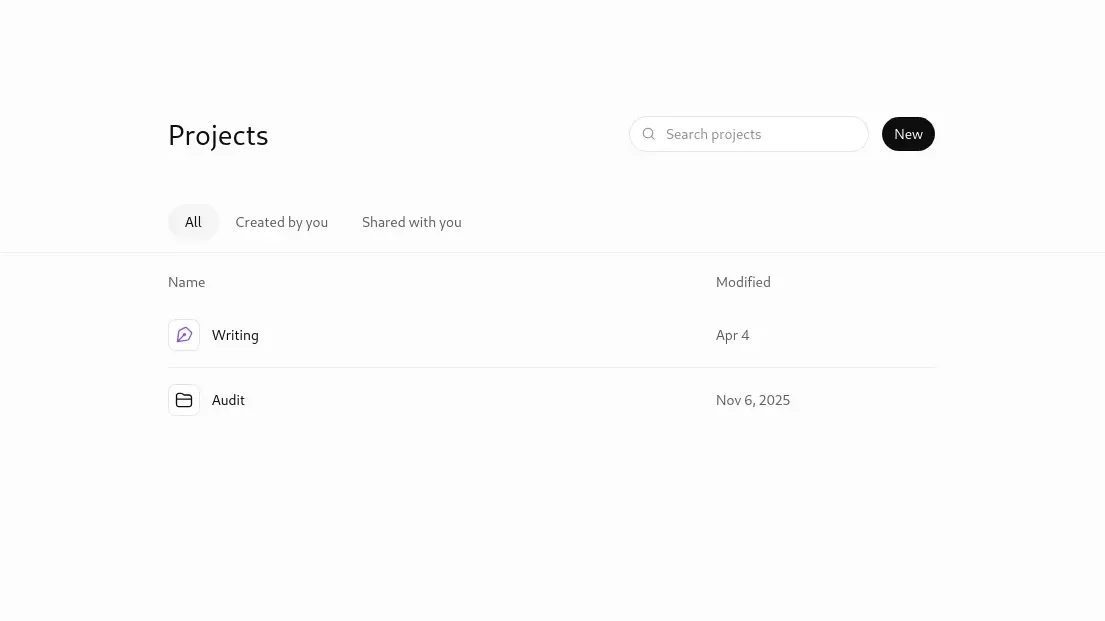
Why it’s useful: It handles the widest range of beginner tasks — explaining a concept, drafting an email, outlining an assignment — without needing any setup.
Who it’s for: Complete beginners who want one flexible tool instead of five specialized ones.
When to use it: Whenever you’re staring at a blank page and need a starting point, not a finished answer.
One limitation: The free plan’s message limits are tight enough to interrupt a real study session — expect to hit them if you use it daily.
Google Gemini
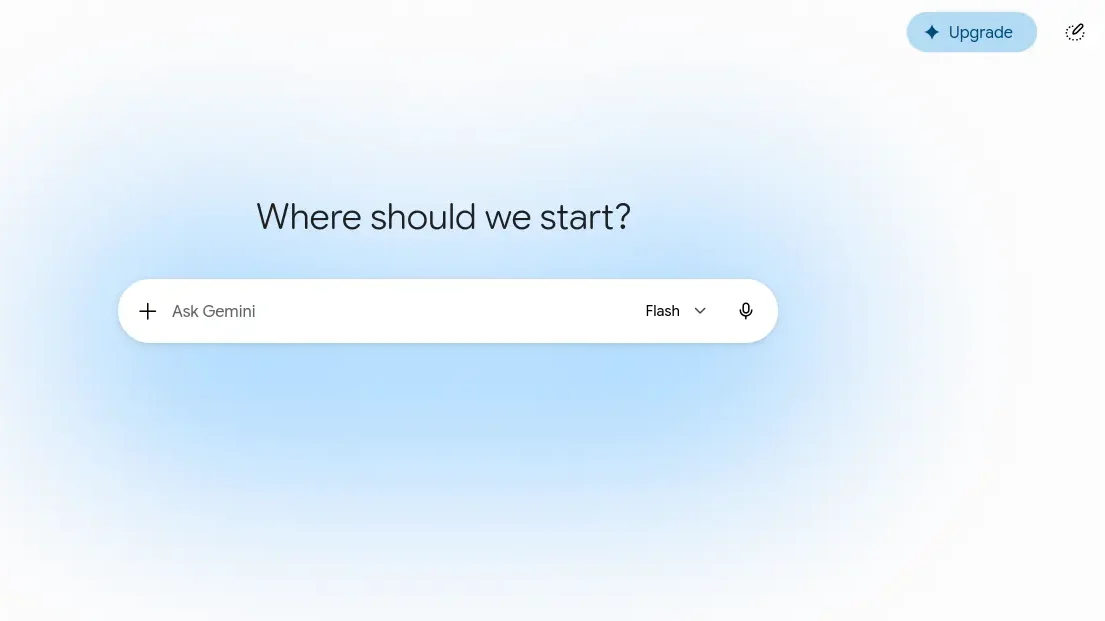
Why it’s useful: It works inside Gmail, Docs, and Sheets directly, so there’s no copy-pasting between apps.
Who it’s for: Students already living inside Google’s ecosystem for assignments and email.
When to use it: Drafting inside a Google Doc, summarizing a long email thread, or organizing a Sheet.
One limitation: If you don’t already use Google Workspace daily, most of its advantage disappears.
Perplexity
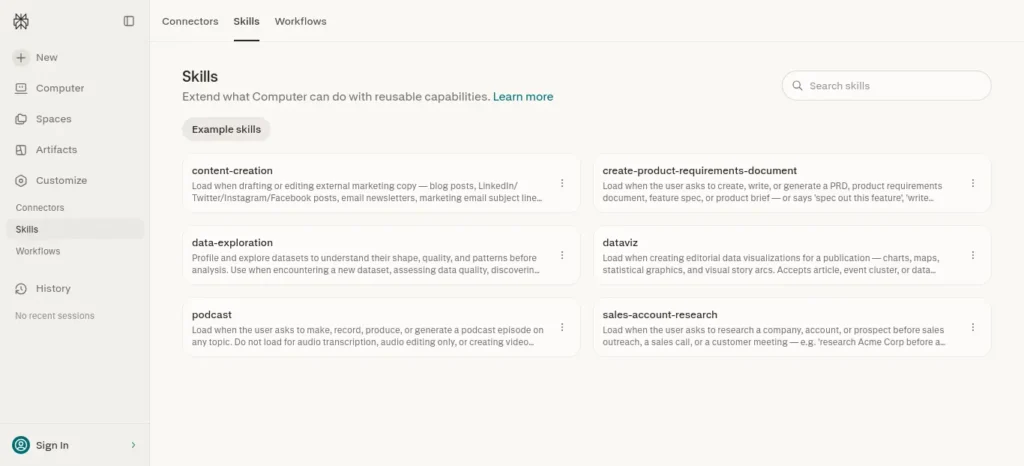
Why it’s useful: Every answer comes with a clickable source, so you can actually verify what it tells you — unlike a plain chatbot.
Who it’s for: Students writing research-based assignments who need to cite real sources.
When to use it: Any time “where did this fact come from” matters for your grade.
One limitation: The free plan caps advanced searches at roughly five per day, so heavy research days will hit a wall.
Grammarly
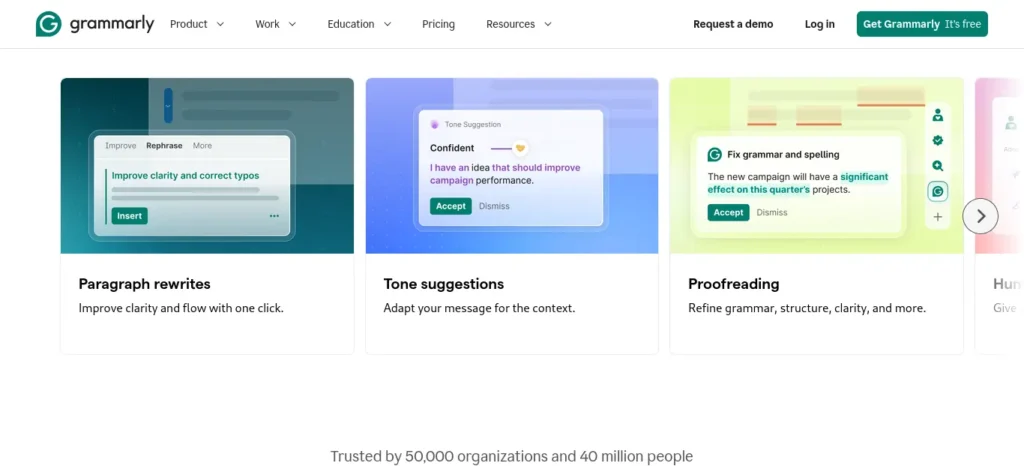
Why it’s useful: It catches the mistakes your own eyes skip past, especially in formal writing like applications and reports.
Who it’s for: Anyone submitting written work that needs to look polished and professional.
When to use it: As your last step, right before you submit — not while you’re still drafting ideas.
One limitation: It edits what you’ve already written; it won’t generate ideas or research for you.
Notion

Why it’s useful: One workspace holds your notes, to-do lists, and project trackers instead of scattering them across five apps.
Who it’s for: Students juggling multiple subjects or projects who keep losing track of things.
When to use it: Setting up a semester plan, a shared group project space, or a running notes archive.
One limitation: As of 2026, full Notion AI features sit behind the ₹1,920/user/month Business plan — the free plan gives only a limited AI trial.
Don’t make the mistake of managing every task manually—it quickly becomes overwhelming as your workload grows.explore AI Tools for Organizing Daily Tasks Automatically: 6 Best Picks (2026) before choosing your next productivity app.
Canva (Magic Studio)
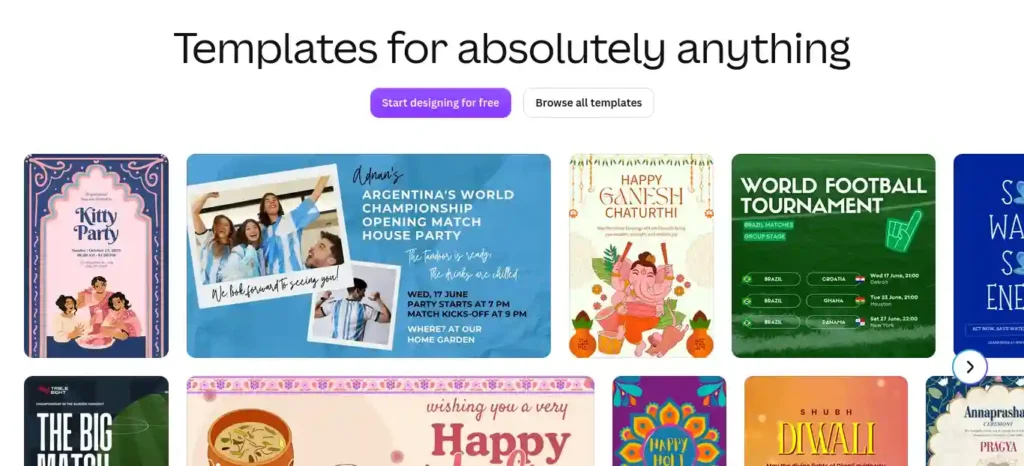
Why it’s useful: It turns “I have no design skills” into a finished presentation or poster in minutes.
Who it’s for: Anyone who needs visual assignments to look professional without learning design software.
When to use it: Presentations, posters, infographics, or social posts for a club or project.
One limitation: Premium templates and larger storage are capped on the free plan — fine for occasional use, tight for frequent creators.
Otter.ai
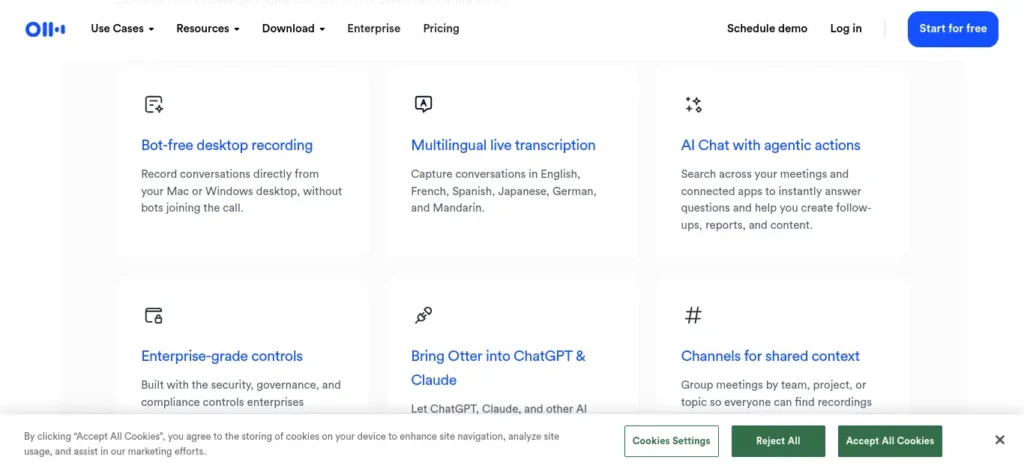
Why it’s useful: It turns spoken lectures into searchable, editable text automatically.
Who it’s for: Students who regularly attend long lectures or recorded sessions they want to revisit.
When to use it: Live during a lecture, or joining a recorded Zoom/Meet/Teams session directly.
One limitation: The free plan allows only 3 file imports for your entire account — ever, not per month — so it’s better for live use than importing old recordings.
Common Mistakes Students Make
- Installing five tools in one sitting. You end up mastering none of them.
- Forgetting to cancel a free trial. This is exactly what happened to Ananya — set a calendar reminder the day you sign up.
- Copying AI output without checking it. AI tools, including the ones on this list, can state things confidently and still be wrong.
- Upgrading to a paid plan before hitting a real limit. You’re paying for potential you haven’t used yet.
- Using AI to skip understanding, not just skip repetition. If you can’t explain what the AI wrote, you haven’t actually learned it.
Want to study smarter instead of studying longer? Discover how to use AI to improve academic productivity and build a simple study system that helps you stay organized, learn faster, and achieve better results.
Pro Tips (Beyond the Obvious)
- Rename your chat threads. Both ChatGPT and Gemini let you rename conversations — a proper title makes old work easy to find again for a similar assignment.
- Stack free plans instead of paying for one. A free ChatGPT account plus a free Perplexity account often covers more than a single paid subscription, especially at the start.
- Use voice input on mobile. Typing long prompts is slow; most of these apps accept dictation, which is faster for brainstorming out loud.
- Set yourself a two-tool cap for the first month. It forces you to actually learn a tool instead of tool-hopping.
- Screenshot the pricing page the day you sign up. Free-to-paid transitions aren’t always obvious, and having a record helps you catch billing surprises early.
Is the Paid Plan Worth It?
Free plan: Enough for most beginners for the first several weeks, sometimes months, of real use.
Paid plan: Worth it only once you hit the same limit — a message cap, a file cap, a feature you need — more than once a week, consistently.
If you haven’t felt a specific wall yet, you’re not ready to pay. You’re paying for a feature you might use, not one you do use.
Myth vs. Reality
❌ Myth: More AI tools mean more productivity.
✅ Reality: One tool used consistently beats five tools used occasionally, every time.
❌ Myth: AI tools do your studying for you.
✅ Reality: They remove repetitive work — outlining, formatting, first drafts — so you have more time for the parts that actually require understanding.
❌ Myth: Free plans are just crippled demos.
✅ Reality: Every free plan in this guide supports real, regular use — the limits show up only once you’re using the tool seriously.
Your First Month: A Simple Rollout
Instead of trying everything at once, build up gradually:
Week 1 — ChatGPT or Gemini. Use it daily for one real task: an outline, a summary, an explanation of a topic you’re stuck on.
Week 2 — Add Perplexity. Bring it in specifically for anything needing verified sources.
Week 3 — Add Grammarly. Use it as your final polish step on anything you submit.
Week 4 — Add Canva only if you have a visual assignment due. Otherwise, stay with your first three tools longer.
Most students use AI as a simple chatbot, but the real advantage comes from following a complete workflow. Discover our AI study workflow for students and learn how to capture notes, create quizzes, schedule revision, and prepare for exams more effectively.
Frequently Asked Questions
What are the best AI productivity tools for beginners right now? ChatGPT or Gemini for writing, Perplexity for research, Grammarly for polishing, and Canva for visuals — start with one and add the others only as a specific need shows up.
Which AI tool should a complete beginner start with? ChatGPT or Google Gemini — both handle the widest range of everyday tasks with the smallest learning curve, so you can build a habit before adding anything else.
What’s the best free AI tool for students? For general writing and thinking, ChatGPT’s free plan; for research with sources, Perplexity’s free plan. Both are usable for real coursework, not just demos.
Do I need to pay for AI tools as a student? Not immediately. Every tool in this guide has a free plan capable of real use — upgrade only after you consistently hit a specific limit.
Can AI tools replace studying? No. They remove repetitive work like outlining and formatting, but understanding the material is still on you.
How many AI tools should a beginner use at once? Start with one, add a second only after a full week of real use, and cap yourself at two or three tools for your first month.
Is Notion still good for students if the AI features cost extra? Yes — the free plan’s note-taking and organization features are strong on their own, even without the Business-tier AI add-on.
Preparing for semester exams? Don’t miss our detailed guide on the best AI tools for students that can help you summarize notes, create flashcards, solve doubts, and revise faster before exams.
One Thing to Remember
If you take away only one idea from this guide: productivity doesn’t come from using more AI tools — it comes from consistently using the right one.
Your Next Step
Pick one tool from this guide. Use it today, on something real you actually have to do. Wait a full week before considering a second one.
Want to reclaim at least one extra hour every single day? Check out our detailed guide on the AI tools that can save you at least one hour every day in 2026 before choosing your workflow.
FutureFastAI Perspective
Every beginner we’ve seen succeed with AI tools followed the same pattern: they picked one tool before they picked a second, and they used it on real work in week one — not a test question. The tool mattered less than the discipline of sticking with it.
What’s New in 2026 (Worth Knowing)
- ChatGPT’s free tier now shows ads in some regions, alongside message limits
- Notion moved full AI features behind its Business plan — the old standalone AI add-on for individuals is gone
- Perplexity introduced Education Pro at roughly half the price of standard Pro, for verified students
- Canva’s India pricing is localized directly in INR, not a straight dollar conversion
How We Researched This Guide
Pricing and free-plan details were gathered through live research in July 2026 and cross-checked across multiple independent sources where a tool’s own pricing page couldn’t be directly retrieved. Where sources disagreed, that disagreement is stated rather than guessed at.
Who This Guide Is Best For
School and college students, complete beginners to AI, budget-conscious learners, and anyone who wants a short, filtered list instead of a 20-tool roundup.
Who May Not Need This Guide
Advanced professionals with existing enterprise AI toolchains, developers needing API-level workflows, and teams evaluating collaborative or admin-level business plans.
Privacy & Security Reminder
Before uploading anything personal — ID documents, academic records, financial details — check the platform’s privacy policy first. Don’t assume a tool is private by default just because it’s free.
Editorial Standards
Tools here were evaluated on beginner ease of use, real free-plan usefulness, pricing transparency, and long-term reliability — not on advertising spend or popularity alone.
Affiliate Transparency
This guide does not currently include any confirmed affiliate links. If that changes, a plain disclosure will appear here before publishing.
Last Reviewed: July 21, 2026 |
Help Keep This Guide Accurate
Spotted outdated pricing, a broken link, or a major feature change? Let us know so this guide stays accurate for the next reader.






3 Comments