

AI Tools for Organizing Daily Tasks Automatically: Why Your To-Do List Keeps Failing You
It’s 11 PM. You have three tabs open — one for the assignment due at midnight, one for tomorrow’s quiz, one for a WhatsApp group asking who’s doing the group project slide. You had a to-do list this morning. You haven’t opened it since lunch.
That’s not a discipline problem. That’s a re-planning problem — and it’s the actual thing these tools are built to solve, even though most articles about them never say that part out loud.
If you’re searching for AI tools for organizing daily tasks automatically, the real problem usually isn’t your to-do list — it’s the constant need to re-plan your day.
Want to reclaim at least one extra hour every single day? Check out our detailed guide on the AI tools that can save you at least one hour every day in 2026 before choosing your workflow.
The Real Reason Your Task List Keeps Falling Apart
Here’s the direct answer, if you’re skimming: your to-do list doesn’t fail because you’re lazy. It fails because every time your day changes, you have to manually re-decide what matters — and that decision has a cost, even when it feels small.
Psychologists call this attention residue — part of your brain stays stuck on the last thing you were doing, even after you switch tasks. A to-do list that requires constant manual reordering multiplies that cost every single time something shifts.
AI task tools change one specific thing: they take over the re-deciding, not just the listing. That’s the actual value, and it’s worth understanding before you pick a tool, because tools differ a lot in how much re-deciding they actually take off your plate.

What Changes When AI Actually Manages Your Tasks (Not Just Lists Them)
Not all “AI” task tools do the same job. Some just summarize your list. Others actively rebuild your schedule when something changes. Knowing the difference before you choose saves you from picking the wrong tool for your actual problem.
Three tiers, in order of how much they actually do for you:
- Capture tools — you type a task, AI cleans it up (adds a date, a priority). You still decide when to do it.
- Prioritization tools — AI ranks what matters based on deadlines and effort. You still place it on your day.
- Auto-scheduling tools — AI places tasks directly on your calendar and moves them when your day changes.
Want to study smarter instead of studying longer? Discover how to use AI to improve academic productivity and build a simple study system that helps you stay organized, learn faster, and achieve better results.
Most students think they need tier three. Most students actually just need tier one, done consistently — which is worth sitting with before you spend money on the most advanced option.
AI Tools for Organizing Daily Tasks Automatically: The Best Options in 2026
Each tool below is explained by fit, not just features: why it exists, who it’s actually for, when to reach for it, and the one limitation you should know before committing time to setup.
Todoist — for consistent daily capture
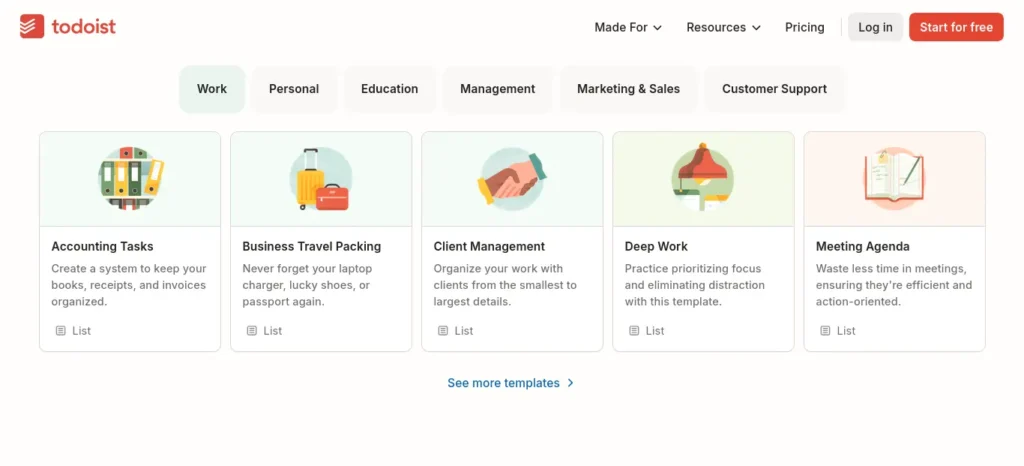
Why it works: Todoist’s natural-language input turns a typed sentence like “submit report every second Thursday” into a scheduled, recurring task without menus. That single feature is why it has stayed relevant for over a decade.
Who it’s for: Students who lose tasks not because they don’t have a system, but because logging a task takes too many steps in whatever app they’re currently using.
When to use it: The moment a task enters your head — mid-class, mid-commute, mid-conversation. Todoist is built for speed of capture, not depth of planning.
One limitation: It won’t place tasks on your calendar for you. You still decide when — Todoist only helps you decide what and whether it’s done.
Try the free plan first — it covers most single-semester workloads before you’d need to upgrade.
TickTick — for students who also need habits and focus time
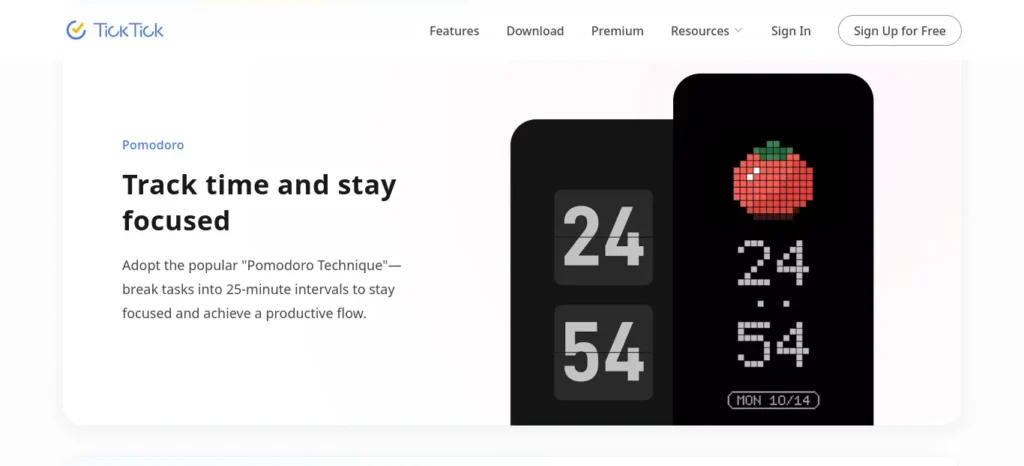
Why it works: TickTick bundles task management with a built-in Pomodoro timer and habit tracker, so exam-season focus sessions and daily revision streaks live in the same app as your assignment deadlines.
Who it’s for: Students already using a separate Pomodoro app or habit tracker who’d rather consolidate three apps into one.
When to use it: Exam prep periods, where focus sessions and recurring revision tasks matter as much as one-off deadlines.
One limitation: Calendar view and two-way Google Calendar sync sit behind the paid tier — the free plan covers task capture well but not calendar-based planning.
Try the free tier first to see if the built-in Pomodoro timer and habit tracker are enough before paying for calendar sync.
Struggling to finish assignments before the deadline? Discover the best AI tools for assignment planning and deadline management that help you organize tasks, prioritize work, and submit projects on time.
BeforeSunset AI — for students who consistently overcommit
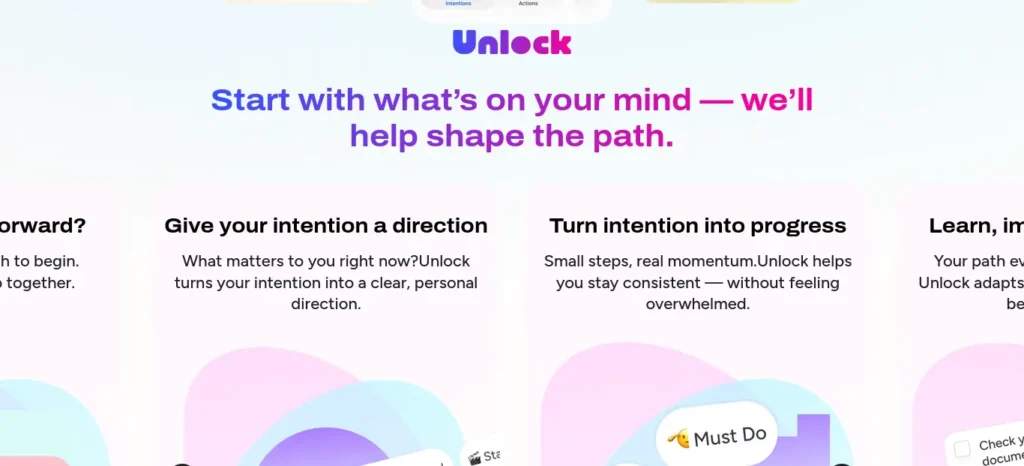
Why it works: Instead of letting your list grow indefinitely, BeforeSunset AI’s “Plan My Day” feature actively reschedules tasks that don’t fit, which directly targets overcommitment rather than just tracking it.
Who it’s for: Students who write down everything they should do and then feel bad about an impossible list by 9 AM.
When to use it: At the start of your day, as a genuine planning ritual — not as a place to dump every task you think of, which defeats its purpose.
One limitation: It’s a newer, smaller company with fewer integrations than Todoist or Google’s tools, and some users report the AI’s sense of priority doesn’t always match their own — worth double-checking its suggestions rather than accepting them blindly.
Try the free Basic plan first to see if its sense of priority actually matches yours before upgrading.
Google Tasks — for zero-setup, zero-cost task capture
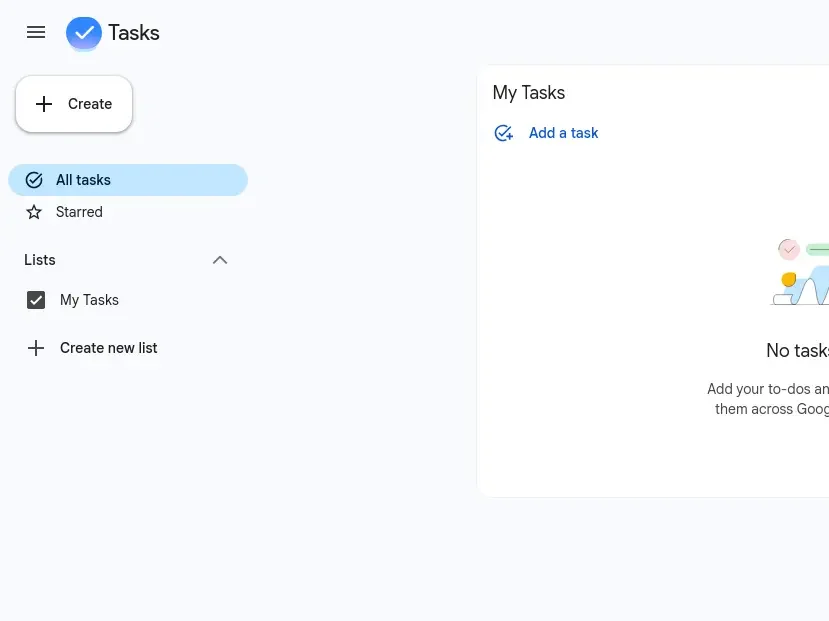
Why it works: It lives inside Gmail and Google Calendar, which most students already have open all day — there’s no new app to learn or remember to check.
Who it’s for: Students who want the lowest-friction possible starting point before committing to anything more complex.
When to use it: Week one of trying to build any task habit at all, before deciding whether you actually need a dedicated tool.
One limitation: There’s no real AI-driven prioritization or auto-scheduling — it’s closer to a smart checklist than a planning assistant.
Try it for a week to see whether it’s enough on its own before adding a dedicated tool.
Motion — for students whose days are dictated by a packed calendar
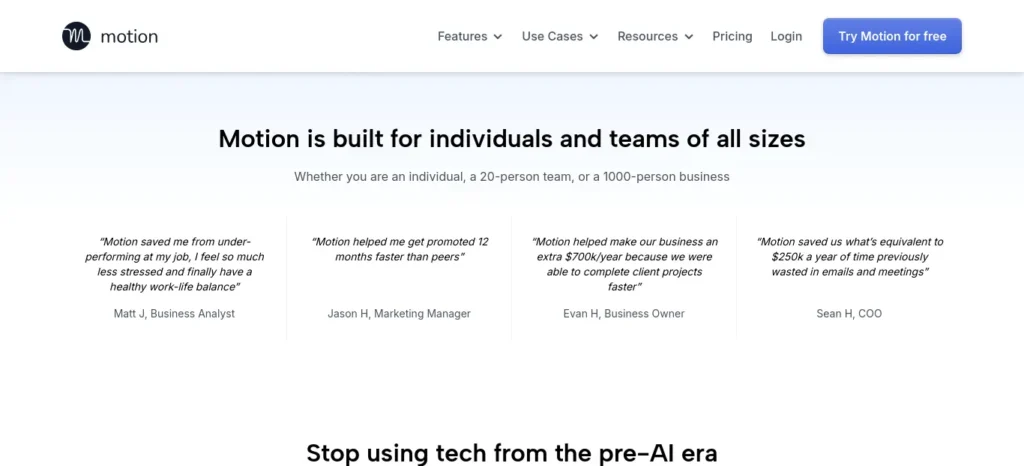
Why it works: Motion places tasks directly onto your calendar and automatically reshuffles your day when a class runs long or plans change, removing the daily manual re-planning step almost entirely.
Who it’s for: Students with heavy, unpredictable schedules — labs, clinical rotations, part-time shifts — where a static to-do list breaks down fast.
When to use it: When your bottleneck is genuinely scheduling, not task capture — if you already know what needs doing but struggle to find time for it.
One limitation: There’s no free plan, and multiple reviewers note a real setup and learning curve before it becomes genuinely useful — a cost worth weighing against a student budget.
Try the free trial first to see whether it fits your workflow before committing to a paid plan.
Understanding a lesson is only the first step. The real challenge is turning it into revision material. For that, read How to Turn Class Notes into Exam Revision Notes with AI: Powerful 2026 Student Success Guide and see how students are converting class notes into powerful exam-ready summaries.
Saner.AI — for turning messy notes into scheduled tasks
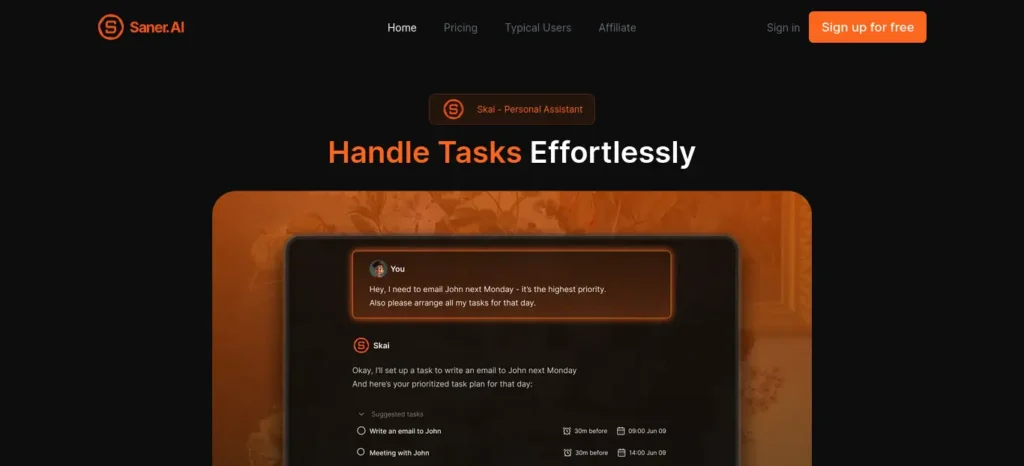
Why it works: Rather than requiring you to manually enter each task, Saner.AI is built to turn unstructured notes and brain-dumps into scheduled items — useful if your real bottleneck is converting thoughts into tasks, not managing a list you’ve already built.
Who it’s for: Students whose task capture happens in scattered notes apps, voice memos, or half-finished lists, rather than a clean single list.
When to use it: During a weekly “brain dump” review, converting a week’s worth of scattered notes into an actual schedule.
One limitation: It’s positioned specifically for ADHD-friendly workflows, so students without that specific need may find some features unnecessary overhead.
Try the free tier first to see whether the notes-to-tasks workflow actually fits how you think before paying for more AI credits.
Quick Comparison
📥 Todoist
Best for: Fast daily task capture
Free plan: Yes — up to 5 projects
Auto-schedules your calendar: No
Starting paid price: ~$4–5/month (~₹385–480/month), billed annually
🍅 TickTick
Best for: Tasks + Pomodoro + habits, bundled
Free plan: Yes — up to 9 lists
Auto-schedules your calendar: No (calendar view is paid-only)
Starting paid price: ~$3/month (~₹290/month), billed annually
🌙 BeforeSunset AI
Best for: Preventing overcommitment
Free plan: Yes — 300 AI credits/month
Auto-schedules your calendar: Partial — reschedules within the day
Starting paid price: ~$8–10/month (~₹770–960/month)
✅ Google Tasks
Best for: Zero-setup task capture
Free plan: Yes — fully free
Auto-schedules your calendar: No
Starting paid price: Free ($0 / ₹0)
📆 Motion
Best for: Full calendar auto-scheduling
Free plan: No
Auto-schedules your calendar: Yes
Starting paid price: ~$19–29/month (~₹1,825–2,785/month)
🧩 Saner.AI
Best for: Turning notes into scheduled tasks
Free plan: Yes
Auto-schedules your calendar: Partial
Starting paid price: ~$8/month (~₹770/month)
USD prices are as listed on each tool’s official pricing page; INR figures are calculated at approximately ₹96 per $1 (live rate as of July 15, 2026) since these tools bill in USD with no fixed INR rate — actual charged amount depends on the exchange rate at the time of billing and any card conversion fees. Confirm current pricing on each tool’s official page before subscribing.
Which Type of Planner Are You? (2-Minute Self-Check)
Answer honestly, based on last week — not how you wish you worked:
- When a task pops into your head, what actually happens? a) I forget it within the hour → you need a capture tool (Todoist, Google Tasks) b) I write it down but never look at it again → you need a scheduling tool (Motion, BeforeSunset AI) c) I write it in three different places → you need a consolidation tool (Saner.AI, TickTick)
- What usually derails your day? a) A task took longer than expected → auto-scheduling tools help most (Motion) b) I added too much to today → overcommitment-focused tools help most (BeforeSunset AI) c) I simply forgot something existed → capture-first tools help most (Todoist, Google Tasks)
If you picked mostly (a) in question one and (a) in question two, start with Motion.com
Mostly (b) and (b) points to BeforeSunset AI.
Mostly (c) and (c) points to Google Tasks or Saner.AI as your starting point.
Common Mistakes Students Make With AI Task Tools
Running three tools at once. Using Todoist, Notion, and a paper planner simultaneously creates more re-planning work than having no system at all — pick one and give it two full weeks before judging it.
Importing every task on day one. Dumping a semester’s worth of assignments, chores, and vague goals into a new tool on day one overwhelms both you and the AI’s suggestions — start with just this week’s real deadlines.
Marking urgency on everything. If every task is tagged “urgent,” the AI has nothing left to actually prioritize against — reserve urgent tags for things with real same-day consequences.
Trusting AI schedules without a sanity check. AI can misjudge how long a task will genuinely take you, especially in your first few weeks of use — treat early suggestions as a draft, not a final answer.
Finding the right AI tools is only part of the equation. If distractions keep interrupting your study sessions, don’t miss our guide on AI Tools for Distracted Students, where you’ll discover powerful AI apps that block distractions, improve concentration, and help you stay focused for longer study sessions.
Pro Tips Most Articles Don’t Mention
Do a two-minute nightly review, not a weekly overhaul. Marking tasks complete the same day you finish them (not days later) is what actually improves an AI tool’s time estimates over time — a weekly catch-up session doesn’t give it the same quality of data.
Write specific task titles, not vague ones. “Finish Chapter 4 problem set” gives an AI tool something real to schedule around; “study” gives it nothing to work with, and you’ll get generic suggestions back.
Test a tool during a normal week, not exam week. Exam week is the worst time to judge whether a new system fits your life — you’re not seeing how it handles your actual day-to-day chaos, just crisis mode.
Check calendar integration before subscribing, not after. A tool that doesn’t sync with the calendar you already use (Google, Outlook, your college’s timetable app) will always feel like extra work, no matter how good its AI is.
Frequently Asked Questions About AI Task Management Tools
What Is the Best Free AI Tool for Students to Organize Daily Tasks?
Todoist and Google Tasks both offer genuinely usable free tiers for individual students, with Todoist’s free plan covering up to five projects — enough for most single-semester workloads. For deeper auto-scheduling, Motion is the stronger (paid) option.
Can AI actually schedule my day automatically, or do I still have to do it myself?
It depends on the tool. Todoist and Google Tasks help you organize and prioritize but leave scheduling decisions to you, while Motion is built specifically to place tasks on your calendar automatically.
Do AI task managers work well for ADHD or overwhelm?
Some are built specifically for this — Saner.AI focuses on converting scattered notes into scheduled tasks, and BeforeSunset AI focuses on preventing overcommitment, which are two different but related problems worth distinguishing.
Is it worth paying for an AI task manager as a student?
Only if the free tier of a tool you’ve actually tested for two weeks is genuinely limiting you — jumping straight to a paid plan before testing a free tier first usually means paying for features you won’t use.
Which AI tool integrates best with Google Calendar?
Motion is built calendar-first with auto-scheduling; Todoist and TickTick offer calendar sync as an add-on feature rather than their core design.
Struggling to finish assignments before the deadline? Discover the best AI tools for assignment planning and deadline management that help you organize tasks, prioritize work, and submit projects on time.
Conclusion
The best AI tools for organizing daily tasks automatically won’t magically make you productive — they simply make it easier to stay organized and adapt when your plans change. The tool itself matters less than picking one and using it consistently for two real weeks — including a normal, boring week, not just exam season. Start with whichever tool matched your self-check above, use only your real deadlines from this week, and judge it after that, not before.
FAQ-Adjacent: Featured Snippet Answer
AI tools for organizing daily tasks automatically are apps that use artificial intelligence to prioritize, schedule, or reschedule your to-do list based on deadlines, workload, and calendar availability — going beyond a static list by adapting as your day changes.






4 Comments