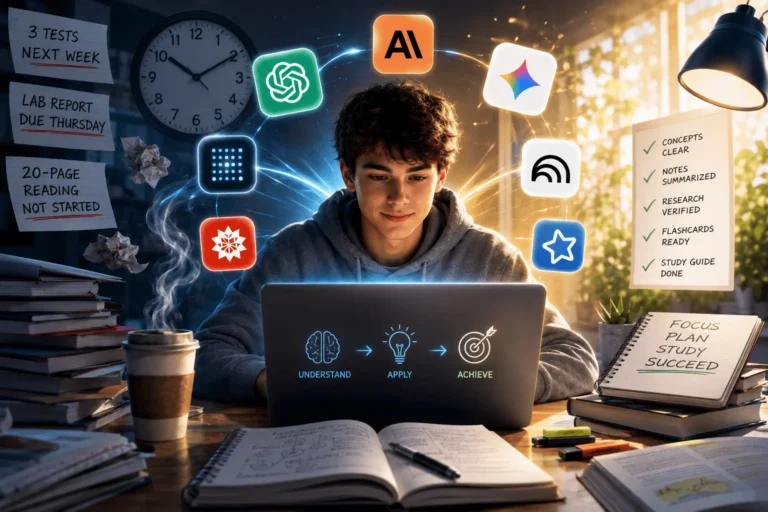
AI Tools for Students with Poor Concentration: 9 Best Apps to Improve Focus in 2026
Introduction
Have you ever opened your laptop to study for an important exam, only to find yourself watching random videos or scrolling through social media an hour later? If that sounds familiar, you’re certainly not alone. In today’s digital world, distractions are everywhere. Every notification, message, and endless stream of content competes for your attention, making it increasingly difficult to stay focused on your studies.
Many students mistakenly believe they simply “lack discipline.” In reality, concentration is a skill that can be strengthened with the right environment, habits, and tools. Just as athletes rely on specialized equipment to improve performance, students can now use artificial intelligence to create smarter and more effective study routines.
Modern AI tools for students with poor concentration do far more than set timers or block distracting websites. They can organize notes automatically, generate personalized quizzes, create structured study schedules, summarize lengthy chapters, and even adjust learning sessions based on your progress. Instead of fighting distractions alone, these intelligent assistants work alongside you, making studying feel less overwhelming and more achievable.
Imagine preparing for your final exams with an AI assistant that reminds you when to review difficult topics, generates practice questions in seconds, and encourages regular breaks before mental fatigue sets in. Rather than constantly deciding what to study next, you can focus your energy on learning. That shift alone can make a noticeable difference in both confidence and academic performance.
However, not every AI app is worth your time. Some are designed primarily for productivity, while others specialize in memory improvement, note organization, or distraction management. Choosing the wrong tool often leads to frustration, while selecting the right combination can completely transform your study experience.
In this guide, you’ll discover nine of the best AI-powered focus apps available in 2026. More importantly, you’ll learn when to use each one, who it suits best, and how to combine them into a practical study system that supports long-term success instead of offering only short-term motivation.
Quick Answer
If you struggle to stay focused while studying, AI tools can help reduce distractions, organize your workload, create study plans, generate quizzes, summarize notes, and improve memory through active recall.
The best AI tools for students with poor concentration include( ChatGPT, Forest, Notion AI, Motion, Quizlet AI, Goblin Tools, Grammarly, Memrise, and Google Calendar,)each designed to solve a different focus challenge.
Important Note
AI can make studying easier, but it cannot replace concentration, critical thinking, or consistent effort. Use these tools to support your learning—not to avoid it.
What You’ll Learn
By the end of this guide, you’ll understand why students lose concentration, how AI helps improve focus, which AI tools are worth using, how to build an effective AI-powered study workflow, and which apps best match your learning style.
Who Should Read This Guide?
This guide is ideal for students who get distracted easily, struggle to finish study sessions, procrastinate frequently, feel overwhelmed by assignments, or want to build better study habits using AI tools.
Who This Guide Isn’t For
This guide isn’t for students looking for shortcuts or expecting AI to do their studying. These tools are designed to improve focus and productivity—not replace genuine learning.
Signs You Have Poor Concentration
You may struggle with concentration if you:
• Keep checking your phone while studying.
• Open multiple tabs without finishing any task.
• Forget what you just read.
• Feel mentally exhausted after short study sessions.
• Constantly procrastinate difficult subjects.
• Spend more time planning than actually studying.
• Lose motivation after a few minutes.
Why Students Lose Concentration More Than Ever
Concentration problems are far more common today than they were a decade ago, and the reason isn’t simply a lack of willpower. Students are learning in an environment filled with constant interruptions. A single study session can be interrupted by messaging apps, social media notifications, emails, online videos, and countless browser tabs competing for attention.
Our brains aren’t naturally designed to switch rapidly between different tasks. Each interruption forces the mind to refocus, and that transition takes time and mental energy. What begins as “just checking one notification” often turns into several minutes—or even an hour—of lost productivity.
The shift toward digital education has also created new challenges. While online resources provide incredible access to information, they also place distractions just one click away. Students frequently move between lecture videos, assignments, entertainment platforms, and social media without realizing how much cognitive energy is being consumed by multitasking.
Another overlooked factor is mental overload. Many learners try to memorize large amounts of information in a single sitting without using proven learning techniques. This often leads to fatigue, frustration, and reduced concentration. Instead of studying smarter, they spend longer hours achieving fewer results.
Understanding these challenges is important because it changes the solution. Improving concentration isn’t about forcing yourself to work harder. It’s about designing a study environment that minimizes distractions and supports sustained attention. This is where AI-powered study tools have become increasingly valuable—they reduce decision fatigue, automate repetitive tasks, and help students stay focused on meaningful learning.
As you’ll see in the next section, artificial intelligence isn’t replacing effective study habits. Instead, it’s becoming a practical partner that helps students build those habits more consistently.
Can AI Really Improve Focus?
Artificial intelligence cannot magically eliminate distractions or guarantee perfect concentration. However, it can remove many of the obstacles that cause students to lose focus in the first place. By automating repetitive tasks, organizing study materials, and providing personalized guidance, AI allows students to spend more time learning and less time managing their workload.
Think about the amount of mental energy spent deciding what to study next, creating revision schedules, rewriting notes, or searching for explanations online. These seemingly small decisions accumulate throughout the day, leading to decision fatigue. AI tools reduce this burden by offering instant summaries, generating study plans, creating quizzes, and prioritizing tasks automatically.
For example, a student preparing for multiple exams might use an AI planner to organize deadlines, an AI note-taking assistant to summarize lectures, and an AI flashcard generator to reinforce memory through active recall. Instead of juggling several manual processes, the student follows a structured workflow that keeps attention focused on learning.
That said, AI has its limitations. It cannot replace deep thinking, genuine understanding, or consistent effort. Students who rely entirely on AI-generated answers without engaging with the material are unlikely to achieve meaningful learning outcomes. The most successful learners treat AI as a supportive assistant rather than a substitute for studying.
When used thoughtfully, AI becomes a powerful productivity partner. It encourages better habits, reduces unnecessary stress, and creates an environment where concentration becomes easier to maintain. In the next section, we’ll explore the key features that separate truly effective AI focus apps from those that simply add more digital noise.
Most students use AI as a simple chatbot, but the real advantage comes from following a complete workflow. Discover our AI study workflow for students and learn how to capture notes, create quizzes, schedule revision, and prepare for exams more effectively.
The FOCUS AI Framework (follow this for 7 days)
F — Find your biggest distraction.
O — Organize your study materials.
C — Create distraction-free study sessions.
U — Use AI for active learning.
S — Stay consistent with daily review.
Benefits of AI Focus Apps
The right AI tools can help you:
- Reduce digital distractions
- Improve concentration
- Organize study materials
- Save planning time
- Build better study habits
- Improve memory retention
- Reduce decision fatigue
- Increase study consistency
- Feel less overwhelmed during exam season
What Makes a Great AI Focus App?
Not every app that claims to improve concentration actually helps students study better. Some applications simply add more notifications, complicated dashboards, and unnecessary features that become distractions themselves. The best AI tools for students with poor concentration solve real problems instead of creating new ones.
A great AI focus app should simplify your study process. It should reduce the number of decisions you make during a study session, help you stay organized, and encourage consistent learning habits. The less time you spend figuring out what to do next, the more mental energy you can devote to understanding your subjects.
Another important factor is personalization. Every student learns differently. Some students remember information by reading, while others learn better through quizzes, videos, or visual explanations. Modern AI tools analyze your learning behavior and adapt recommendations based on your progress. This personalized approach often produces better results than a one-size-fits-all study method.
Ease of use also matters. Students already deal with assignments, exams, and deadlines. A complicated app with a steep learning curve can quickly become another source of stress. The most effective AI tools have clean interfaces that allow students to get started within minutes.
Privacy is another consideration many students overlook. Since AI apps often process personal notes, assignments, and study materials, it’s important to choose platforms with transparent privacy policies and reliable security practices.
Before downloading any app, ask yourself a few practical questions:
- Does it solve a specific study problem?
- Will I actually use it every day?
- Does it save time?
- Does it reduce distractions instead of creating more?
- Can it grow with my academic needs?
Choosing tools based on these questions helps build a productive digital study environment rather than collecting dozens of unused apps.
New to AI? Start with our Ultimate Beginner Guide to AI Tools for Students to discover the best AI tools for research, note-taking, writing, revision, and productivity—all explained in a beginner-friendly, step-by-step format.
How We Selected These AI Tools
Each tool was evaluated based on:
• Focus improvement
• Ease of use
• AI capabilities
• Student affordability
• Learning effectiveness
• Mobile experience
• Free plan value
• User reviews
• Overall productivity impact
9 Best AI Tools for Students with Poor Concentration
Finding the right app can feel overwhelming because there are hundreds of productivity tools available today. Instead of listing every AI application on the market, this guide focuses on tools that genuinely help students improve concentration, organize study sessions, and learn more effectively.
Each app excels in a different area, so think about your biggest challenge as you read through these recommendations.

1. ChatGPT – Best Overall AI Study Assistant
What It Is
ChatGPT is one of the most versatile AI learning assistants available today. It can explain difficult topics, summarize lengthy chapters, create quizzes, generate study plans, answer questions, and even simplify complex concepts into easy-to-understand language.
For students who often lose concentration because they become stuck on confusing material, ChatGPT removes learning roadblocks quickly.
Why It Matters
Many students lose focus because they spend too much time searching for explanations across different websites.
Instead of opening twenty browser tabs, ChatGPT provides immediate answers in one place.
This reduces frustration and helps students maintain momentum throughout their study session.
How It Works
Students simply type questions like:
- Explain Newton’s Laws in simple English.
- Create a 30-minute biology revision plan.
- Quiz me on world history.
- Summarize this chapter.
Within seconds, AI generates personalized learning support.
Advantages
ChatGPT saves time by acting as a tutor, planner, brainstorming partner, and revision assistant all at once. It supports almost every academic subject and adapts explanations to different learning levels.
Limitations
While incredibly helpful, ChatGPT should not replace textbooks or classroom instruction. Students should verify important facts and avoid copying AI-generated content directly into assignments.
Best For
Students who:
- Lose focus when concepts become confusing.
- Need personalized explanations.
- Want instant study assistance.
Curious Thought
Imagine having a tutor available 24 hours a day who never gets tired of answering questions. That’s exactly why millions of students now include AI in their daily study routines.
But concentration isn’t only about understanding lessons. Sometimes the biggest challenge is simply staying away from distractions.
That’s where the next tool shines.
Want to move beyond simple AI answers? Learn how to use ChatGPT as a personal learning assistant to create study plans, generate quizzes, and master new skills faster.
2. Forest – Best for Reducing Phone Distractions
What It Is
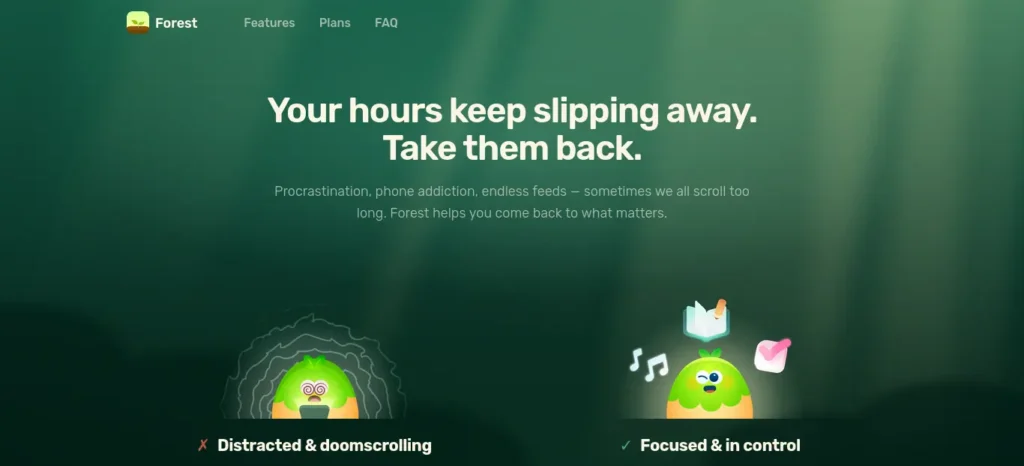
Forest is a focus app that encourages students to stay away from their phones by turning concentration into a simple game.
Whenever you start a study session, you plant a virtual tree.
If you leave the app to browse social media, the tree dies.
Although the concept sounds simple, it’s surprisingly effective.
Why It Works
Our brains respond strongly to visual rewards.
Watching your digital forest grow creates a sense of achievement that encourages longer study sessions.
Many students find themselves thinking twice before opening distracting apps because they don’t want to lose their progress.
Real-Life Example
Suppose you’re preparing for tomorrow’s chemistry exam.
Instead of checking Instagram every ten minutes, you plant a 45-minute tree.
Knowing your tree depends on staying focused creates gentle accountability.
Over several weeks, those small sessions become a healthy study habit.
Advantages
Forest makes studying enjoyable without overwhelming users with complicated productivity systems.
It works particularly well for students who constantly pick up their phones without realizing it.
Disadvantages
Forest doesn’t teach subjects or organize study materials.
Its primary purpose is improving focus by reducing digital distractions.
Best For
Students addicted to checking notifications during study sessions.
3. Notion AI – Best AI Note-Taking Tool for Students with Poor Concentration Best for Organizing Study Notes
One reason students lose concentration is simple disorganization.
Scattered notes, missing assignments, and unclear priorities create mental clutter before studying even begins.
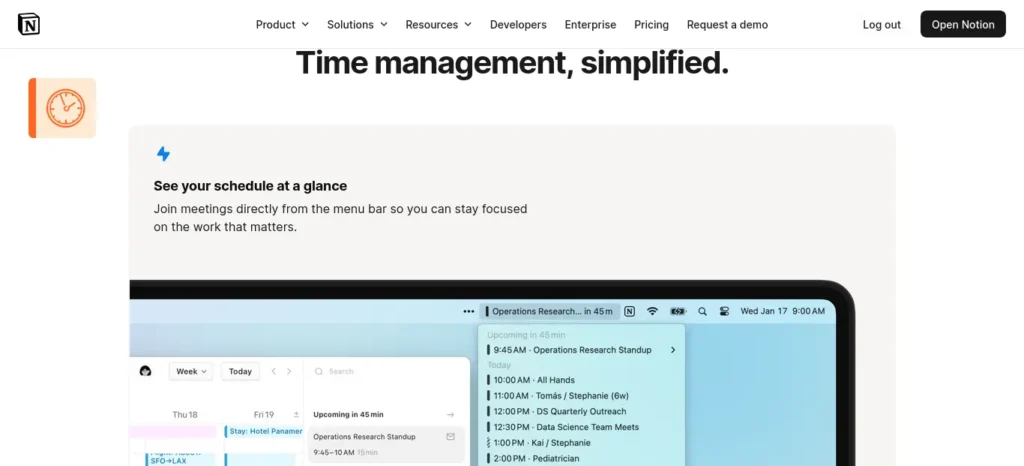
Notion AI solves this problem by acting as an intelligent digital workspace.
Instead of maintaining separate notebooks, calendars, and to-do lists, students can organize everything in one place.
The AI can summarize lecture notes, rewrite messy content into structured documents, generate study plans, brainstorm project ideas, and create revision checklists.
Imagine attending three lectures in one day.
Rather than spending another two hours organizing handwritten notes, Notion AI helps transform rough information into clean, searchable study resources within minutes.
Advantages
Students spend less time organizing and more time learning.
Projects, notes, deadlines, and revision schedules remain connected inside a single workspace.
Limitations
Because Notion offers many features, beginners may need a few days to become comfortable with its interface.
Best For
Students managing multiple subjects simultaneously.
Mini Story
A university student once described spending almost an hour every evening deciding what to study next.
After organizing every subject inside Notion AI, that decision took less than two minutes.
Those saved minutes added up to several extra hours of productive study every month.
Imagine what you could accomplish with that extra time.
Creating good revision notes is one of the biggest time-savers during exam preparation. Learn how to create smart revision notes with AI and turn textbooks, PDFs, and class notes into structured, exam-ready study material in minutes.
4. Motion – Best AI Study Planner for Students with Poor Concentration Best AI Study Planner
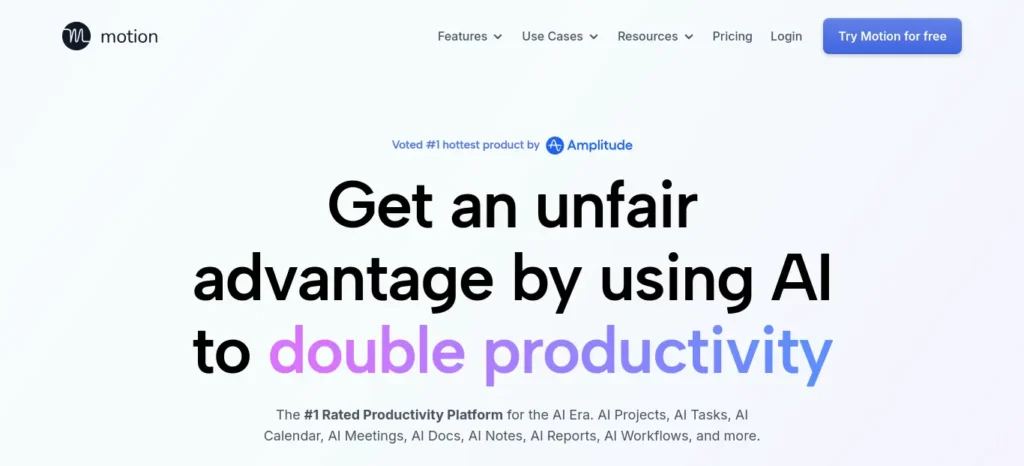
Many students don’t struggle because they’re lazy.
They struggle because they don’t know where to start.
Motion removes that uncertainty by automatically building daily schedules based on deadlines, available time, and task priorities.
Instead of creating study timetables manually, Motion continuously adjusts your schedule whenever plans change.
Suppose a teacher suddenly announces an earlier exam date.
Rather than rebuilding your calendar yourself, Motion reorganizes upcoming study sessions automatically.
This flexibility helps students maintain momentum without feeling overwhelmed.
Advantages
- Smart scheduling
- Automatic rescheduling
- Better time management
- Reduced planning fatigue
Disadvantages
Students who already enjoy planning manually may not use every feature.
Best For
Students balancing college, work, extracurricular activities, and exam preparation.
Most students create a weekly plan but still waste hours because their daily study timetable isn’t optimized. Discover AI Tools for Creating a Study Timetable Automatically: 9 Powerful and Smart Solutions for Students in 2026 to build a smarter schedule that actually works.
5. Quizlet AI –Best AI Study Planner for Students with Poor Concentration Best for Memory Retention
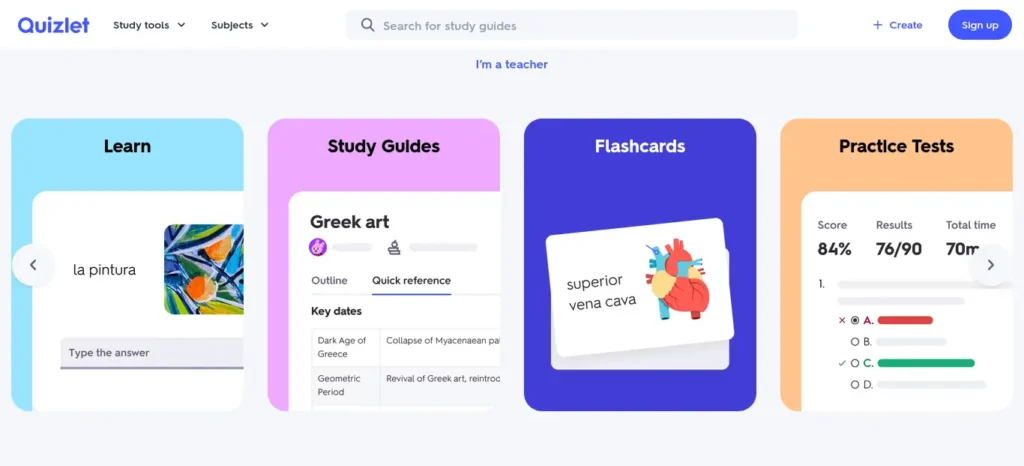
Poor concentration often leads to poor memory.
Students may understand lessons today but struggle to remember them a week later.
Quizlet AI addresses this problem through active recall and spaced repetition.
Instead of repeatedly reading notes, students actively retrieve information through AI-generated flashcards and adaptive quizzes.
Research consistently shows that retrieving information strengthens long-term memory far more effectively than passive reading.
For example, after completing a biology chapter, students can instantly generate hundreds of practice flashcards rather than creating them manually.
This saves valuable revision time while making learning far more interactive.
Advantages
- Faster revision
- Stronger memory
- Personalized quizzes
- Excellent mobile experience
Limitations
Some advanced AI features require a premium subscription.
Best For
Students preparing for exams that require memorization.
Transition
By now you’ve seen that different AI tools solve different concentration problems.
Some remove distractions.
Some improve organization.
Others strengthen memory.
But the next four apps introduce even more specialized ways to stay focused, improve writing, simplify everyday tasks, and make studying feel far less stressful.
6. Goblin Tools – Best for Students Who Feel Overwhelmed
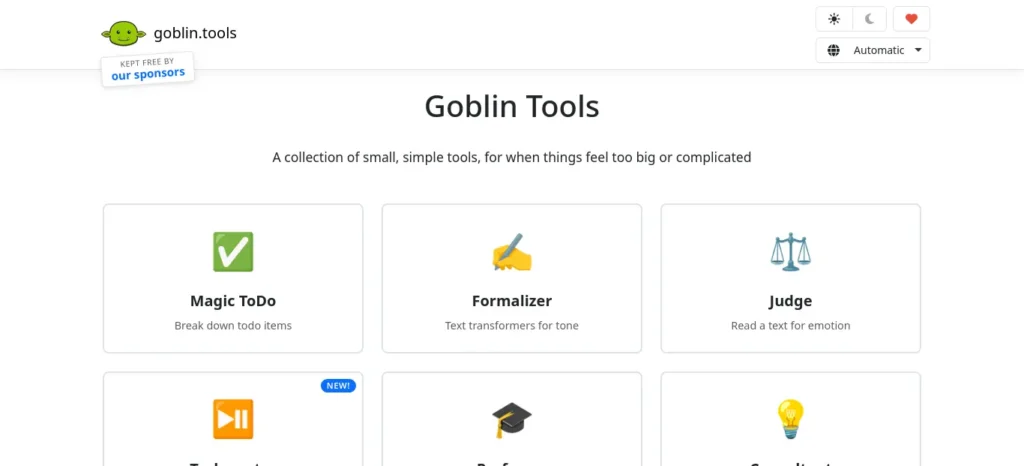
What It Is
Sometimes the biggest reason students lose concentration isn’t social media or a lack of motivation—it’s feeling overwhelmed by large tasks. Looking at an assignment that says “Write a 3,000-word research paper” can make your brain freeze before you even begin.
Goblin Tools is an AI-powered productivity app designed to break large, intimidating tasks into small, manageable steps. Instead of seeing one huge project, students see a clear path forward.
Why It Matters
When tasks feel too big, many students procrastinate. They tell themselves they’ll “start later,” but later often turns into the night before the deadline.
Goblin Tools removes that mental barrier by answering one simple question:
“What’s the very next thing I should do?”
That clarity helps students build momentum.
How It Works
Imagine your task is:
“Prepare for the final biology exam.”
Goblin Tools might divide it into manageable actions like:
- Gather class notes.
- Organize chapters.
- Review Chapter 1.
- Create flashcards.
- Take a practice quiz.
- Review mistakes.
- Repeat for remaining chapters.
Instead of worrying about the entire exam, you focus on completing one small step at a time.
Advantages
Students experience less anxiety because every task feels achievable. Breaking work into smaller actions also creates frequent feelings of accomplishment, which helps maintain motivation.
Disadvantages
Goblin Tools is designed for productivity rather than teaching academic subjects. Students will often combine it with other AI study assistants.
Best For
- Students who procrastinate frequently.
- Students who feel overwhelmed by assignments.
- Learners who struggle with planning.
7. Grammarly – Best AI Writing Assistant
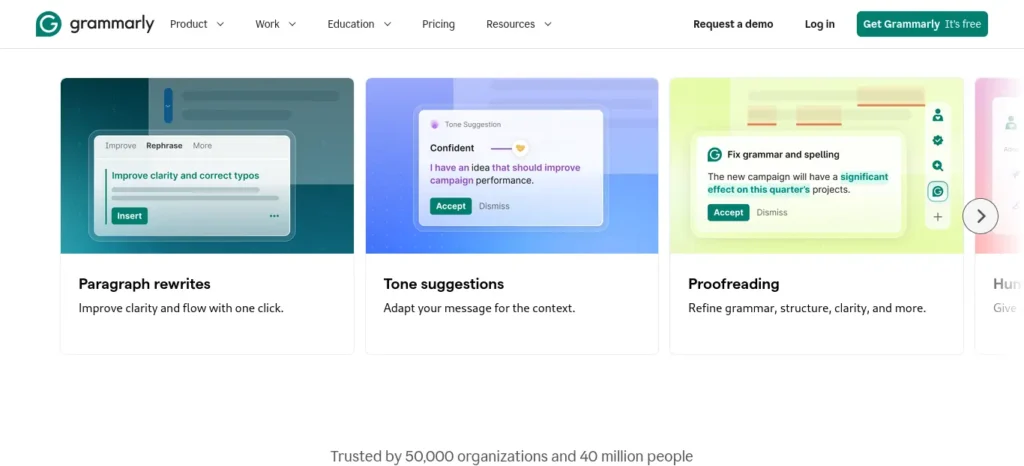
What It Is
Writing assignments require intense concentration. Constantly stopping to check grammar, spelling, or sentence structure interrupts your flow.
Grammarly acts like an AI writing coach, allowing students to focus on expressing ideas while receiving suggestions for clarity, grammar, punctuation, and tone.
Why It Matters
Many students lose confidence because they spend more time worrying about mistakes than developing strong arguments.
Grammarly reduces that mental load.
Instead of interrupting your writing every few minutes, it quietly highlights improvements as you work.
Real-Life Example
Imagine writing an essay for history class.
Rather than repeatedly searching Google for grammar rules, Grammarly instantly suggests clearer wording and correct punctuation.
Your attention stays on your ideas instead of technical details.
Advantages
- Improves grammar.
- Increases writing confidence.
- Makes assignments more professional.
- Saves editing time.
Limitations
Good writing still requires original thinking. Grammarly improves expression but cannot replace critical analysis or creativity.
Best For
Students writing essays, reports, research papers, or scholarship applications.
A Quick Reality Check
Notice something interesting?
None of these tools actually “study” for you.
They simply remove obstacles that make studying harder.
That difference is important.
Students who expect AI to replace learning usually become disappointed.
Students who use AI to improve their learning process often achieve much better results.
Now let’s explore tools that strengthen long-term learning rather than just daily productivity.
8. Memrise – Best AI Tool for Language Learning
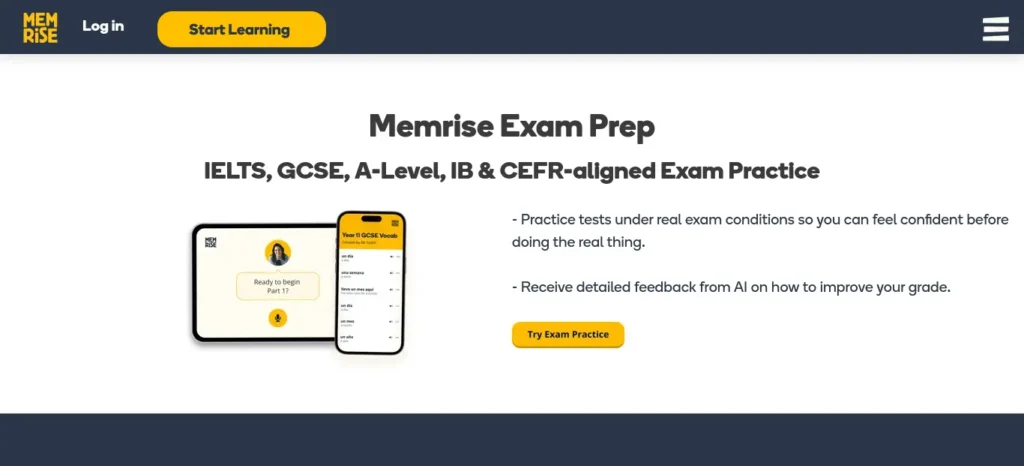
Learning a new language demands consistent attention and regular practice. Unfortunately, memorizing vocabulary can quickly become repetitive.
Memrise uses artificial intelligence to personalize language lessons, review difficult words more frequently, and encourage daily practice through engaging exercises.
Instead of forcing students to review every word equally, AI identifies weak areas and adjusts future lessons accordingly.
Why Students Love It
The lessons are short enough to fit into busy schedules, making it easier to build a daily learning habit without feeling overwhelmed.
Advantages
- Personalized review sessions.
- Better vocabulary retention.
- Interactive learning.
- Excellent mobile experience.
Disadvantages
Its primary focus is language learning, so students studying other subjects will need additional AI tools.
Best For
Students learning English, Spanish, French, German, Japanese, Korean, or other languages.
9. Google Calendar with AI Scheduling Features – Best for Time Management
Concentration isn’t only about what happens during a study session.
It’s also about planning enough time to study in the first place.
Google Calendar has gradually introduced AI-assisted scheduling features that help students organize classes, assignments, revision sessions, and personal activities more efficiently.
Rather than guessing when to study, students can create realistic routines that reduce last-minute stress.
Imagine preparing for five different exams.
Instead of trying to remember every deadline mentally, your calendar reminds you exactly when each study session begins.
This removes unnecessary mental clutter and makes studying feel more manageable.
Advantages
- Better time management.
- Reduced stress.
- Improved consistency.
- Easy integration with other productivity apps.
Limitations
A calendar only works if students develop the habit of following it.
Best For
Students balancing academics with extracurricular activities or part-time work.
Real Student Example
Imagine a college student preparing for final exams while balancing part-time work. They begin the week by organizing deadlines in Google Calendar, block distractions with Forest, use ChatGPT to understand difficult topics, summarize lectures in Notion AI, create Quizlet flashcards for revision, and break assignments into manageable steps using Goblin Tools. Instead of feeling overwhelmed, every tool has a clear purpose within one organized study system.
How to Build an AI-Powered Study Routine
Using one AI app can certainly improve your productivity. However, combining several tools into a structured workflow creates a much more effective study system.
Imagine you’re preparing for final exams over the next month.
You begin your day by opening Google Calendar or Motion to see your study schedule. Instead of wasting time deciding what subject to tackle first, your plan is already waiting for you.
Once your session starts, you activate Forest to block distractions and encourage uninterrupted focus. During the next forty-five minutes, your attention remains on learning rather than checking notifications.
If you encounter a difficult concept, ChatGPT becomes your study partner. Instead of spending thirty minutes searching through multiple websites, you receive a clear explanation tailored to your level of understanding.
After completing the lesson, Notion AI organizes your notes into clean summaries while Quizlet AI converts key concepts into flashcards for future revision.
Finally, Goblin Tools breaks tomorrow’s assignments into manageable tasks, making it much easier to begin your next study session.
Notice how every tool has a specific responsibility.
None of them overlap unnecessarily.
Together, they create a complete productivity system.
Common Mistakes Students Make When Using AI
Artificial intelligence is incredibly helpful, but using it incorrectly can actually reduce learning.
One common mistake is asking AI to complete assignments instead of using it to understand concepts. Copying AI-generated answers may save time today, but it doesn’t prepare students for exams where genuine understanding matters.
Another mistake is downloading too many productivity apps at once. Students often spend more time testing new tools than actually studying. Start with two or three apps that solve your biggest challenges before adding anything else.
Many students also ignore active learning. Reading AI summaries repeatedly feels productive, but true learning happens when you explain ideas in your own words, solve problems, and test your memory.
Finally, don’t expect instant results. AI helps build better habits, but concentration improves gradually through consistent practice.
Best Practices for Using AI Study Tools
To get the best results from AI-powered learning, remember these principles:
- Use AI to support learning, not replace it.
- Study actively rather than reading passively.
- Combine AI with proven techniques like active recall and spaced repetition.
- Schedule regular breaks to avoid mental fatigue.
- Review AI-generated information for accuracy.
- Stay consistent rather than studying for extremely long hours.
Students who combine AI with good study habits usually experience greater improvements than those relying on technology alone.
Expert Tips
• Study difficult subjects during your highest-energy hours.
• Turn off unnecessary notifications before every session.
• Combine AI with active recall instead of passive reading.
• Limit yourself to two or three AI apps instead of installing everything.
• Review AI-generated notes before exams.
• Build consistency before increasing study time.
Quick Recommendations
Best Overall → ChatGPT
Best for Phone Distractions → Forest
Best for Note-Taking → Notion AI
Best for Study Planning → Motion
Best for Revision → Quizlet AI
Best for Overthinking → Goblin Tools
Best for Writing → Grammarly
Best for Language Learning → Memrise
Best for Time Management → Google Calendar
What Happens After 30 Days?
Students who consistently use AI study tools often notice:
• Longer uninterrupted study sessions
• Better concentration
• Less procrastination
• Faster revision
• Better memory retention
• Lower stress before exams
• Improved confidence
Remember, results come from using AI consistently—not occasionally.
Before you move on, ask yourself this: do you have a learning system or just good intentions? Discover How to Build a Daily Learning System Using AI (Step-by-Step Guide) to create a simple AI-powered routine that actually sticks.
Conclusion: The Best AI Tools Can Turn Distraction Into Focus
AI tools are not magic solutions, but they can make studying much easier for students who struggle with concentration. The right app can reduce distractions, organize your workload, improve memory, and help you start tasks without feeling overwhelmed.
The key is to choose tools that match your biggest challenge. If you need help staying off your phone, Forest is a strong choice. If you need better explanations, ChatGPT can guide you. If your notes are messy, Notion AI can bring order. If deadlines stress you out, Motion or Google Calendar can keep you on track.
Most importantly, remember that AI works best when it supports good study habits. It should help you focus, not do the learning for you. When used wisely, these tools can save time, reduce stress, and make studying feel far more manageable.
If you are a student who often loses focus, now is the perfect time to try one or two AI tools and build a study routine that actually works for you.