

How to Use AI to Track Learning Progress: 7 Powerful Strategies (2026 Guide)
How to Use AI to Track Learning Progress (2026 Guide + Free Tools)
Ravi is a second-year engineering student. He studies four to five hours a day, highlights half his textbook, and keeps three different note-taking apps open at once. Two nights before his internal exam, he asks himself the same question he asks every semester: am I actually improving, or am I just busy?
He can’t answer it. Nobody can, without data. That’s not a motivation problem—it’s a tracking problem, and learning how to use AI to track learning progress can solve it.
Before you move on, ask yourself this: do you have a learning system or just good intentions? Discover How to Build a Daily Learning System Using AI (Step-by-Step Guide) to create a simple AI-powered routine that actually sticks.
Quick answer: Learning how to use AI to track learning progress starts with recording what you study, having an AI tool quiz you on it, and reviewing the results weekly.having an AI tool quiz you on it, and reviewing the results weekly. Tools like ChatGPT, Claude, and NotebookLM can summarize your notes, generate practice questions, flag weak topics, and turn scattered study sessions into a measurable weekly report — even on the free plan.
The difference isn’t intelligence — it’s feedback. This guide gives you a full system for getting that feedback: the TRACK AI Framework, built for students preparing for (JEE, NEET, UPSC, GATE, CAT, and SSC) but usable by anyone studying anything.

📌 At a Glance
- What it is: A repeatable system for turning daily study sessions into a measurable weekly progress report using free AI tools.
- What you need: One AI chatbot (ChatGPT, Claude, or Gemini), one place to log sessions, and 10 minutes a week.
- What it costs: Nothing to start — every tool covered here has a usable free plan.
- What it’s not: A replacement for actual studying, timed mock tests, or previous years’ papers.
How to Use AI to Track Learning Progress Effectively?
AI learning tracking is the process of using artificial intelligence to measure study progress, identify weak topics, and recommend what to review next — turning scattered study sessions into a pattern you can actually see and act on.
Why Tracking Your Learning Actually Matters
Most students measure effort — hours spent, pages read, videos watched. Effort feels productive, but it isn’t the same as improvement. You can spend three hours re-reading a chapter and understand it no better than you did at the start.
Here’s where almost everyone makes the same mistake: they mistake familiarity with a topic for mastery of it. Rereading makes a topic feel familiar. Only testing yourself reveals whether you can actually produce the answer without help.
What predicts exam performance is retrieval strength — how reliably you can pull an answer out of memory without looking it up. Active recall works because retrieving information strengthens memory more effectively than simply rereading it, while spaced repetition keeps that strength from fading.
Research on retrieval practice in medical education calls this one of the most consistently replicated findings in learning science — and it’s the exact mechanism AI-generated quizzing is built to exploit.
“The biggest mistake isn’t studying too little; it’s studying without measurement.”
📌 Key Takeaway: AI doesn’t replace studying — it helps you measure whether your studying is actually working.
If that sounds familiar, your study routine—not your motivation—may be holding you back. Learn a smarter daily system in How to Build a Daily Learning System Using AI: 7 Powerful Steps (2026 Guide).
What AI Can (and Can’t) Do for Learning Tracking
AI is genuinely good at:
- Turning your notes into quiz questions and flashcards in seconds
- Summarizing long chapters, PDFs, or lecture recordings
- Spotting patterns across weeks of study logs you’d never notice manually
- Asking follow-up questions that reveal whether you actually understand a concept, or just recognize it
AI can’t:
- Guarantee better grades — it supports your process, it doesn’t replace the work
- Know what you don’t tell it. Incomplete logs produce a “progress report” that’s really a confident-sounding guess
- Replace exam-specific practice under time pressure — AI questions supplement, but don’t replace, previous years’ papers and mock tests
⚠️ Common Mistake: Trusting an AI-generated difficulty level as if it matches your actual exam. Treat it as a useful estimate, not a certified one — cross-check tough topics against real previous-year papers.
One honest note on privacy: anything you upload to a cloud AI tool is processed on that company’s servers. Avoid uploading sensitive personal information, and check each tool’s data-usage settings if that matters to you.
The TRACK AI Framework
If you’re wondering how to use AI to track learning progress, the TRACK AI Framework gives you a simple step-by-step system. for turning any AI chatbot into a personal learning-analytics system. It works with ChatGPT, Claude, Gemini, or any AI tool you already have.
T — Target clear learning goals
R — Record every study session
A — Assess understanding with AI-generated quizzes
C — Compare progress weekly
K — Keep improving using AI insights
T — Target Clear Learning Goals
Vague goals produce vague progress. “Study more physics” can’t be measured. “Score 8/10 on rotational motion numericals by Sunday” can. Use the SMART framework and ask AI to help:
“I want to get better at [topic]. Turn this into a SMART goal I can track weekly, and suggest 3 milestones.”
Keep 3–5 active goals at a time. More than that, and tracking itself becomes the thing you procrastinate on.
R — Record Every Study Session
This is the step almost everyone skips — and the one the whole system depends on. A simple daily log, in Notion, Google Sheets, or a plain text file, with four fields is enough:
- Date and subject
- What you studied
- Confidence (1–5 scale)
- Any AI-generated summary or quiz score
NotebookLM and Claude Projects work well here — you can keep adding notes and logs into one place and ask questions across everything, instead of starting fresh each time.
You’ll probably forget to log your sessions during the first week — that’s normal. Don’t restart the system over a missed day. Just log the next one.
💡 Pro Tip: Keep the log under 60 seconds to fill in. A log you actually use beats a perfect template you abandon after three days.
Many students struggle because they do not have a structured study schedule. If that sounds familiar, check out AI Tools for Creating a Study Timetable Automatically: 9 Powerful and Smart Solutions for Students in 2026 to learn how AI can create a personalized timetable in just a few minutes.
A — Assess Understanding with AI Quizzes
Instead of re-reading a chapter, paste your notes into ChatGPT, Claude, or NotebookLM and ask it to test you:
“Based on these notes, ask me 10 questions that test understanding, not just memory. I’ll answer first, then tell me what I got wrong and why.”
“Act as an examiner for [exam name]. Give me 5 questions at the difficulty level of the last three years’ papers.”
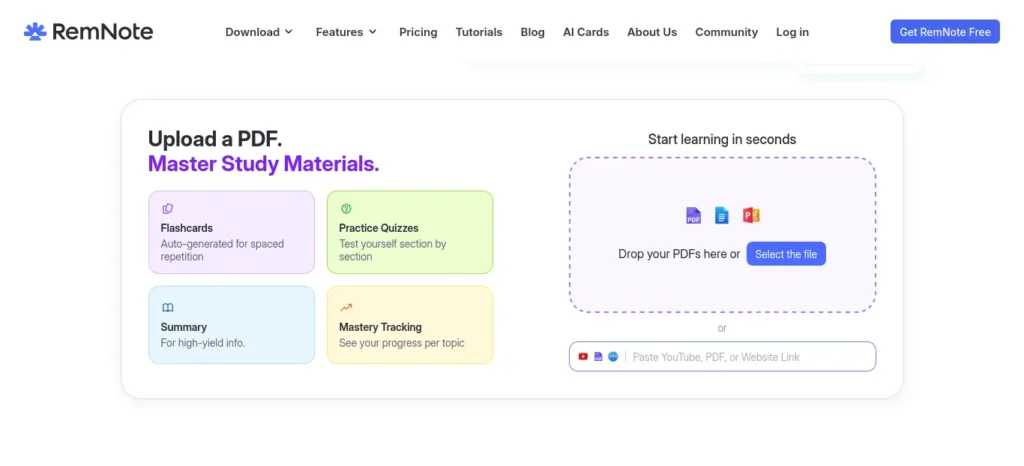
RemNote and Anki take this further with spaced repetition built in — RemNote generates flashcards from your notes automatically, while Anki (free, and proven over two decades) schedules reviews based on how well you remembered each card last time.
💡 Quick Win: Even logging your confidence score after each session can reveal weak subjects before your exam does.
✅ Before moving to the next chapter: ask AI to re-explain every topic where your quiz score was below 70%.
Struggling to remember what you studied? After improving your focus, the next step is turning your notes into interactive quizzes. Learn how to create practice tests from notes using AI to revise smarter, test yourself faster, and boost exam confidence.
C — Compare Progress Weekly
Daily logging without a weekly review is just data collection with no payoff. Most students overestimate how much they remember until they actually test themselves — the weekly Compare step is where that gets corrected, before an exam does it for you.
“Here’s my study log from this week: [paste log]. Compare it to last week’s. Which topics improved, which stayed flat, and what should I prioritize next week?”
Your first weekly report may not show improvement. That’s expected. One week is a data point, not a trend — the second and third reviews are where the pattern starts to show.
📌 Key Takeaway: A weekly comparison — not a daily log — is what actually produces insight. Don’t skip it, even when nothing feels different.
Want to study smarter instead of studying longer? Discover how to use AI to improve academic productivity and build a simple study system that helps you stay organized, learn faster, and achieve better results
K — Keep Improving Using AI Insights
Act on what the review told you — adjust your goals (back to T), don’t just admire the chart. Four weekly logs, compared monthly, becomes a genuine progress report: which subjects moved from “shaky” to “solid,” and which stayed stuck.
Ravi’s TRACK AI Results: A Mini Case Study
Ravi from the intro isn’t hypothetical for the framework itself — this is the kind of shift the system is designed to produce over a month, based on how the TRACK AI cycle plays out in practice.
Week 1: Quiz accuracy 52% · Weak topics flagged: 11
Week 4: Quiz accuracy 81% · Weak topics flagged: 4
(Illustrative example, not a guaranteed outcome — your numbers will depend on your subject, starting point, and consistency.)
What changed wasn’t intelligence. It was four weekly Compare reviews that told Ravi exactly which 4 of his original 11 weak topics still needed work, instead of him guessing which chapters to re-read.
📊 Sample Progress Dashboard
Physics ████████
Math █████
Chemistry █████████
Confidence ↑
Quiz Score ↑
Weak Topics ↓
This is the kind of simple, glanceable view a spreadsheet-based dashboard (covered below) can give you in under a minute a week.
Comparing the Right AI Tools for Each Job
(Per our house style, we use compact cards instead of wide tables — they scan better on mobile.)
ChatGPT vs. Claude for Study Sessions
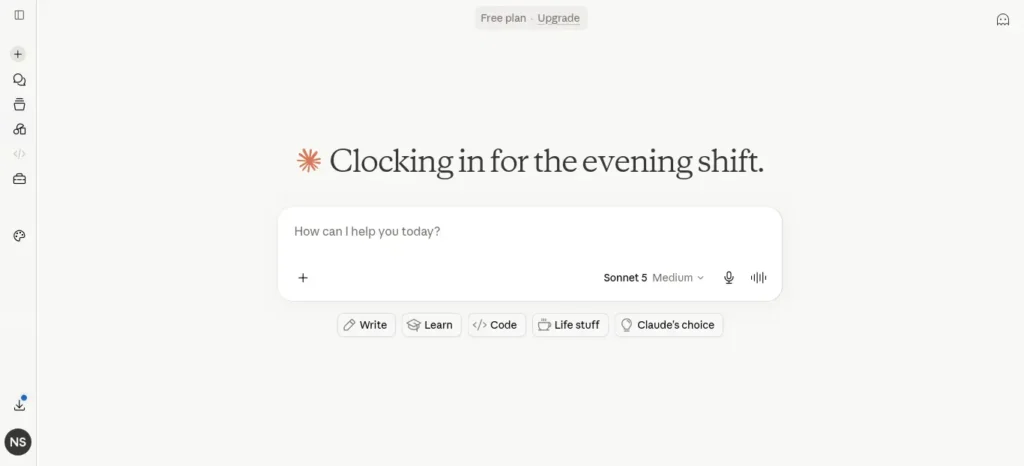
Best For: Daily Q&A, quiz generation, and explaining concepts in different ways.
Strengths:
- Both have capable free plans and handle long conversations well
- Both generate fresh practice questions on demand
Watch Out:
- Free tiers have daily usage limits
- Neither remembers your full study history automatically — you still need to feed it your log each time, unless you’re on a paid plan with memory or projects
NotebookLM vs. RemNote for Organizing Notes
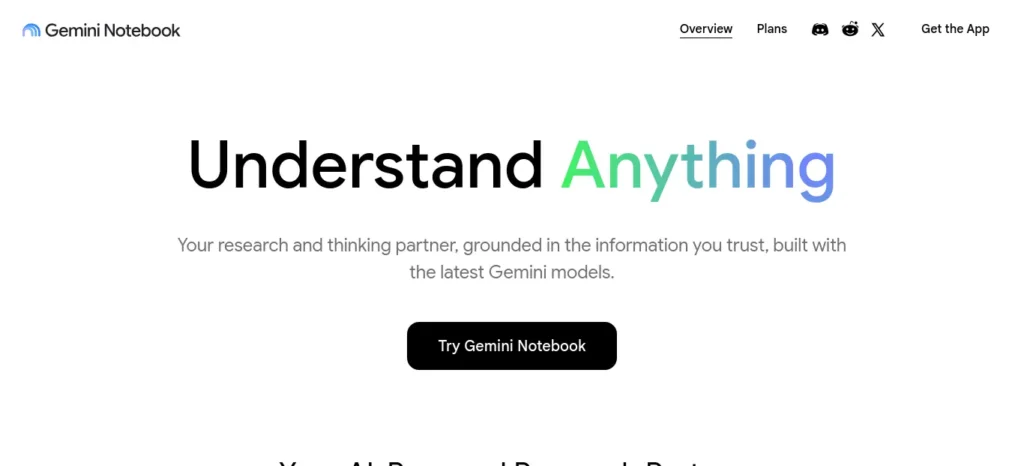
Best For: Turning a pile of PDFs, slides, and notes into one searchable, question-answerable source.
Strengths:
- NotebookLM answers questions using only the sources you upload, reducing made-up answers
- RemNote combines outline note-taking with automatic flashcard generation
Watch Out:
- NotebookLM’s free plan caps notebooks and sources per day
- RemNote’s free plan limits PDF annotation and image-based flashcards — matters most for diagram-heavy subjects like biology
Anki vs. AI-Generated Quizzes for Long-Term Retention
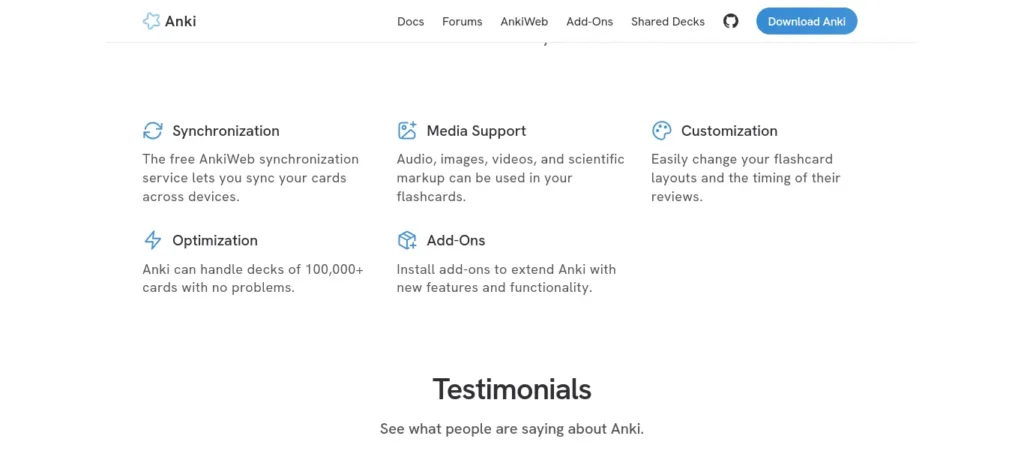
Best For: Anki for anything you need to remember for months (vocabulary, formulas); AI quizzes for testing understanding right after you study.
Strengths:
- Anki’s spaced-repetition algorithm is free and works offline
- AI quizzes adapt instantly to exactly what you just studied
Watch Out:
- Anki has a real learning curve
- AI quizzes aren’t spaced automatically — pair them with a spaced-repetition app for long-term retention
💎 Hidden Gems: Lesser-Known Tools Worth a Look
The mainstream names cover most needs, but a few smaller tools solve specific problems better.
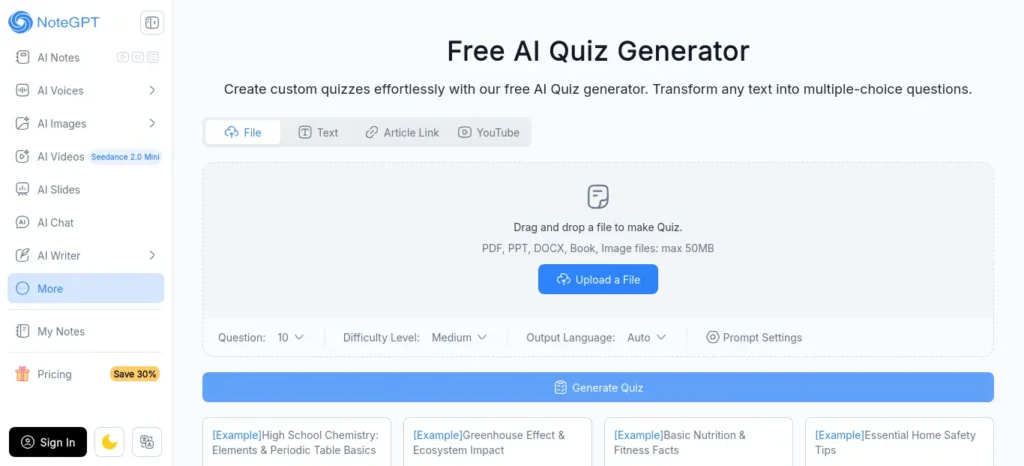
This platform turns PDFs, slides, and even recorded lectures into flashcards and quizzes automatically, with a genuinely generous free tier.
Free plan: unlimited flashcards, AI generation from notes/PDFs, and spaced repetition — no credit card needed.
Paid: Premium ~$5/month (≈₹480),
Ultra ~$12.49/month (≈₹1,200) for unlimited AI chat.
Best for students who want AI to do the note-to-flashcard conversion without manual setup.
Limitation: Ultra’s unlimited AI tier is where the real value sits, and that’s a paid feature.
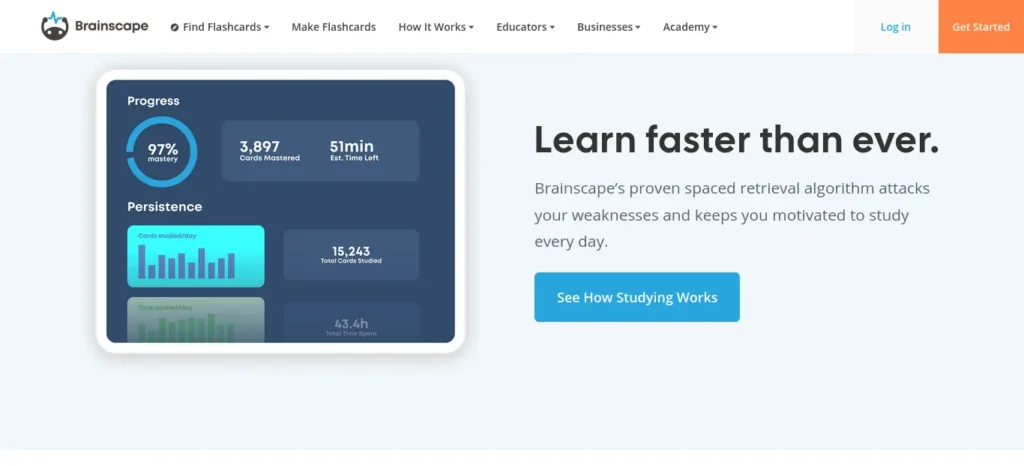
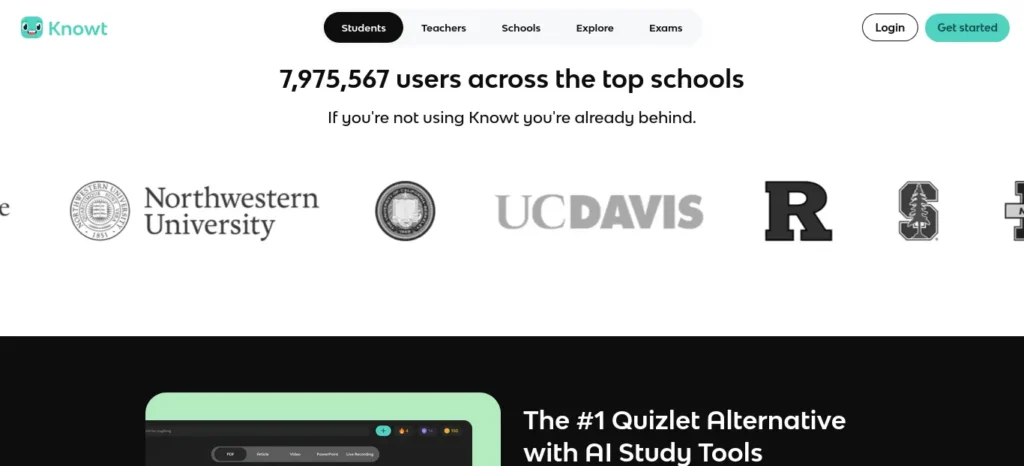
This Platform uses to boost students Confidence-Based Repetition — you rate how sure you are of each answer, and the algorithm schedules reviews around your actual confidence rather than a fixed interval.
Free plan: unlimited personal flashcards.
Paid: Pro at $7.99/month (≈₹770) unlocks AI generation and the shared content library.
Best for exam aspirants who want a more intuitive spaced-repetition feel than Anki.
Limitation: AI flashcard generation itself is a paid feature.
This platform converts PDFs, text, or even a photo of handwritten notes into a quiz in about 90 seconds, with no account required to try it.
Free plan: 1 quiz and 1 flashcard deck per day.
Paid: one-time credit packs from $9.99 (≈₹960) — no subscription, credits never expire.
Best for students who want a fast, no-commitment way to test themselves on a single chapter before deciding to subscribe to anything.
Limitation: the free daily quiz cap makes it a supplement, not your primary tool.
Building a Simple AI Learning Dashboard (No-Code)
You don’t need a developer or a paid analytics tool. A basic spreadsheet does the job:
- Create four columns: Date, Subject, Confidence (1–5), Quiz Score (%).
- Fill it in after every session — under a minute once it’s a habit.
- Weekly, ask AI: “Which subject’s average confidence dropped compared to last week?”
- Add a simple line chart — a downward-sloping line is often more motivating to fix than a paragraph of advice.
💡 FutureFastAI Pro Tip: Colour-code your confidence column (red/yellow/green). You’ll spot a weak subject in under two seconds, without reading a single number.
Common Mistakes to Avoid
- Logging effort instead of outcomes. “Studied 3 hours” tells AI nothing. “Scored 6/10 on thermodynamics, confidence 3/5” does.
- Skipping the weekly Compare step. This is the most-skipped step, and the one that actually produces insight.
- Trusting AI-generated difficulty blindly. Cross-check tough topics against real previous-year papers.
- Switching tools every week. Consistency beats finding the “perfect” tool — pick one combination and stick with it for a month.
- Treating a low quiz score as a verdict on ability. It’s a data point about one topic on one day, not a judgment.
Free vs. Paid: What You Actually Need to Pay For
Every tool in this guide has a usable free plan, and for most students, free is enough to run the entire framework.
Pricing verified as of July 2026, converted at ≈₹96/USD — always check official pricing pages (OpenAI, Anthropic, Google) before subscribing.
Free plan has limited daily messages and Deep Research runs.
Plus is $20/month (≈₹1,920) and removes most limits.
Free plan gives full access to Claude’s current model with rolling limits.
Pro is $20/month (≈₹1,920), or ≈$17/month (≈₹1,632) billed annually.
Free plan includes 100 notebooks, 50 sources per notebook, and 50 daily chat questions.
Paid tier bundled into Google’s AI subscription, starting under $10/month (≈₹500–800).
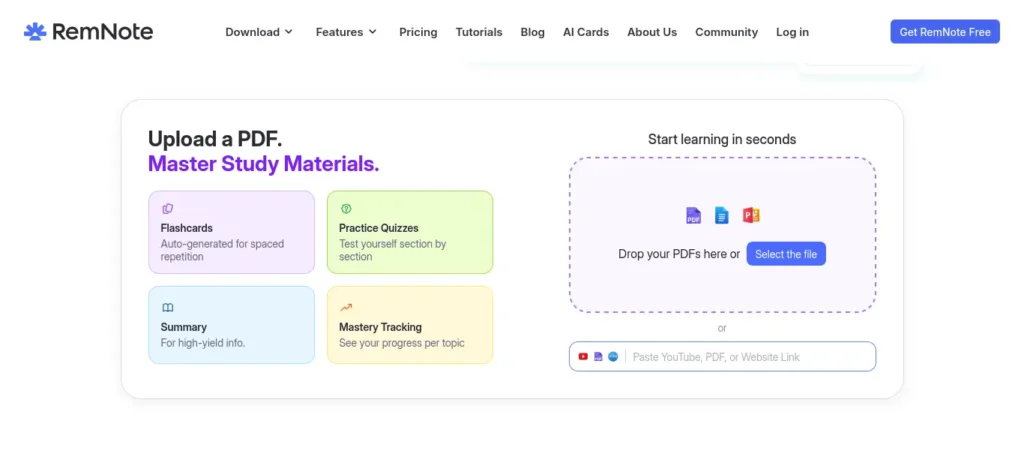
Free plan covers unlimited notes and flashcards, with limits on PDF annotation and image occlusion.
Pro runs ≈$6–8/month (≈₹580–770) billed annually.
Completely free on desktop and Android. AnkiMobile (iOS) is a one-time purchase — check the App Store for current pricing.
🎯 Upgrade Trigger: Don’t upgrade because a plan looks better on paper. Upgrade the moment a free-tier limit interrupts your study session more than twice in one week.
India-Specific Advice for Exam Aspirants
- UPSC: Track static GK, current affairs, and answer-writing separately in your weekly Compare — they decay at different rates.
- NEET/JEE: Pair AI-generated numericals with actual previous-year papers. AI closes concept gaps; it shouldn’t replace timed mocks.
- GATE/CAT: Use NotebookLM or Claude Projects to consolidate reference material into one queryable source instead of switching between PDFs.
- SSC and university exams: Free tools are enough for the entire framework — you don’t need to spend a rupee.
For most Indian students on budget Android phones, this framework runs comfortably in a browser — no laptop required. Keep the daily log short (under two minutes) so it survives exam-week stress, when longer systems tend to get abandoned first.
New to AI? Start with our Ultimate Beginner Guide to AI Tools for Students to discover the best AI tools for research, note-taking, writing, revision, and productivity—all explained in a beginner-friendly, step-by-step format.
Weekly AI Study Review Checklist
- [ ] Logged every study session this week, even short ones
- [ ] Ran at least one AI-generated quiz per subject
- [ ] Asked AI to compare this week’s log to last week’s
- [ ] Identified the specific topic that dropped in confidence
- [ ] Updated next week’s goals based on this week’s gaps
- [ ] Revisited at least one “weak” topic flagged two weeks ago
Copy-Paste AI Prompts for Self-Testing
- “Quiz me on [topic] using only questions, no answers, until I say stop.”
- “Here’s what I got wrong this week: [list]. Find the common thread.”
- “Explain [concept] as if I’m hearing it for the first time, using an everyday analogy.”
- “Based on my last 4 weekly logs, which subject is improving slowest, and why?”
Your 30-Day AI Learning Tracker Action Plan
Days 1–7 (Setup): Pick one AI tool and one note tool. Set 3 SMART goals. Log every session. Run your first weekly Compare review on day 7.
Days 8–30 (Build the habit): Add one AI-generated quiz per session. Review every 7 days without exception. By day 30, you’ll have four weekly comparisons — enough to see a real trend.
Days 30–90 (Optimize): Compare month-over-month instead of week-over-week. Retire goals you’ve hit, and reconsider whether a paid plan would remove real friction — not before.
This small habit compounds faster than most people expect. By day 90, the question Ravi couldn’t answer — am I actually improving? — has a real answer, in your own data.
Want to finish your study sessions faster without losing quality? Then explore How to Use AI to Study Faster: 7 Powerful Methods to Save 2 Hours Every Day in 2026 and discover smart workflows that help productive students save time every day.
Frequently Asked Questions
Can AI really track learning progress?
AI can’t track anything on its own — it can only analyze what you record. Paired with a simple daily log, tools like ChatGPT, Claude, and NotebookLM turn that raw log into weekly comparisons and weak-topic reports.
Which AI tool is best for students?
There’s no single best tool — ChatGPT and Claude are strongest for quizzing, NotebookLM and RemNote for organizing notes, and Anki for long-term retention. Most students end up using two together.
Is ChatGPT enough for tracking study progress?
It can generate quizzes and summaries, but won’t remember your history automatically on the free plan. You still need an external log you feed back into it weekly.
How often should I review my learning progress?
Weekly is the sweet spot — frequent enough to catch problems early, infrequent enough to have real data to compare.
Can AI improve memory and retention?
AI doesn’t improve memory directly — active recall and spaced repetition do. AI improves your access to those techniques by generating quiz questions in seconds instead of hours.
Are free AI tools sufficient for tracking learning progress?
For most students, yes. Every tool here has a free tier capable of running the full framework. Paid plans mainly remove usage limits.
How do I protect my privacy when using AI for studying?
Avoid uploading personal identifiers or sensitive documents. Check each tool’s data and training settings, and prefer tools that let you opt out of having content used for training.
What metrics should I track each week?
Confidence score per topic, quiz accuracy per subject, and the number of weak topics carried over — three simple metrics that give an honest picture without turning tracking into a second job.
Final Takeaway
AI won’t learn for you — but it can show you exactly how you’re learning. Students who improve consistently aren’t always the ones who study the longest; they’re the ones who measure, review, and adapt. That’s what the TRACK AI Framework helps you do.
Ravi’s real problem was never a lack of effort — it was a lack of feedback. Start small: one free AI tool, one place to log your sessions, one weekly review. That’s the entire system.
This article is reviewed for accuracy and re-verified periodically. Pricing and features were last confirmed against official sources in July 2026 — always check the provider’s pricing page before subscribing, as AI tool pricing changes frequently.
How We Researched This Guide
At FutureFastAI, we don’t recommend AI tools based on marketing claims or copied listicles. Every guide is created using a structured research process focused on accuracy, practicality, and real student needs.
For this article, we analyzed official documentation, pricing pages, product updates, learning science research, and real user feedback to understand how each tool supports learning progress. We compared features, tested practical study workflows, verified free-plan limitations, and evaluated which combinations provide the most value for students and beginners.
The TRACK AI Framework presented in this guide is FutureFastAI’s original methodology, designed to help learners build a simple, measurable, and repeatable study system using AI. Our goal is not to recommend the most tools, but to recommend the right tools and workflows that genuinely improve learning outcomes.
Because AI platforms evolve rapidly, we regularly review and update our content to keep recommendations accurate, relevant, and aligned with the latest product changes.
About the Author
Nandhakumar is the founder of FutureFastAI, where he researches and reviews AI productivity tools for students and beginners. He focuses on AI for learning, productivity, and practical workflows, personally testing free plans, verifying pricing and features against official sources, and regularly updating articles to keep recommendations accurate as AI tools evolve.





2 Comments